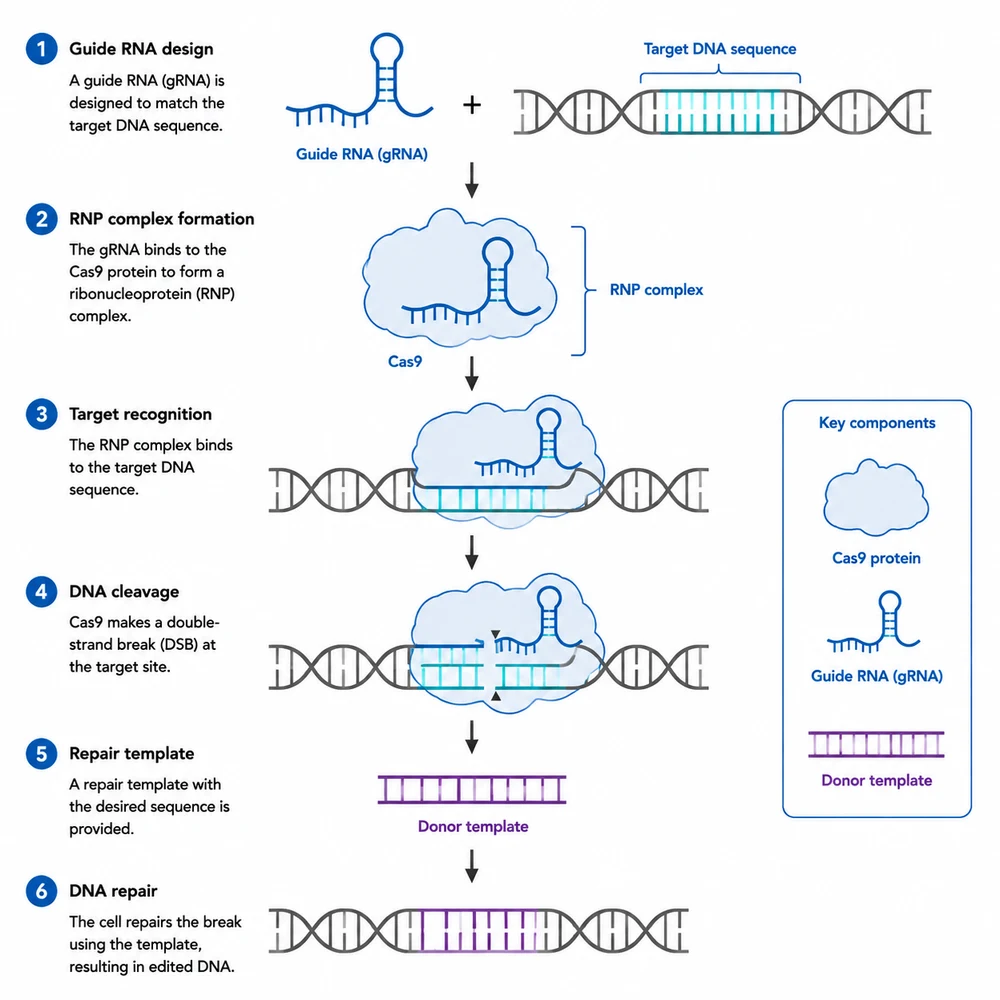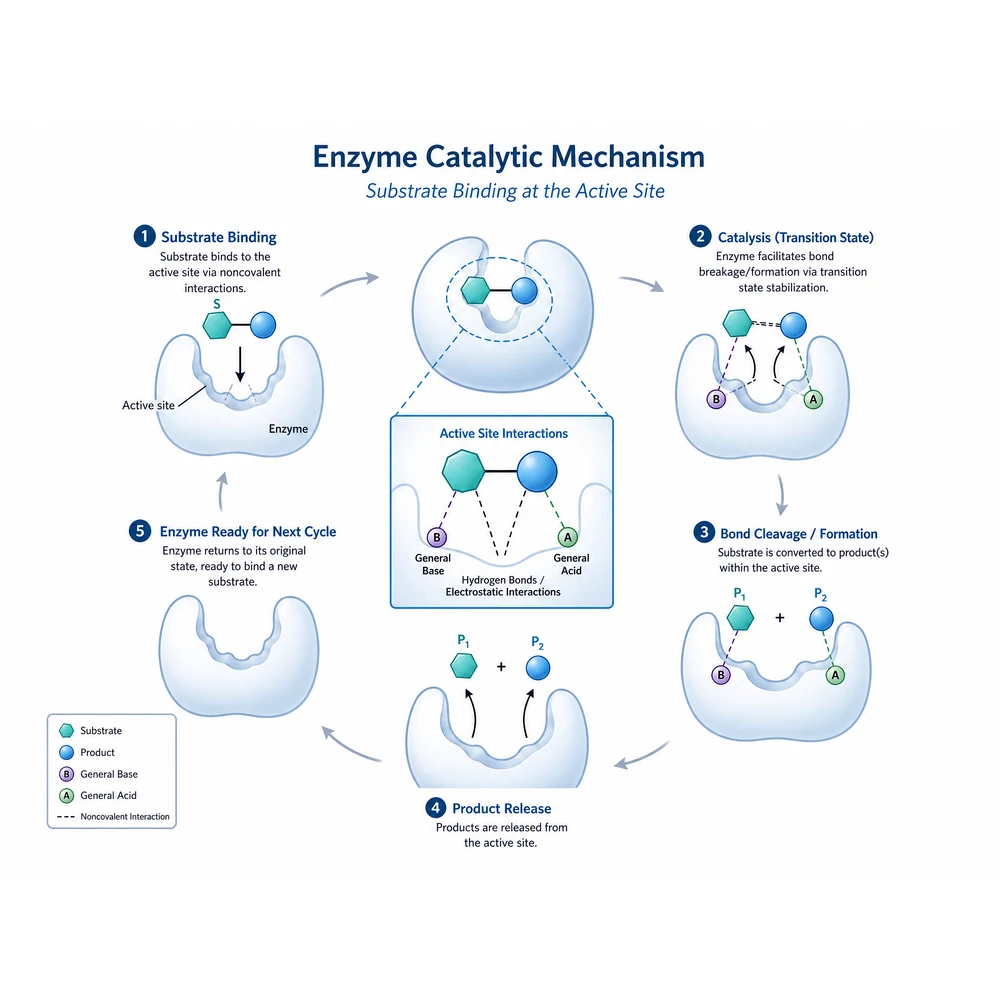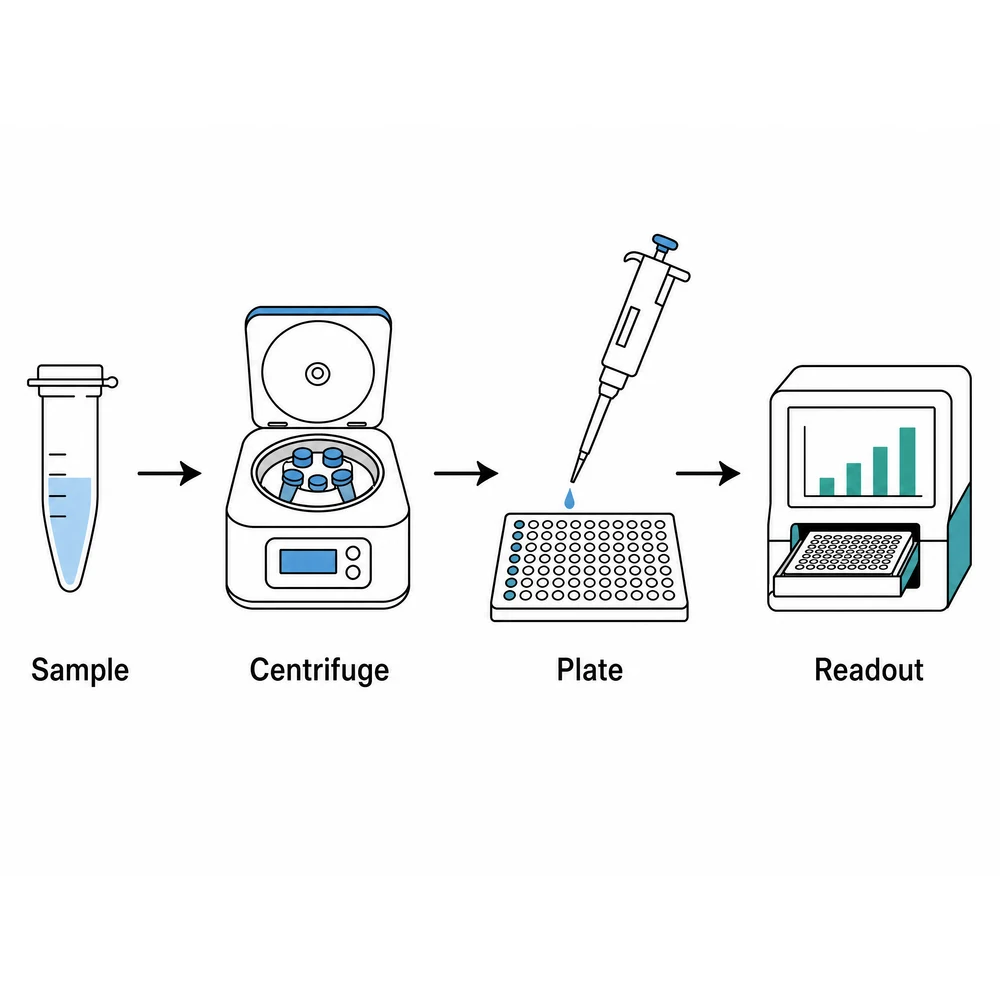
Label cleanup

Strip labels off a figure so you can re-annotate it

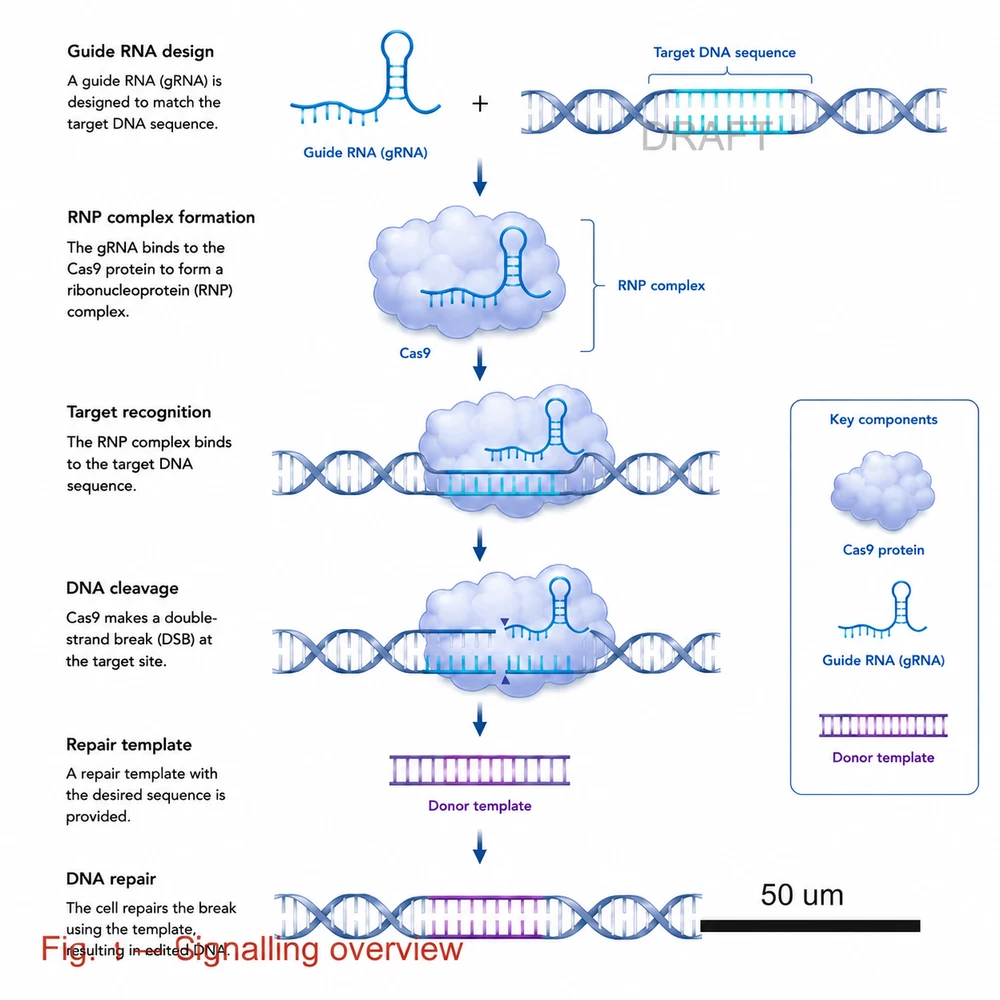
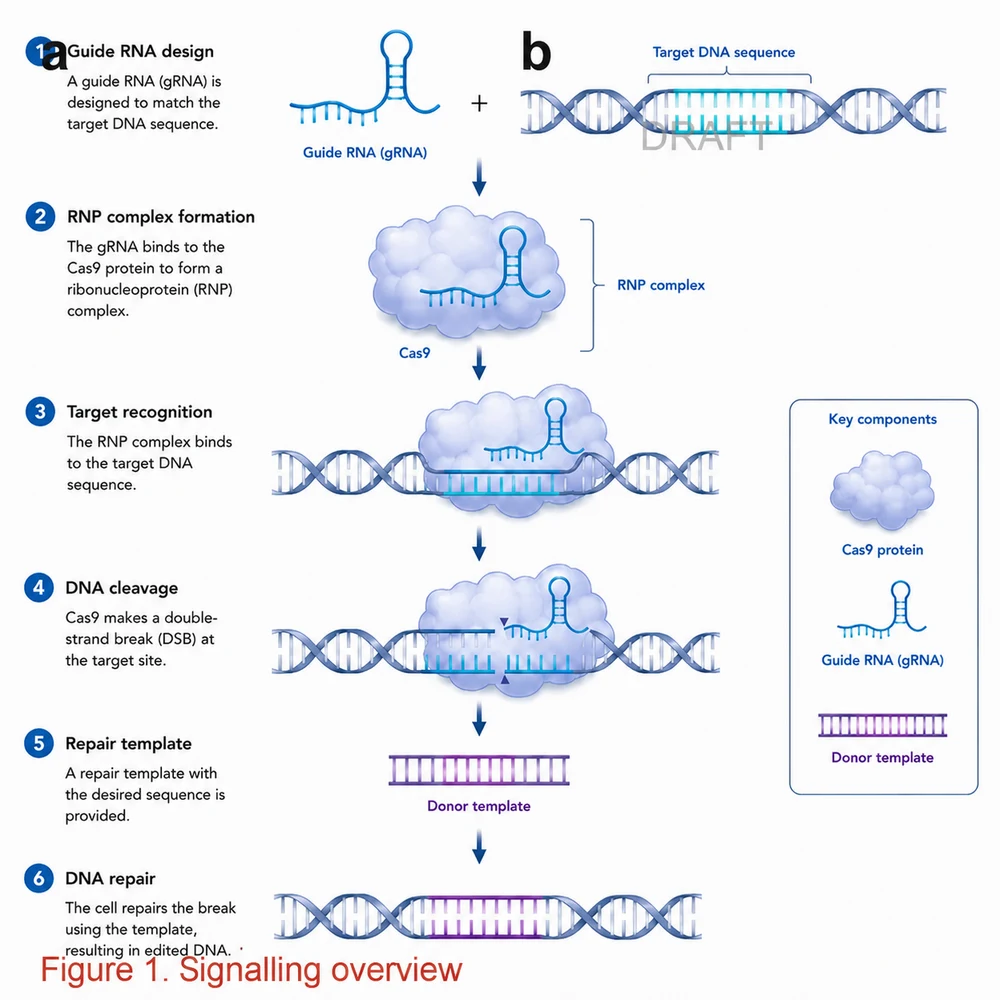
Panel letters that no longer match the running order, arrows from an earlier version of the argument, a draft watermark, a scale bar that belongs to a different magnification — every one of them has to come off before the figure can be relabeled. Sign in, upload the figure, and pick what to remove, or type the target yourself. Whatever you remove, re-check the figure against its legend afterwards: a caption that still refers to a panel letter you deleted is a new error, not a fixed one.

Přidat referenční obrázekMaximálně 1

Předvolby

Zobrazit celý prompt

Po přihlášení můžete nahrát referenční obrázek a vytvořit nový obrázek na jeho základě.

GPT Image 2 · Zachovat poměr stran původního obrázku · 1K · spotřebuje 90 kreditů

Potřebujete si nastavit vlastní model a parametry? Přejděte do generického generátoru

Generování vyžaduje přihlášení – nejprve napište prompt a poté se přihlaste a generujte.

Multiple AI models

GPT Image 2, Nano Banana, Seedream 5, Flux 2 Pro and more — pick the right one per figure.

Up to 4K export

Render at 1K, 2K or 4K for print-ready manuscript output.

Text & sketch to figure

Start from a prompt, or refine a rough hand-drawn sketch.

Free to start

Free account in seconds — every figure is saved to your private history.

Label cleanup

Five removal targets on one figure

These examples show what each preset removes from one source figure. They illustrate the target each cell addresses — they are not a guarantee that the vacated area will be filled convincingly or that the rest of the figure will come back untouched.

Cleanup workflow

Remove the annotation, then rebuild the mapping it carried

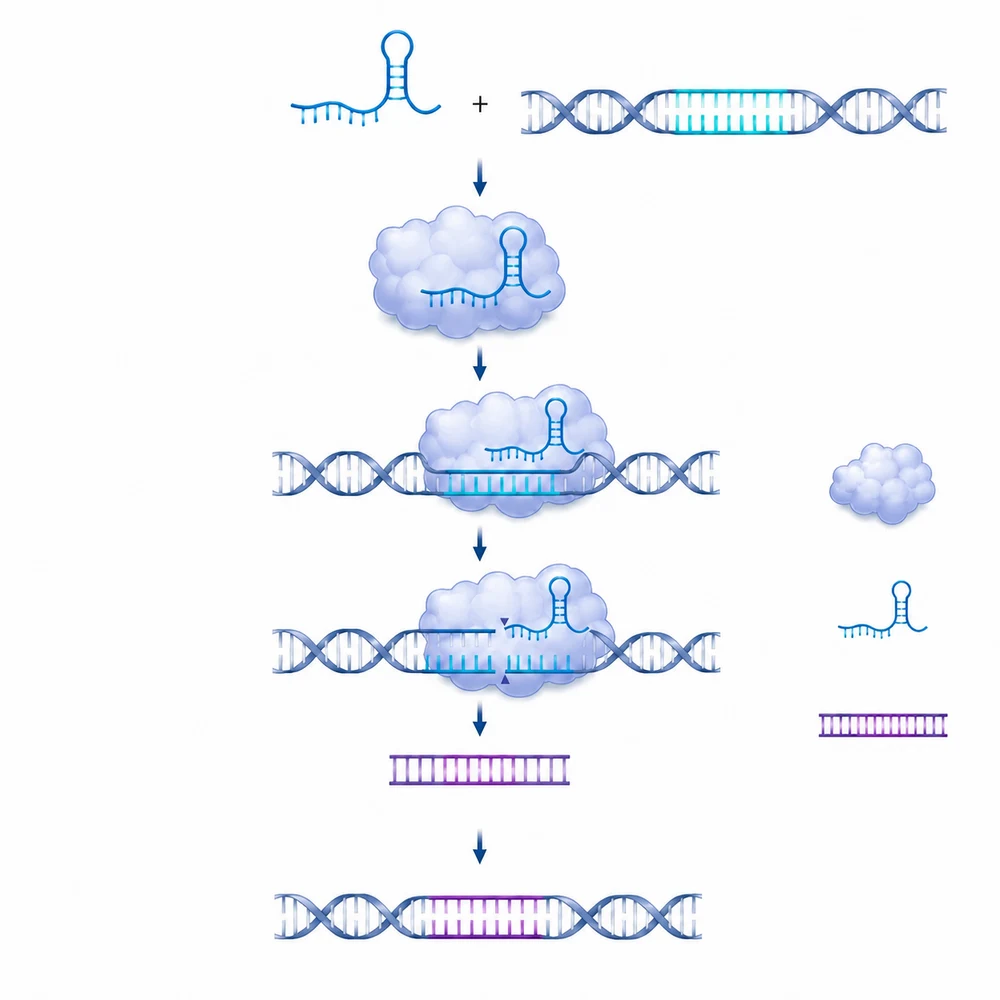
The same figure with the annotation arrows and significance markers removed1

Upload the figure you already have

This is an image-to-image tool, so sign in first, then upload one finished figure. The aspect ratio stays automatic so the figure keeps its own framing. Removal works by painting over the vacated area with plausible surrounding content, so it succeeds where the background behind the label is simple and struggles where the label sits on top of dense structure.

  • Upload one figure at a time
  • Export at the largest size you have, not a screenshot
  • Prefer removing from a clean background over dense structure
  • Keep the original file and the source data
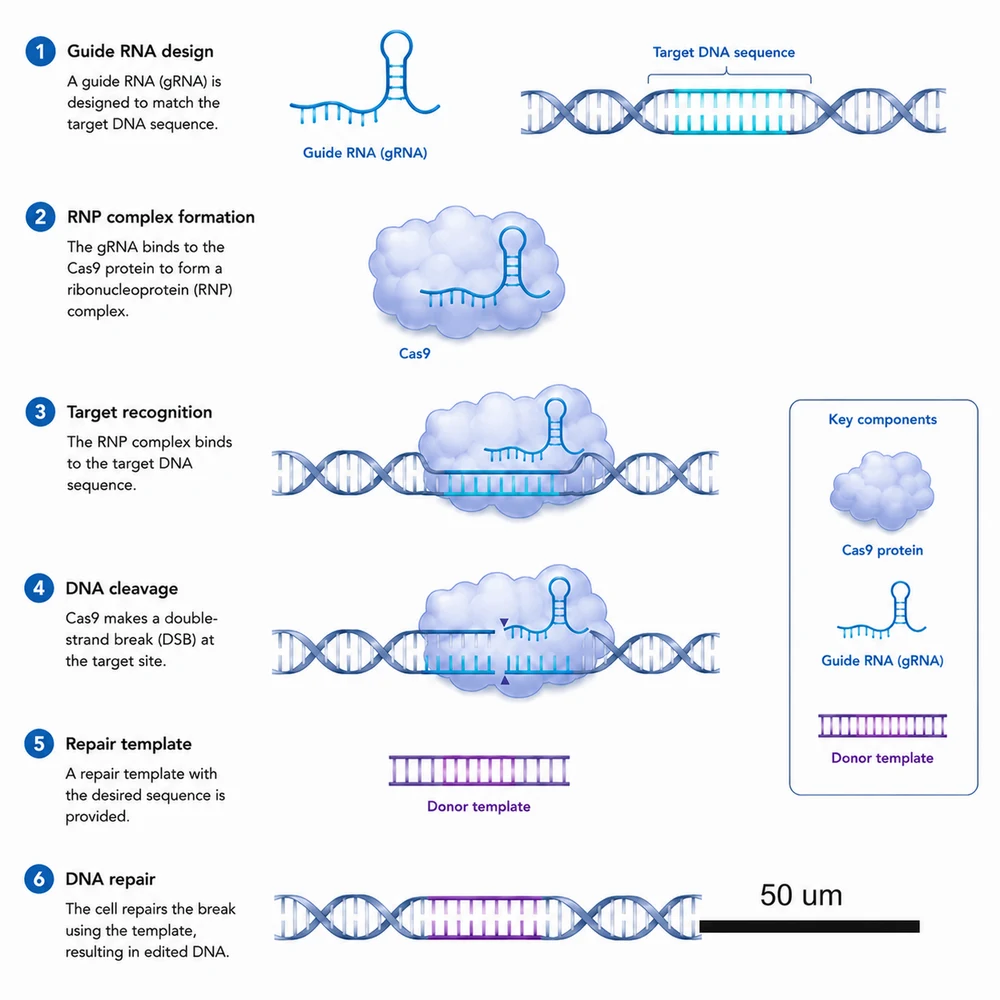
The same figure with the scale bar and its numeric label removed2

Pick a target, or type a more specific one

Five cells cover the common cases: every text label with its leader lines; only the panel letters and their badges; a watermark, logo or journal stamp; the annotation arrows, asterisks and significance markers; or the scale bar with its numeric label. In practice the free-text box is used more often than the grid, because most real requests are specific — one logo, one axis title, one set of brackets. What you type replaces the preset target completely, so describe the whole thing you want gone.

  • Check every label and scientific term
  • Verify arrows, structures, and causal relationships
  • Compare the draft with the source data or manuscript
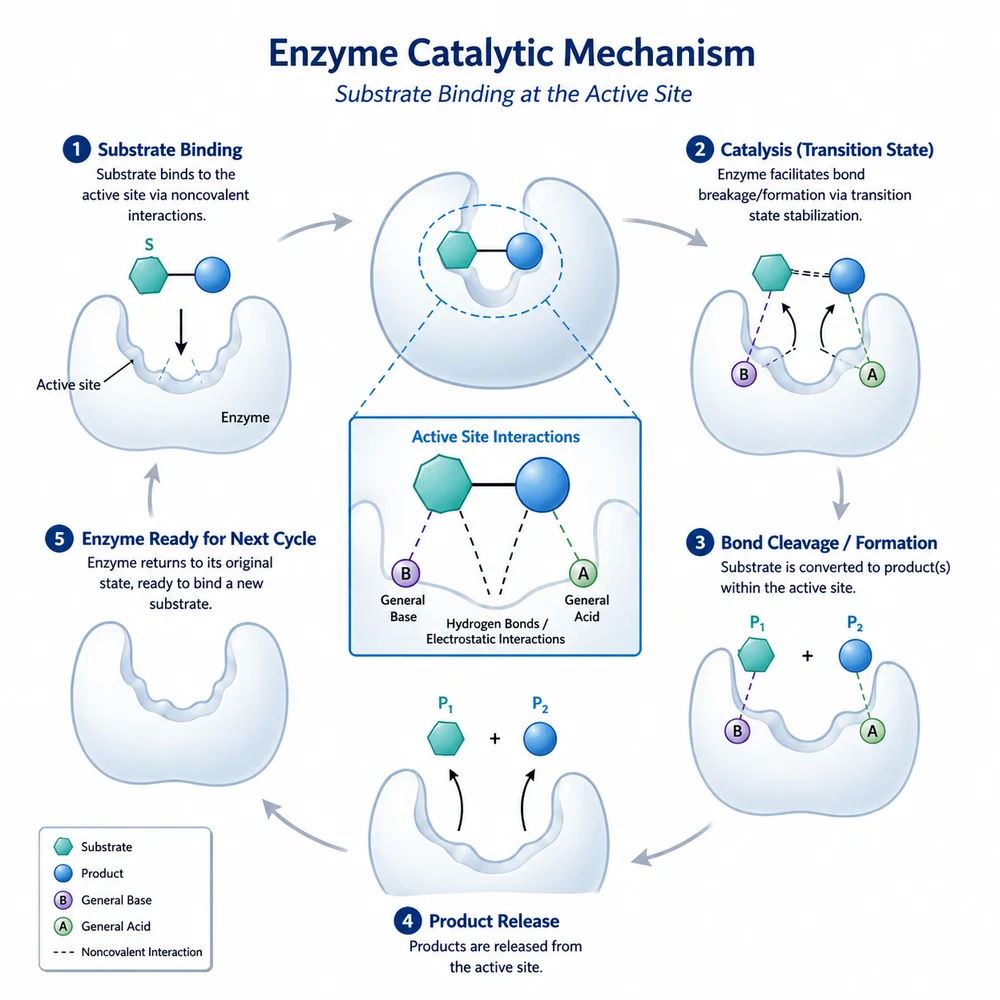
A scientific figure with every text label, caption and leader line removed3

Re-check every figure-to-legend reference

Labels are not decoration — they are the mapping between the image and its caption. Once a panel letter, an arrow or a scale bar is gone, every sentence in the legend that pointed at it is now pointing at nothing, and any cross-reference in the running text is broken with it. Go through the legend line by line against the cleaned figure and rebuild the mapping before you use the result. A scale bar in particular carries a measurement claim: if you remove it, the magnification has to be stated somewhere else or the panel no longer supports the size statements made about it.

  • Read the legend line by line against the cleaned figure
  • Re-letter the panels and update every in-text cross-reference
  • If you removed a scale bar, restate the magnification or add a new bar
  • Confirm that arrows the text still refers to were not removed with the rest
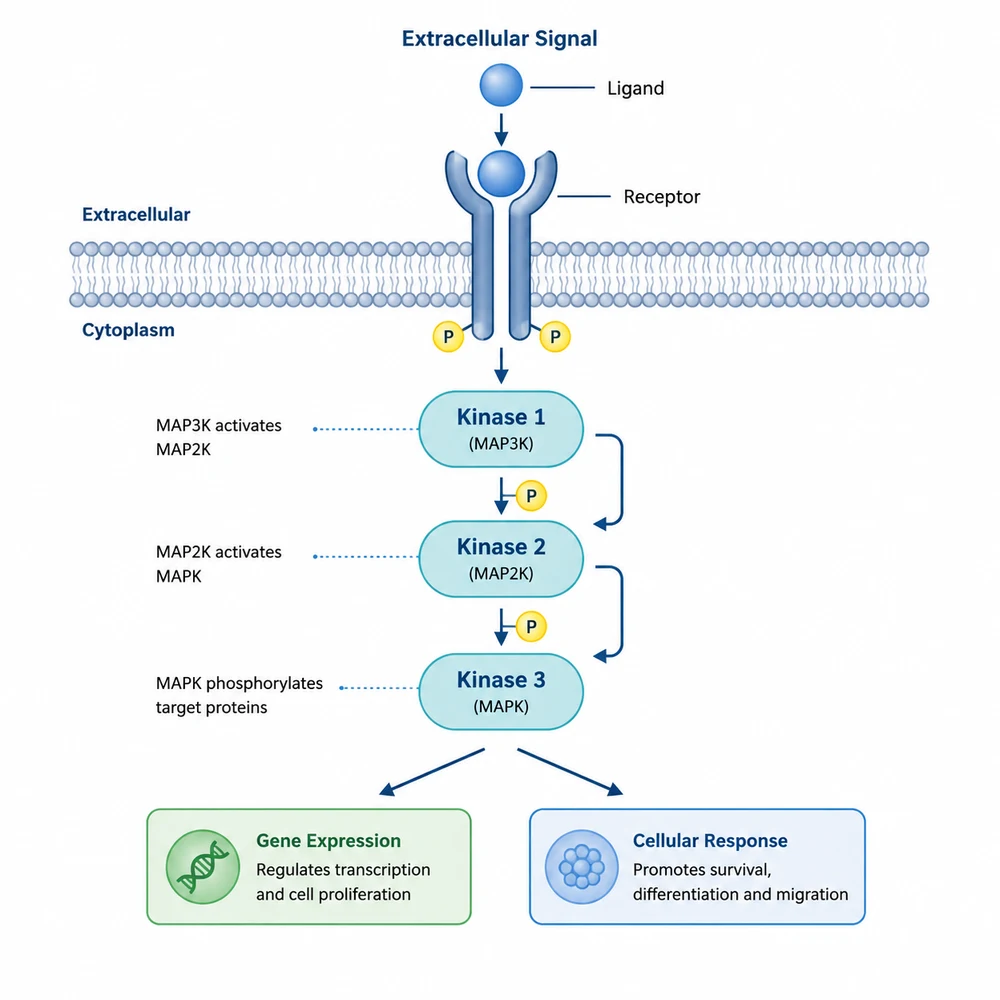
The same figure with only the panel letters and their badges removed4

Check what the fill invented

The instruction requires the vacated area to be filled by continuing the surrounding content and everything else to stay pixel-identical, but that fill is generated, not recovered. Where a label sat over a specimen, a curve or a data point, what appears underneath is the model guessing what was hidden — it is not the original content coming back. Inspect the filled regions at full size, and if the fill has produced structure that could be read as data, do not use it: go back to the source file and export a version without the annotation instead.

  • Zoom to 100% on every area where something was removed
  • Never accept an invented fill over a specimen, curve or data point
  • Confirm the remaining labels and numbers are unchanged
  • Re-export from your source file whenever that option exists

Removing labels is image processing — and it breaks the caption

This tool removes annotation layers; it does not alter, add, or reinterpret your data, and it cannot verify that the underlying numbers are correct. After removing any existing annotation you must re-check the correspondence between the figure and its legend: a caption or an in-text cross-reference that still points at a deleted panel letter, arrow or scale bar is now wrong, and a removed scale bar leaves a measurement claim unsupported unless the magnification is stated elsewhere. The vacated area is filled with generated content rather than with the original pixels, so never accept a fill that lies over a specimen, a curve or a data point. Most journals require any image processing applied to a published figure to be described in the figure legend or methods and the unprocessed original to be retained. Only remove a watermark, logo or copyright mark from material you own or are licensed to use — this tool is not a way to strip attribution from a figure belonging to someone else.

Label cleanup questions

Clean up a figure

Sign in, upload the figure, and remove the labels, watermark or scale bar you need gone.