SciFig AI

AI scientific illustration generator

Create a visual draft for a scientific concept

Describe the subject, viewpoint, visible structures, depth, and style. SciFig creates an illustration draft for communication, teaching, or editorial exploration.

Specify viewpoint, structure, and visual treatment

Choose an example, then replace its anatomy, materials, scale, viewpoint, and stylistic constraints with your own subject.

0/1000

Bezplatná ukázka s výstupem ve formátu 1K.Přihlásit sePoté lze odemknout stránky 2K / 4K a uložit historii.

Multiple AI models

GPT Image 2, Nano Banana and Z-Image — pick the right one per figure.

Up to 4K export

Render at 1K, 2K or 4K for print-ready manuscript output.

Text & sketch to figure

Start from a prompt, or refine a rough hand-drawn sketch.

Free to start

Generate a 1K preview with no sign-up required.

AI scientific illustration generator

Illustration subjects and viewpoints

These AI-generated examples are visual references. They are not measured specimens, diagnostic images, or exact anatomical records.

Illustration workflow

Use visual detail without implying false precision

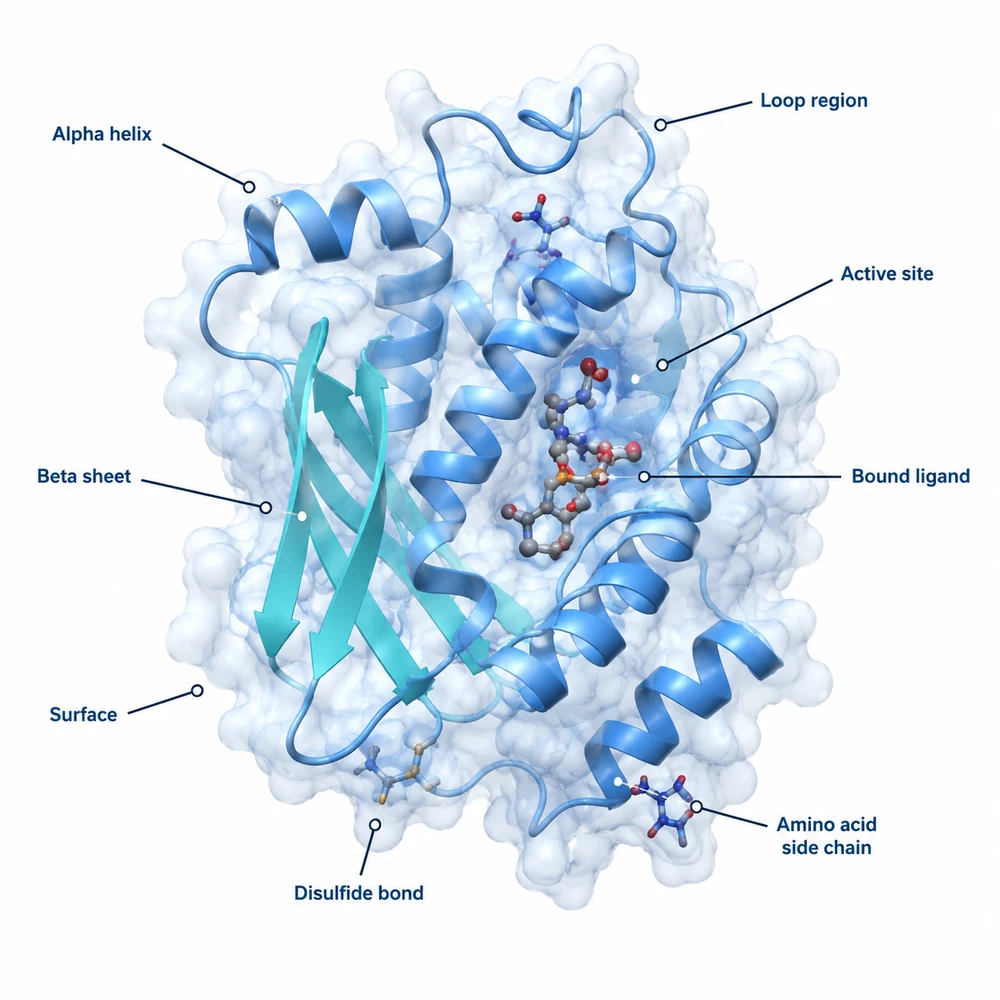
AI-generated 3D protein structure illustration1

Write an illustration brief

Define the subject, viewing angle, cutaway or surface view, structures that must remain visible, relative depth, background, and intended use. Ask for no embedded text when labels need exact typography.

  • State the organism, specimen, or material
  • Choose macro, micro, molecular, or conceptual scale
  • List required and excluded structures
  • Specify whether proportions are realistic or intentionally schematic
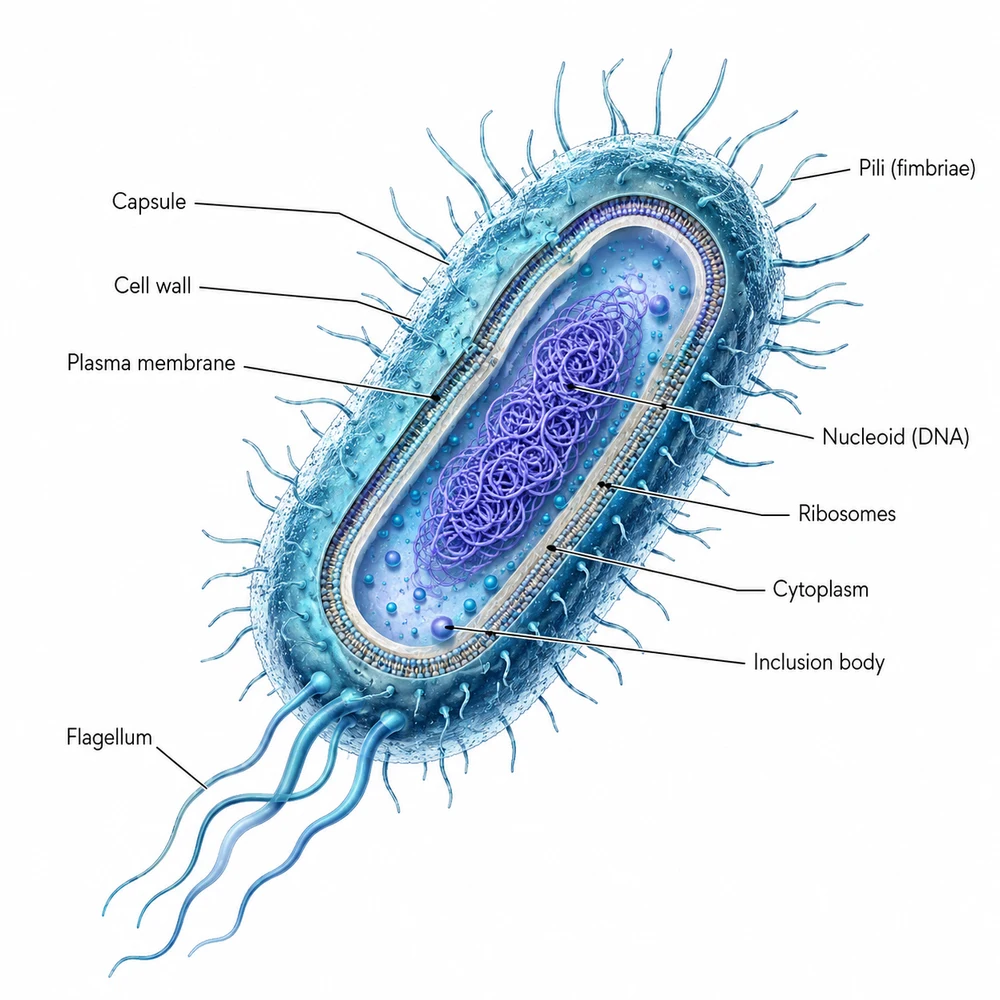
AI-generated microorganism illustration2

Keep illustration separate from data visualization

Generated illustrations can support concepts and visual context, but they should not replace microscopy, imaging, quantitative plots, maps, or other records derived from actual measurements.

  • Check every label and scientific term
  • Verify arrows, structures, and causal relationships
  • Compare the draft with the source data or manuscript
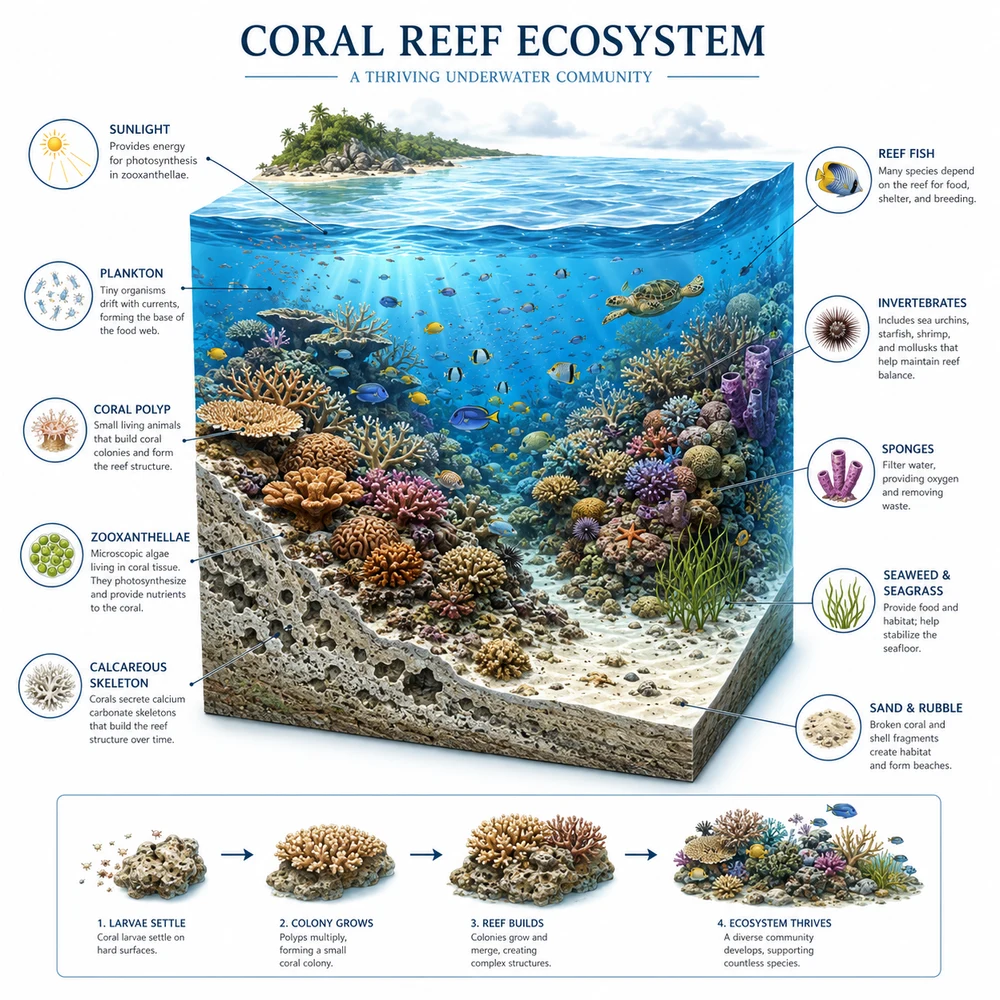
AI-generated coral reef ecosystem illustration3

Refine labels and technical details outside the image

Correct structures and proportions first. Then add verified labels, scale information, legends, and annotations with an editing tool so typography and scientific notation remain controlled.

  • Confirm dimensions, file format, and resolution
  • Review the target venue's AI-use policy
  • Complete a final expert review before use

Scientific illustration generator questions

Draft a scientific illustration

Define the viewpoint and required structures, then review the result as an illustration.