
Elsevier (general guidance)
- Dimensions
- Minimum 1328 × 531 px; keep the same 500:200 ratio for larger images
- Resolution
- Minimum 300 dpi
- Important notes
- Preferred files include TIFF, EPS, PDF, or MS Office; avoid unnecessary whitespace.
Submission specification guide
There is no universal graphical abstract size. Publishers and individual journals use different dimensions, ratios, formats, and AI policies.
Start with the exact author guide for your target journal. For example, Elsevier gives a general minimum of 1328 × 531 px at 300 dpi, while specific ACS and Wiley journals publish different physical sizes and aspect ratios.
On this page
These examples show why a single export preset cannot cover every submission. Always open the linked source before final export.
Requirements change and can differ between journals under the same publisher. The linked author guide for the exact destination journal is the final authority.
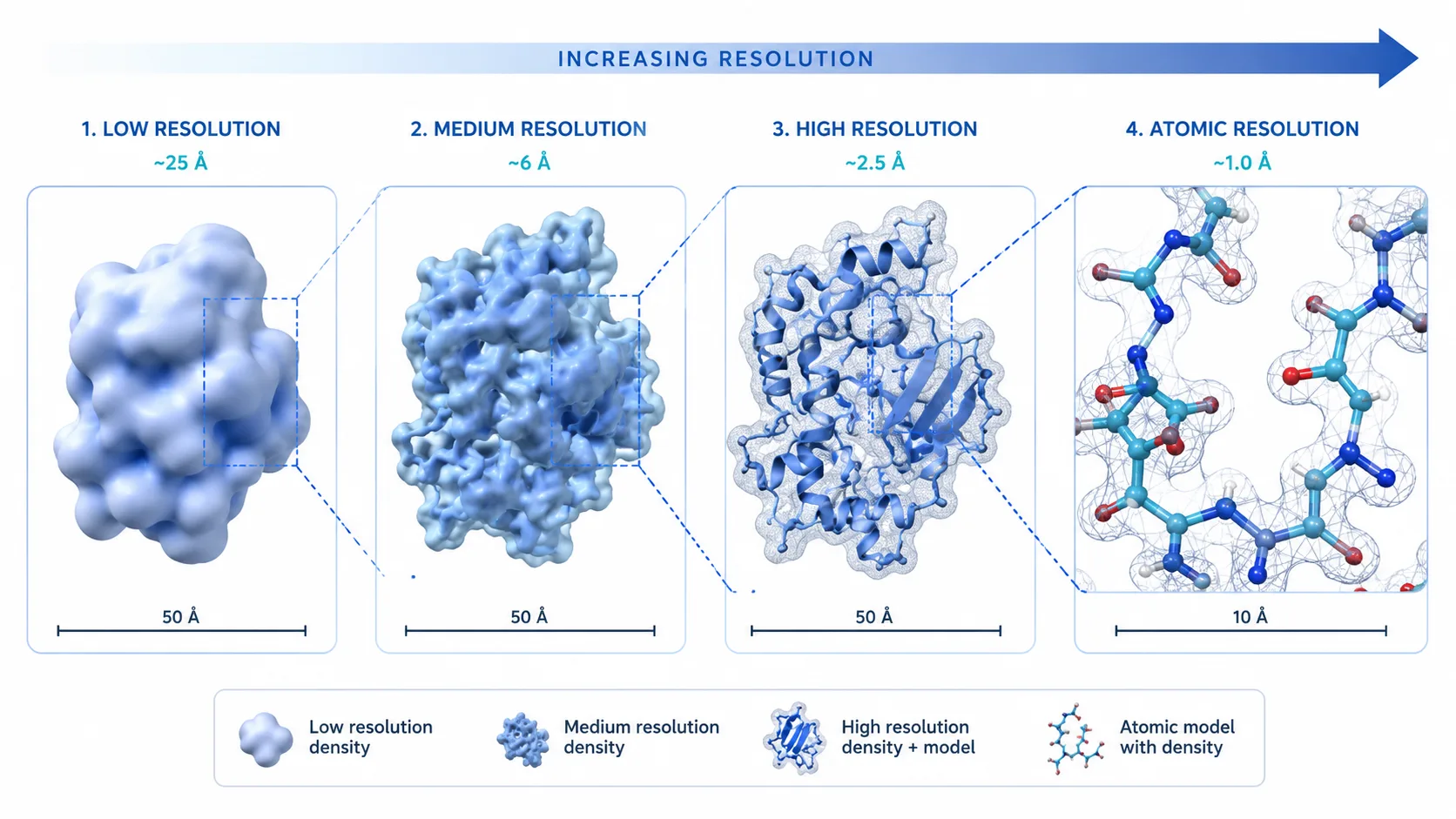
Pixel dimensions describe the digital canvas. Physical size describes how large the image will be placed, and DPI describes pixel density at that size. A 4K export is not automatically compliant if its ratio, font size, file type, or physical dimensions are wrong.
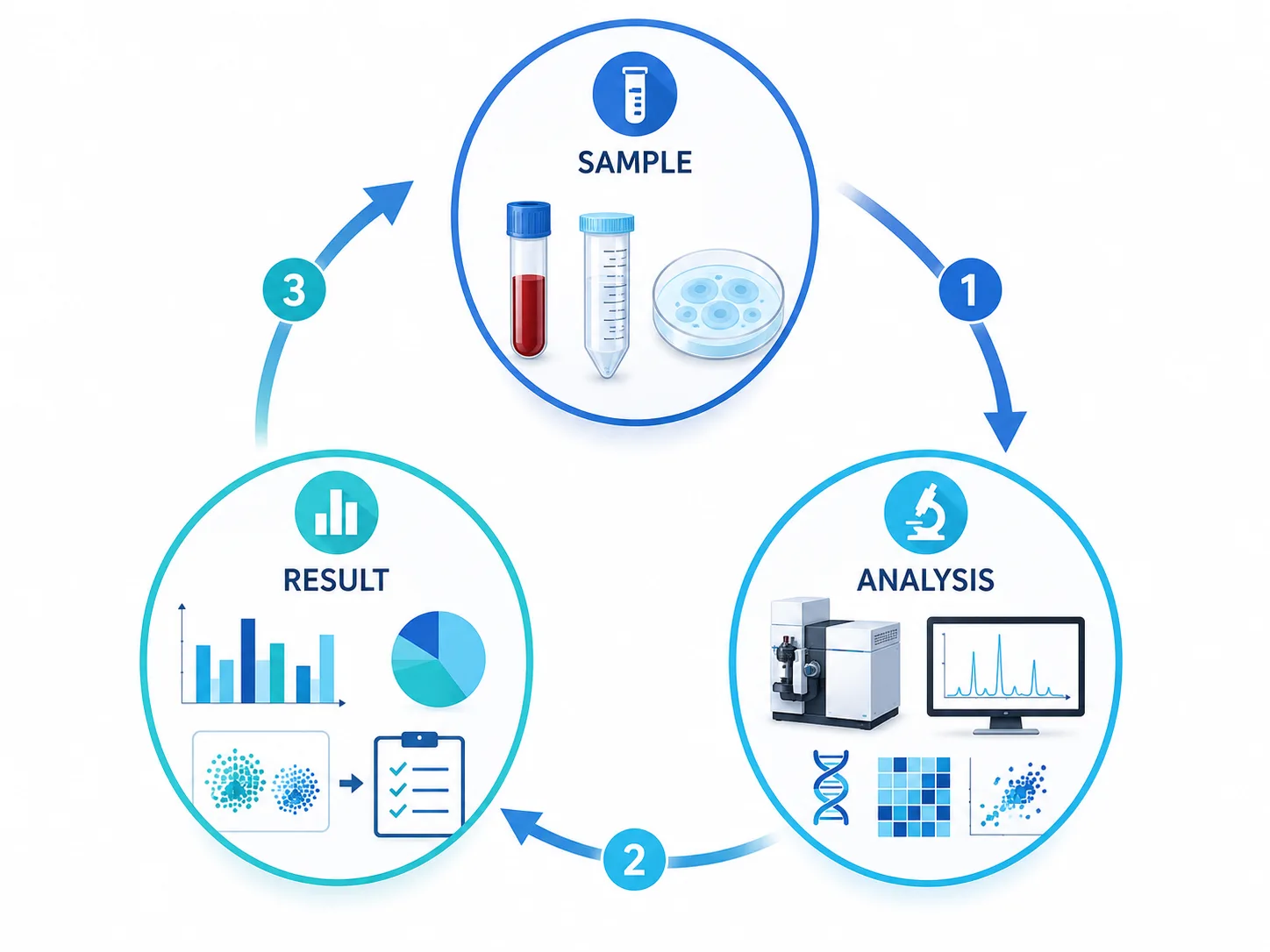
Author guides repeatedly emphasize legibility after reduction. Keep the reading order obvious, minimize text, avoid low-contrast color combinations, and test the figure at the physical or on-screen size used by the journal.
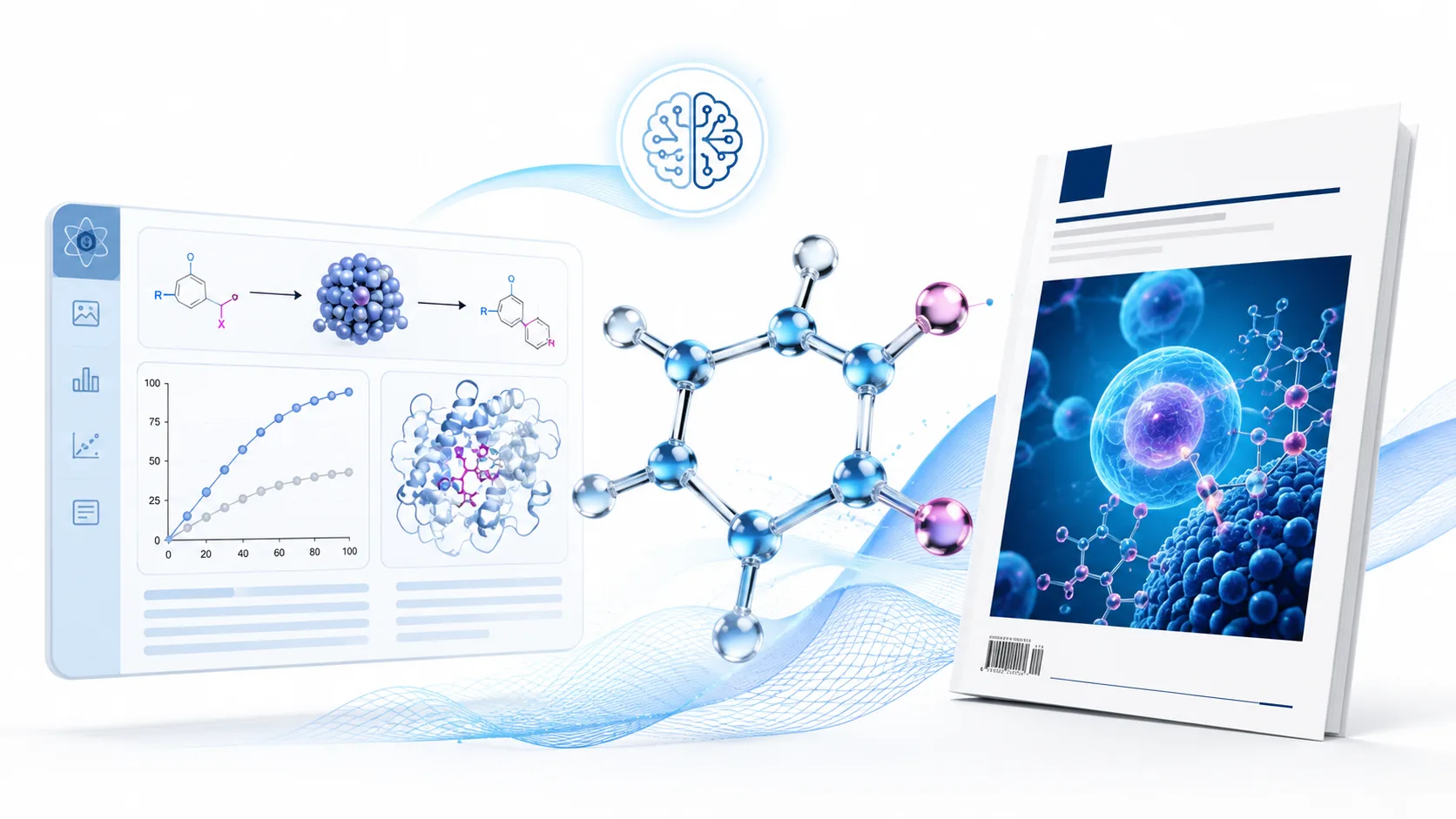
Find the exact journal guide, set the required aspect ratio, generate or compose at a sufficiently large canvas, correct all scientific content, add exact labels in an editing tool when necessary, and export in an accepted format. Recheck the guide immediately before submission.
Technical image specifications do not answer whether generative AI is permitted. Some publishers require disclosure, restrict image generation, or apply separate rules to graphical abstracts. The authors are responsible for following the current policy.
Start with the target journal requirements, then generate a composition you can verify and finish.
Open graphical abstract generator