Label translation

Translate the labels on a figure between Chinese and English

A Chinese-language journal wants Chinese labels; the international journal you are submitting the companion paper to wants English. The same schematic has to appear in a Chinese review, an English one, a thesis chapter and a conference poster. Redrawing it each time is expensive, and it stops being an option at all once the editable source file is gone and a flattened PNG is all that is left. Sign in, upload that PNG, pick a direction, and the text comes back in the other language while everything that is not text is asked to stay exactly as it was. Then read every translated string yourself — the model does not know the house terminology of your subfield.

Legg til referansebildeMaks 1 bilder

Forhåndsinnstilling

Vis full ledetekst

Når du har logget inn, kan du laste opp referansebilder og bruke dem til å generere nye bilder.

GPT Image 2 · Behold originalt sideforhold · 1K · Koster 90 poeng

Trenger du å justere modell og parametere selv? Gå til generell generator

Generering krever innlogging – skriv prompten først, og logg inn for å generere.

Multiple AI models

GPT Image 2, Nano Banana, Seedream 5, Flux 2 Pro and more — pick the right one per figure.

Up to 4K export

Render at 1K, 2K or 4K for print-ready manuscript output.

Text & sketch to figure

Start from a prompt, or refine a rough hand-drawn sketch.

Free to start

Free account in seconds — every figure is saved to your private history.

Label translation

What each of the three directions does

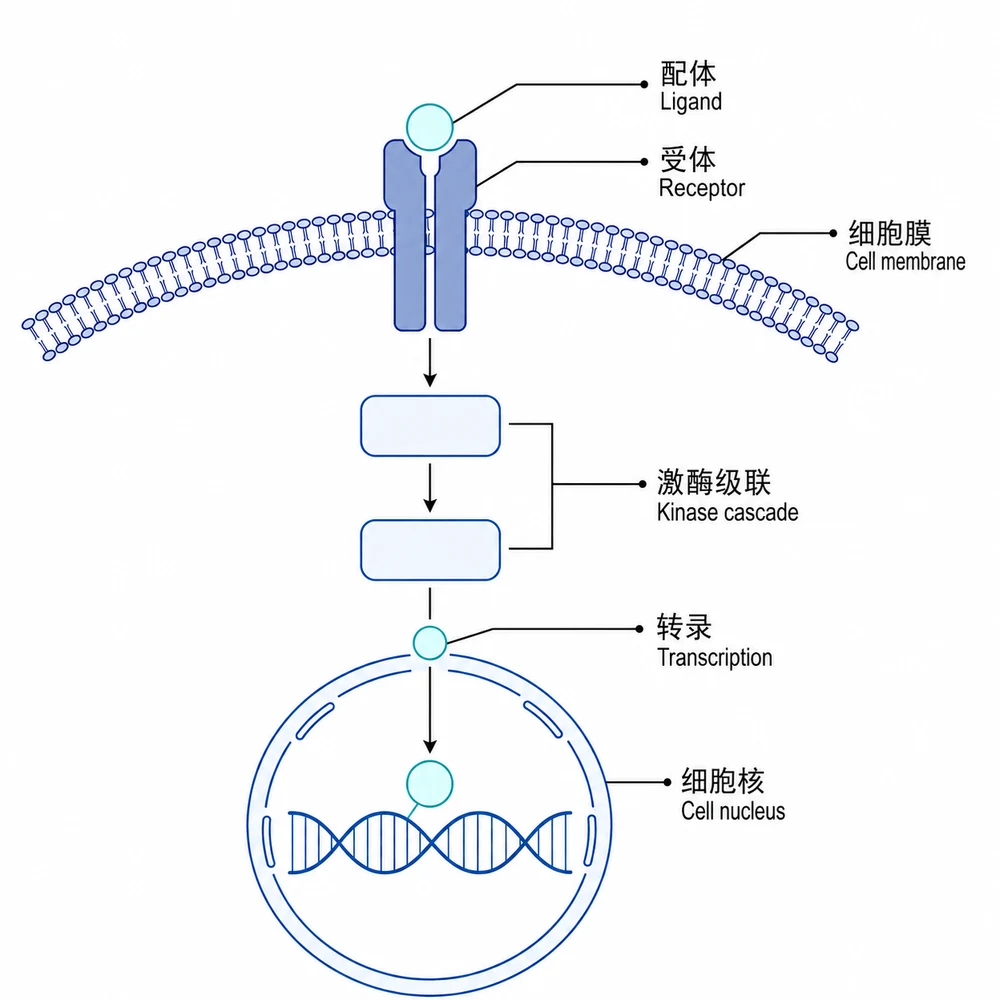
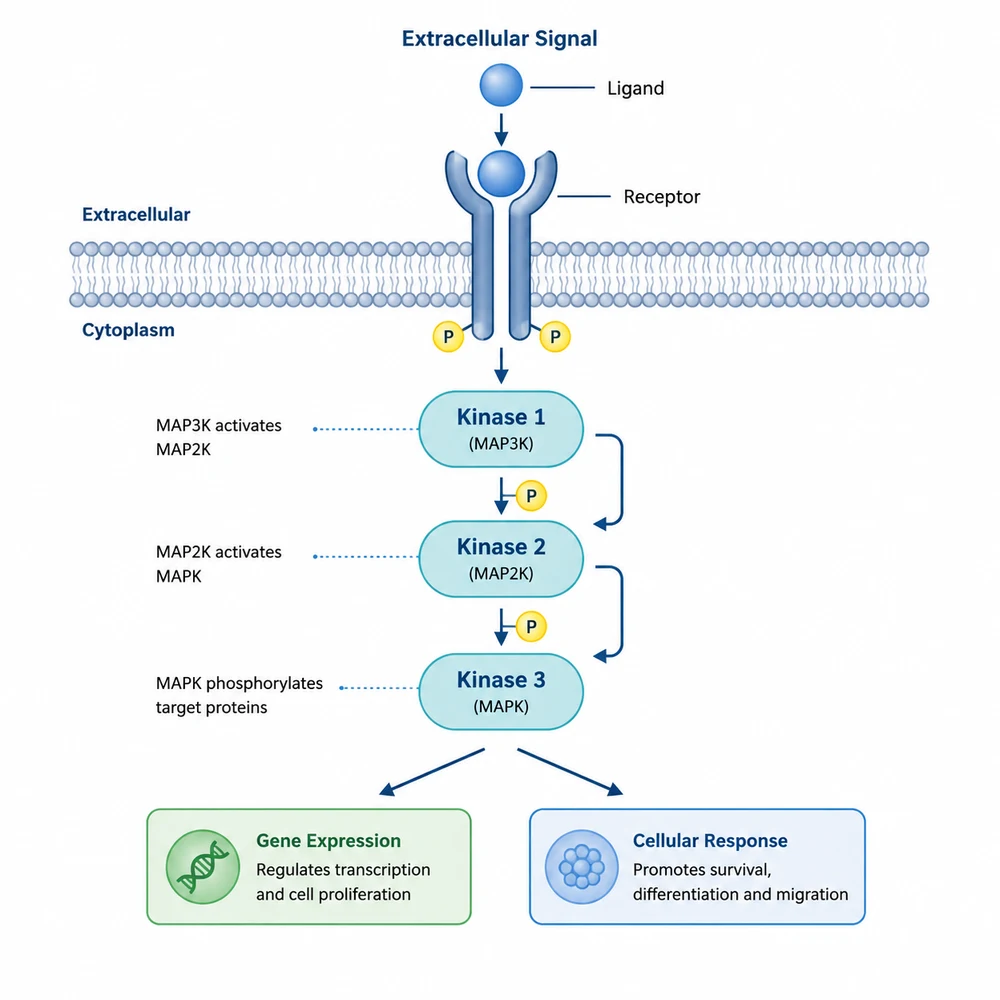
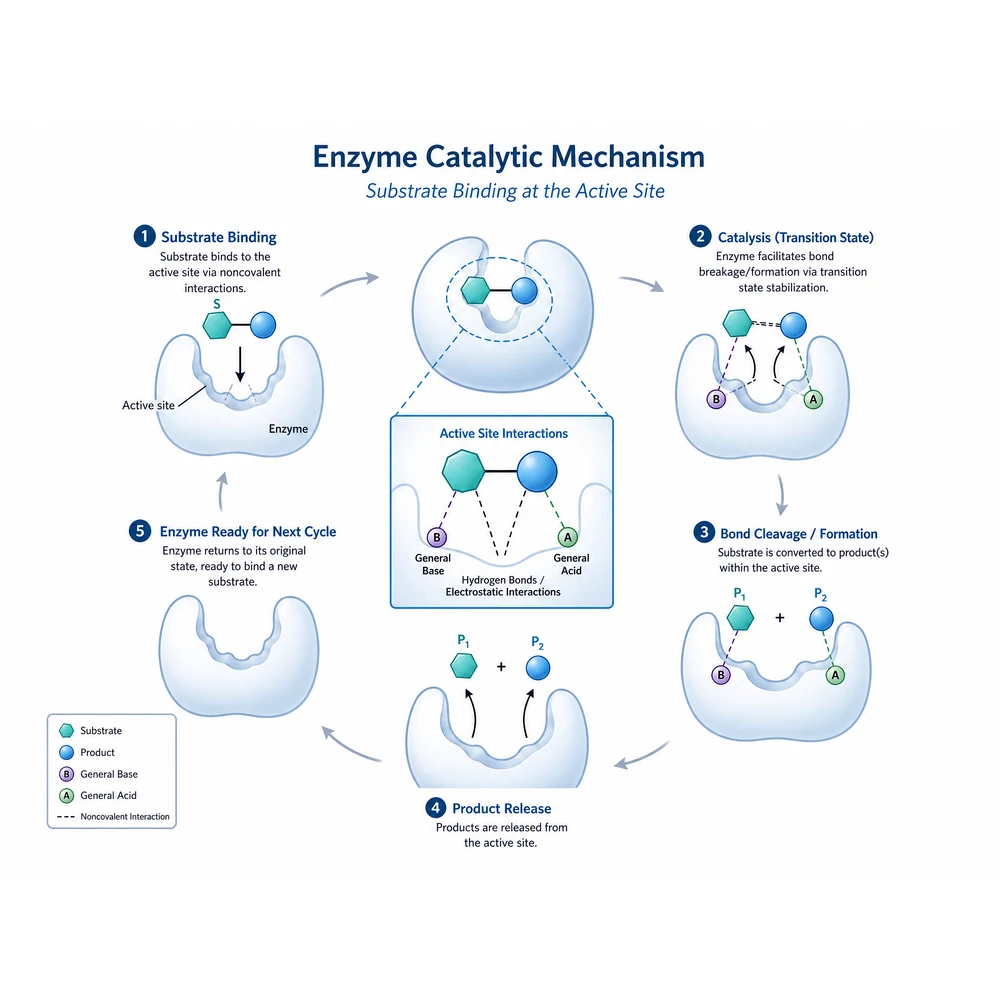
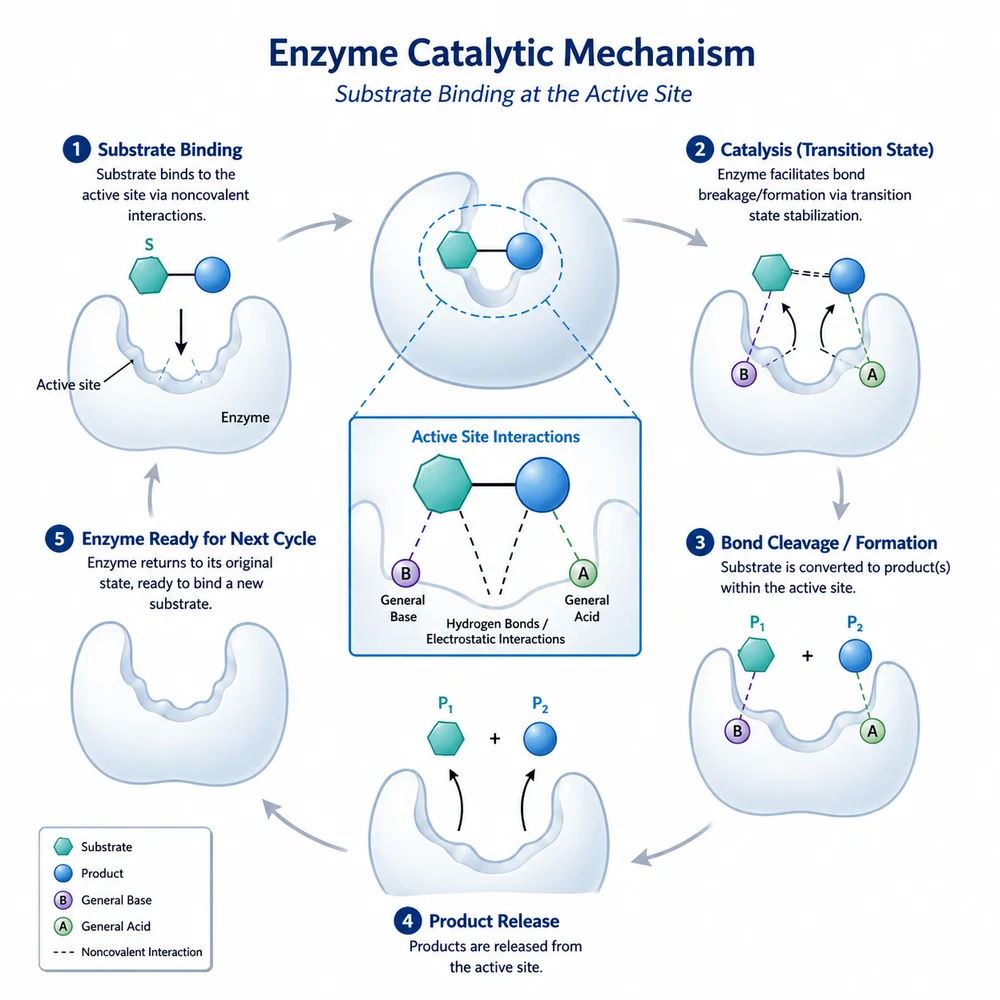
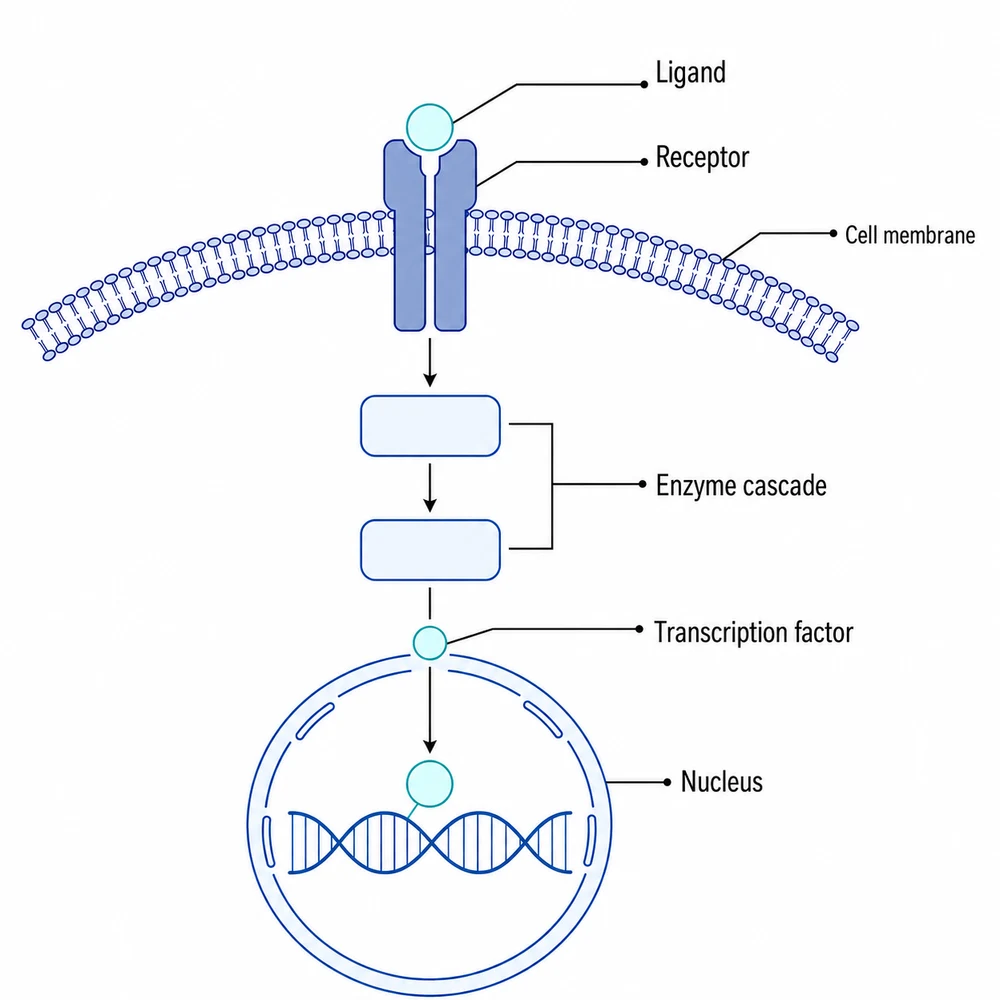
Chinese → English rewrites every Chinese label, axis title, tick label, legend entry and annotation into idiomatic English and leaves text that is already English untouched. English → Chinese does the reverse, into Simplified Chinese. Bilingual keeps every original label exactly where it is and sets its translation immediately below it, in the same typeface at a slightly smaller size. All three below started from one Chinese-labelled pathway diagram. They are a demonstration, not a guarantee: how the tool copes with your own label density is the only preview worth trusting, so run it on one of your own figures.

Translation workflow

Set the direction, supply the terms, then check every string

A signalling pathway diagram whose Chinese labels have been replaced with English ones1

Upload the figure you already have

This is an image-to-image tool, so sign in first, then upload one finished figure. The aspect ratio stays automatic and the run is pinned to 1K, which is deliberate: the two language versions have to read as the same figure laid out the same way, and a changed canvas would break that immediately. Upload the largest raster you have rather than a screenshot — small type is where translation errors hide, and the model can only work with the pixels you give it.

  • One figure per run
  • PNG, JPEG, WebP, GIF or AVIF, up to 10 MB
  • Export at the largest size you have, not a screenshot
  • Keep the original file and, if it still exists, the editable source
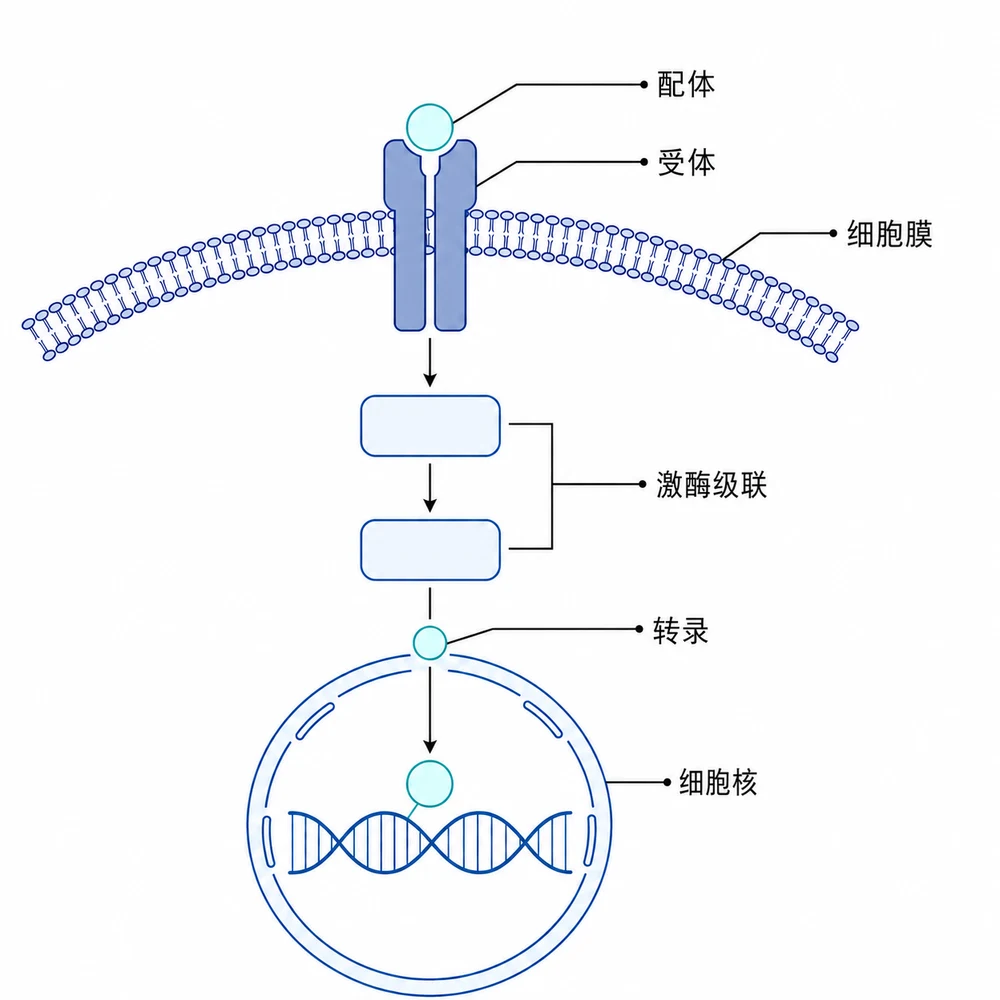
The same pathway diagram with labels rendered in Simplified Chinese2

Pick the direction the figure needs

Three cells, and no other language pair is offered. Chinese → English is the default and the reason the tool exists: a figure built in Chinese that now has to go to an international journal. English → Chinese covers the opposite trip — a figure drawn in English that a Chinese-language journal, thesis or textbook chapter needs in Chinese. Bilingual keeps both, which is what a lecture slide, a poster or a teaching figure usually wants, and what a reviewer who reads only one of the two languages will thank you for.

  • Check every label and scientific term
  • Verify arrows, structures, and causal relationships
  • Compare the draft with the source data or manuscript
The same pathway diagram with each label shown in Chinese above and English below3

Type a glossary, not a description of the picture

Terminology is where this kind of tool actually fails. A domain term with two or three plausible renderings will come back in whichever one the model prefers, and a literal translation of a field term is simply wrong — 通路 in a signalling figure is "pathway", never "road". The instruction already asks for the published terminology of the figure’s own field, and it already leaves a fixed list untranslated character for character: gene and protein symbols, species names in Latin binomial form, chemical formulae, units, numbers, axis tick values, statistical notation, p-values, panel letters and trademarked instrument names. The box is for everything that list does not cover — your reagent and kit names, your lab’s abbreviations, and the one word you want used for the term your whole paper is built on.

  • Name the terms that must stay in the original language
  • Give the exact target word for any term you care about
  • Take the wording from your own manuscript, so figure and text agree
  • Do not describe the picture here — the box only shapes the translation
A signalling pathway diagram whose Chinese labels have been replaced with English ones4

This is a generative redraw, not a text-replacement layer

The instruction freezes the geometry — every shape, line, arrow, box, axis, curve, data point, error bar, photographic region and color is required to stay identical, and text is named as the only mutable layer. But the model still regenerates the whole image to satisfy that instruction; it does not swap a text layer on top of your original pixels the way a vector editor would. Typography, letter spacing, and the exact position of fine lines can shift, and a long translation may be scaled down to fit its slot. That is tolerable on a drawn schematic, a plot or a diagram. It is not tolerable on raw experimental data: never run a micrograph, a gel, a blot, or a clinical or imaging scan through this tool. Translate the labels on a drawn version of the figure instead, or relabel the raw panel in an editor where the pixels are guaranteed untouched.

  • Safe on schematics, plots, workflow diagrams and drawn illustrations
  • Never on micrographs, gels, blots or imaging scans
  • Compare the output against the input at full size before using it
  • Re-export from the editable source whenever that option still exists
The same pathway diagram with labels rendered in Simplified Chinese5

Proofread every translated string, one at a time

Nothing in the output has been checked by anyone but you. Go label by label against the original: confirm each term is the one your field publishes, confirm nothing was dropped, and confirm no long label was quietly truncated or reworded to fit. Then check the figure against its legend and the running text — a figure that now says "pathway" while the caption still says something else is a new inconsistency, not a finished translation. If the translated figure goes into a formal submission, state in the figure legend or the methods that AI was used to process the image, which is what most journals now require of any image processing.

  • Read every label against the original, not just the ones you noticed
  • Watch specifically for truncated or reworded long labels
  • Align the figure’s terms with the legend and the manuscript
  • Declare the AI processing in the legend or methods on submission

The translation is a draft, and the figure is regenerated to make it

This tool rewrites the text in a figure; it does not alter, add or reinterpret your data, and it cannot verify that the underlying numbers are correct. It works by regenerating the image under an instruction that freezes every graphic element and names text as the only mutable layer — it is not a text-replacement layer applied over your original pixels, so typography, spacing and the precise position of fine lines can still change. For that reason it must not be run on micrographs, gels, blots, or clinical and imaging scans, or on any other raw experimental data. Every translated string is a draft that you must verify term by term: the model does not know the terminology conventions of your subfield, and it may truncate or reword a label that no longer fits its space. If a translated figure goes into a formal submission, describe the AI processing in the figure legend or methods and keep the unprocessed original. Only upload figures you own or are licensed to use.

Label translation questions

Translate a figure’s labels

Sign in, upload the figure, pick a direction, and check every translated term before you use it.