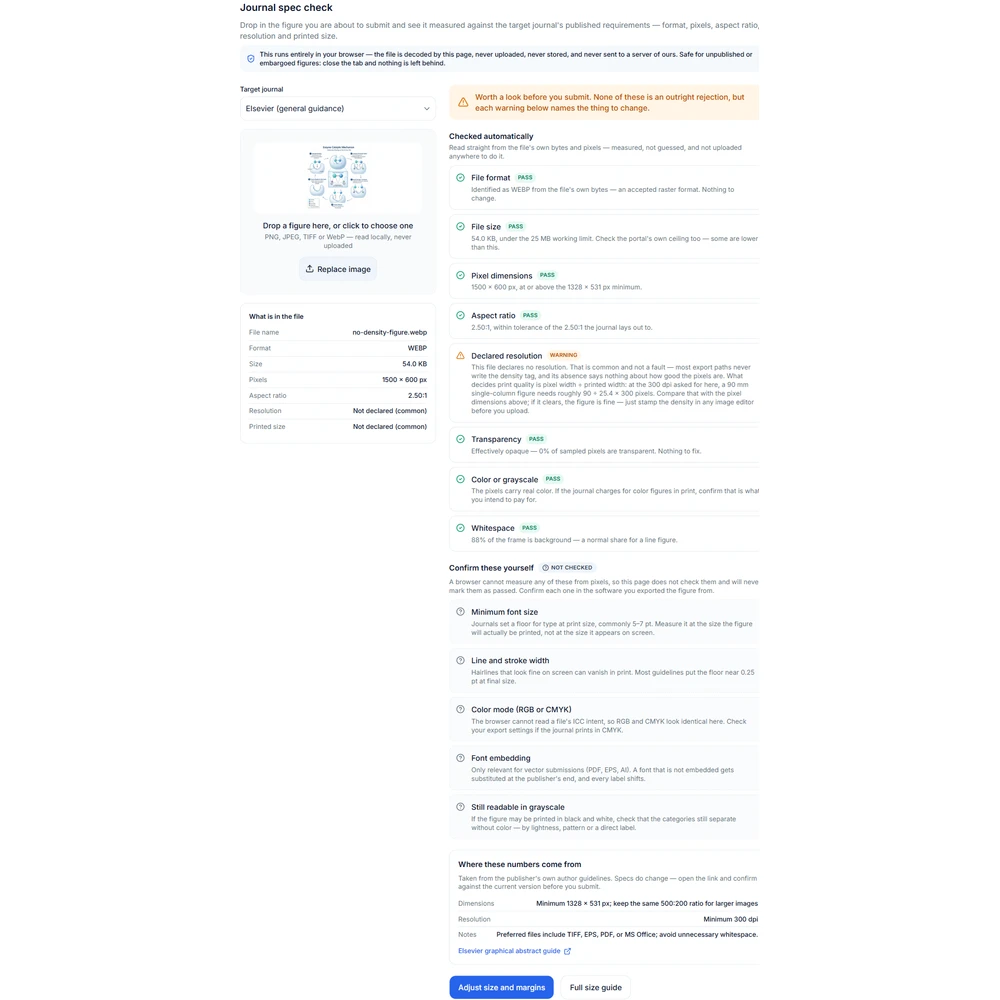
Figure spec check

Check a figure against journal specs before you submit

Pick a target journal profile, then choose your figure. The check runs entirely in your browser: the file is never uploaded, no image is generated, no credits are spent and no account is needed. You get a line-by-line report of what the file actually contains, plus a separate list of the rules a browser cannot measure.

Tidsskriftspesifikasjonssjekk

Dra inn figuren du skal sende inn, og sjekk den mot de offentliggjorte kravene til måltidsskriftet: format, piksler, sideforhold, oppløsning, trykkstørrelse.

Hele prosessen skjer i nettleseren din: bildet dekodes direkte på denne siden, lastes ikke opp, lagres ikke, og sendes ikke til våre servere. Upubliserte eller embargo-belagte figurer kan trygt brukes – lukk fanen, og ingenting blir igjen.

Dra bildet hit, eller klikk for å velge

Støtter PNG, JPEG, TIFF, WebP – leses lokalt, lastes ikke opp

Disse elementene må du bekrefte selv

Ikke sjekket

Nettleseren kan ikke måle følgende elementer fra pikslene, så denne siden sjekker dem ikke og vil aldri gi «bestått». Gå tilbake til programvaren du eksporterte bildet fra, og bekreft hvert element.

  • Minimum skriftstørrelse

    Tidsskrifter krever vanligvis en skriftstørrelse på minst 5–7 pt i trykt størrelse. Mål i forhold til bildets endelige trykkstørrelse, ikke størrelsen på skjermen.

  • Linjebredde

    Tynne linjer som ser normale ut på skjermen kan forsvinne når de trykkes. De fleste spesifikasjoner krever minst omtrent 0,25 pt i endelig størrelse.

  • Fargemodus (RGB eller CMYK)

    Nettleseren kan ikke lese filens ICC-intensjon, og RGB og CMYK ser like ut her. Hvis tidsskriftet trykker i CMYK, må du sjekke i eksportinnstillingene.

  • Er skriftene innebygd?

    Gjelder kun vektorfiler (PDF, EPS, AI). Hvis skriftene ikke er innebygd, vil de bli erstattet hos utgiveren, og alle etiketter vil bli feilplassert.

  • Fortsatt mulig å skille etter gråtoneutskrift

    Hvis dette bildet kan bli trykt i svart-hvitt, må du bekrefte at kategoriene fortsatt kan skilles uten farger – ved hjelp av lyshet, tekstur eller direkte merking.

Kilden til disse tallene

Hentet fra utgiverens egne forfatterveiledninger. Spesifikasjoner kan endres – klikk på lenken før innsending for å bekrefte mot den nyeste versjonen.

Dimensjoner
Minimum 1328 × 531 px; keep the same 500:200 ratio for larger images
Oppløsning
Minimum 300 dpi
Merknader
Preferred files include TIFF, EPS, PDF, or MS Office; avoid unnecessary whitespace.
Elsevier graphical abstract guide

Multiple AI models

GPT Image 2, Nano Banana, Seedream 5, Flux 2 Pro and more — pick the right one per figure.

Up to 4K export

Render at 1K, 2K or 4K for print-ready manuscript output.

Text & sketch to figure

Start from a prompt, or refine a rough hand-drawn sketch.

Free to start

Free account in seconds — every figure is saved to your private history.

Figure spec check

What the report looks like

Screenshots of the checker itself, not generated artwork. The values shown come from one example file; your own report depends on the file you choose and the profile you select.

How the check works

Measured facts first, unmeasurable rules kept separate

Figure spec check report showing warnings on resolution and aspect ratio1

What the browser can actually measure

The file is read as bytes and decoded locally. Pixel dimensions, aspect ratio and file size are exact. The format comes from the leading bytes rather than the filename, so a PNG renamed to .tif is still reported as a PNG. Color and transparency are answered statistically from a downsampled copy, which is enough for a yes-or-no question and keeps a very large file from filling a browser tab.

  • Pixel width and height, and the aspect ratio they imply
  • File format read from the leading bytes, not the extension
  • File size against a soft submission-portal ceiling
  • Declared resolution, and the physical size derived from it
  • Whether any pixels are transparent
  • Whether the artwork is effectively grayscale
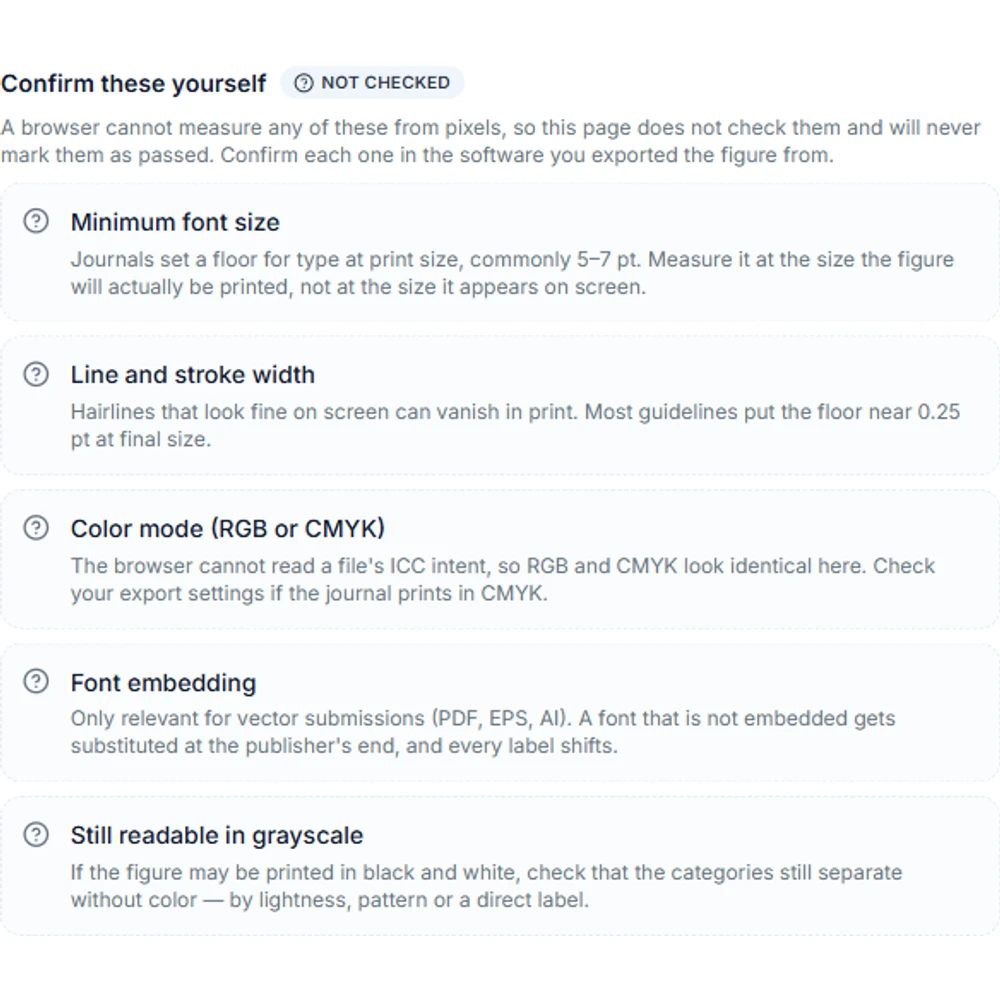
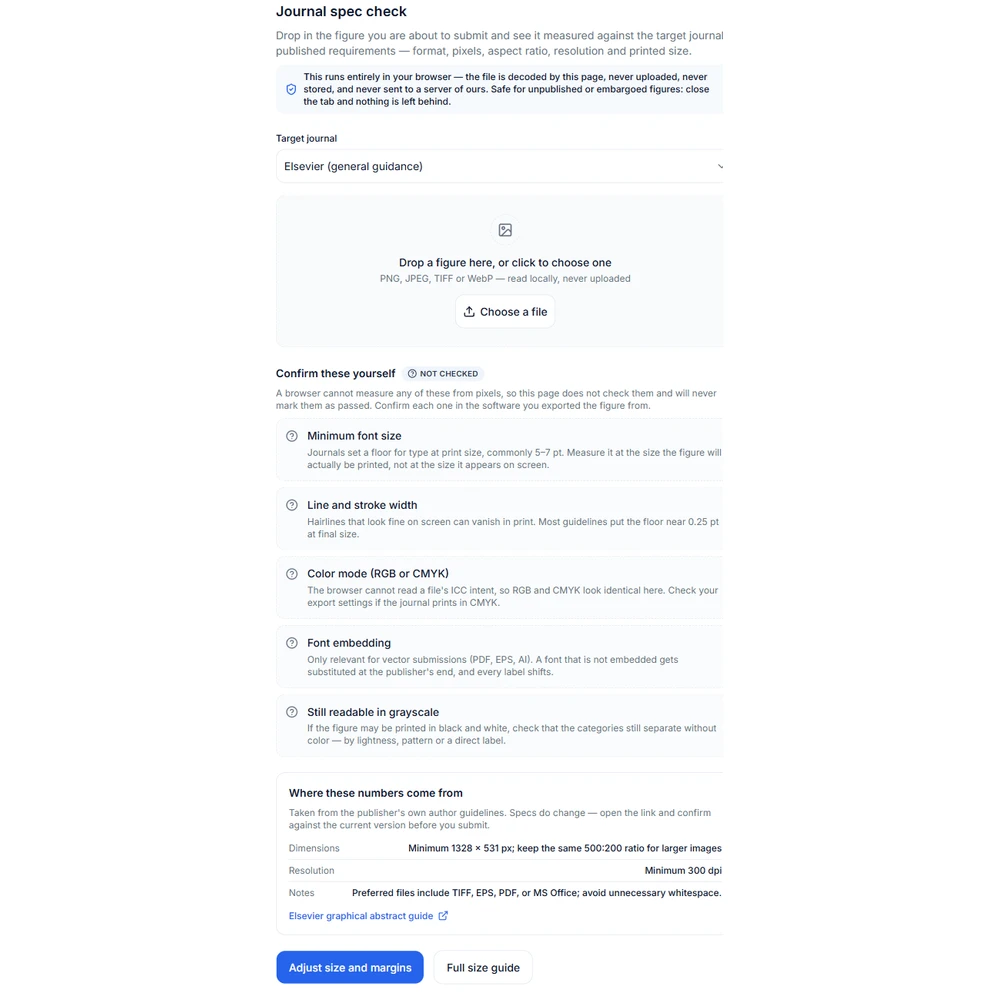
Confirm-by-hand group listing font size, stroke width, color mode, font embedding and grayscale print2

What it cannot measure, and says so

A raster image does not carry the information some submission rules need, so those rules are listed in a separate confirm-by-hand group instead of being marked green. Nothing in that group has been evaluated. Reading a green report as though it had cleared them is the one way this tool could send a figure to a desk reject with the author believing it had been checked.

  • Minimum font size — needs text recognition plus a physical conversion
  • Stroke width — the same problem, measured against the printed width
  • CMYK or color intent — the browser cannot read ICC rendering intent
  • Font embedding — a property of PDF and EPS artwork, not of pixels
  • Whether categories stay distinguishable after a grayscale print
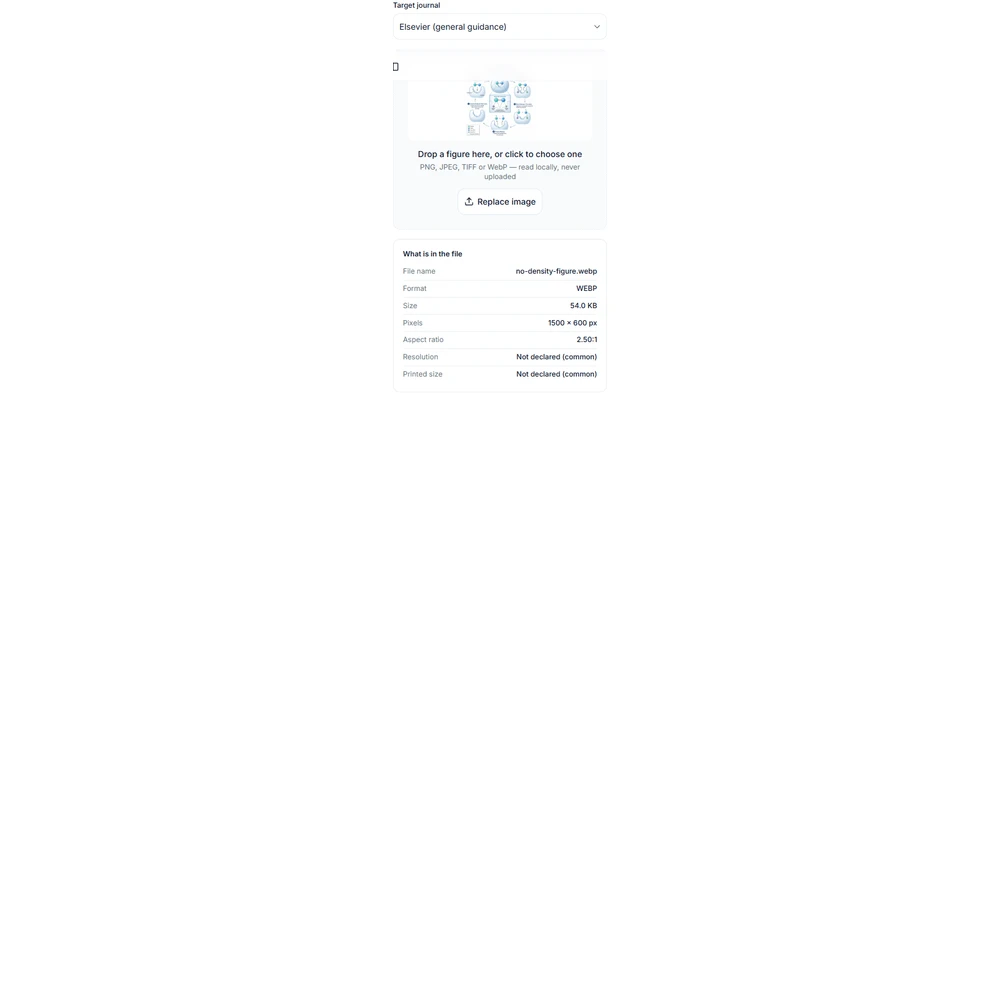
Measured facts panel showing format, file size, pixel dimensions, aspect ratio and declared dpi3

A missing resolution is not a broken figure

Plenty of export paths never write a density tag, so the report often shows no declared dpi. That is a warning, not a failure, and it says nothing about whether the pixels are good enough. What decides print quality is pixel width divided by printed width in inches. A figure with no declared dpi and a generous pixel width is usually fine; one that declares 300 dpi but has few pixels is not. When a journal asks for a density value, set it in your export tool and check again.

  • Confirm dimensions, file format, and resolution
  • Review the target venue's AI-use policy
  • Complete a final expert review before use
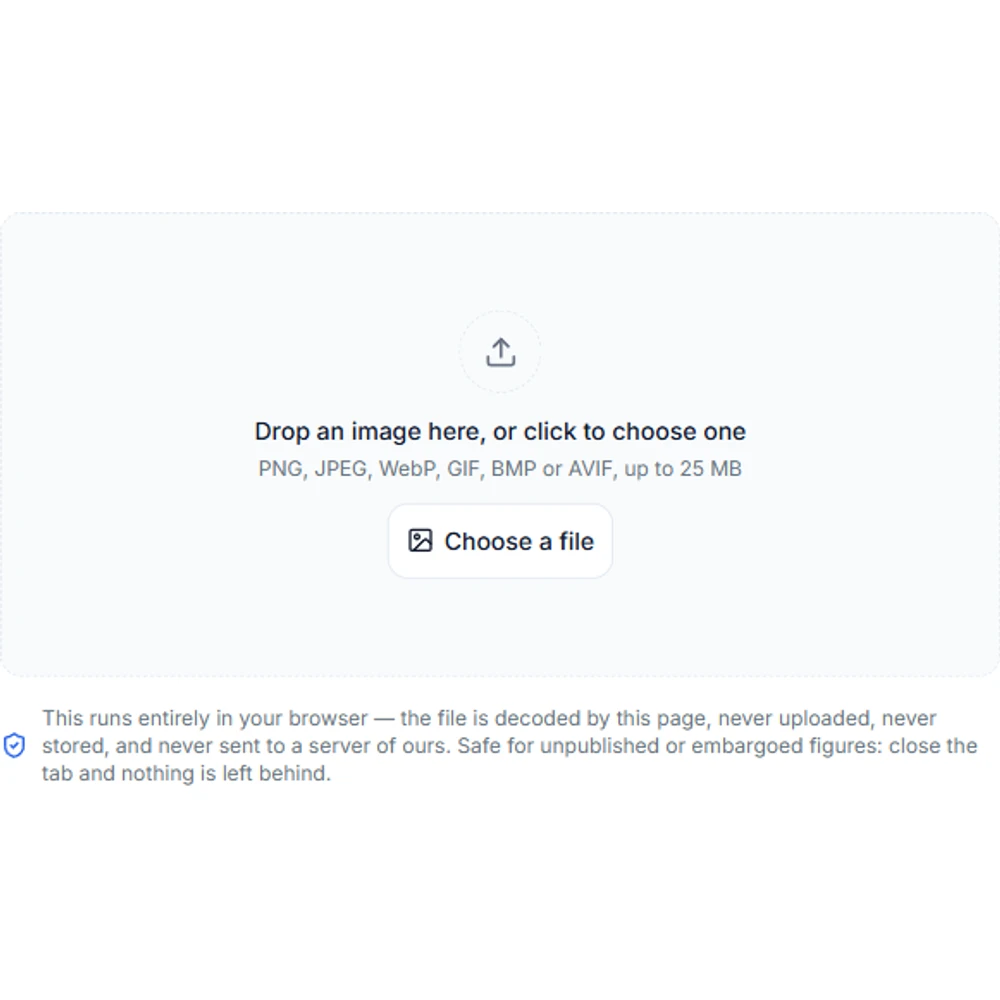
Figure spec check upload panel with a drop zone and a note that the file stays in the browser4

Where the journal numbers come from

Each profile is derived from the publisher requirements table on the graphical abstract size guide, which carries the official source link for every row. This page deliberately keeps no second copy of those numbers — a spec checker quietly enforcing last year’s rule is worse than none. Open the guide to read the requirement in the publisher’s own wording, and follow the source link before you rely on it.

  • Profiles are generated from the guide table, not typed in twice
  • Every report links back to the publisher source for the selected profile
  • A profile whose source row changes is dropped rather than guessed at

A pre-submission cross-check, not the journal rulebook

This report compares one file with one stored profile. It cannot see the current author guidelines for your journal, its production requirements, the rules for your specific article type, or any instruction an editor has given you. Requirements are revised and they differ between journals from the same publisher. Treat the report as a cross-check to run before submission, and confirm every item against the official author guidelines for the journal you are submitting to.

Figure spec check questions

Run the check before you submit

The spec check above is free, needs no account, and keeps your file on your machine. Sign in when you want the AI tools that fix what it finds.