Figure recolor

Recolor a scientific figure without redrawing it

Two of the most repeated review comments are "the colors are not color-blind safe" and "the categories are indistinguishable in grayscale print". Sign in, upload the figure you already have, and pick a palette — the instruction sent to the model asks it to change color only and leave the layout alone.

Añadir imagen de referenciaMáximo 1

Ajustes preestablecidos

Ver indicación completa

Una vez que hayas iniciado sesión, podrás subir imágenes de referencia y utilizar la función de «crear imágenes a partir de imágenes».

GPT Image 2 · Mantener proporción original · 1K · 90 créditos

¿Necesita ajustar el modelo y los parámetros usted mismo? Vaya al generador general

Se requiere iniciar sesión para generar: escriba su indicación y luego inicie sesión para generar.

Multiple AI models

GPT Image 2, Nano Banana, Seedream 5, Flux 2 Pro and more — pick the right one per figure.

Up to 4K export

Render at 1K, 2K or 4K for print-ready manuscript output.

Text & sketch to figure

Start from a prompt, or refine a rough hand-drawn sketch.

Free to start

Free account in seconds — every figure is saved to your private history.

Figure recolor

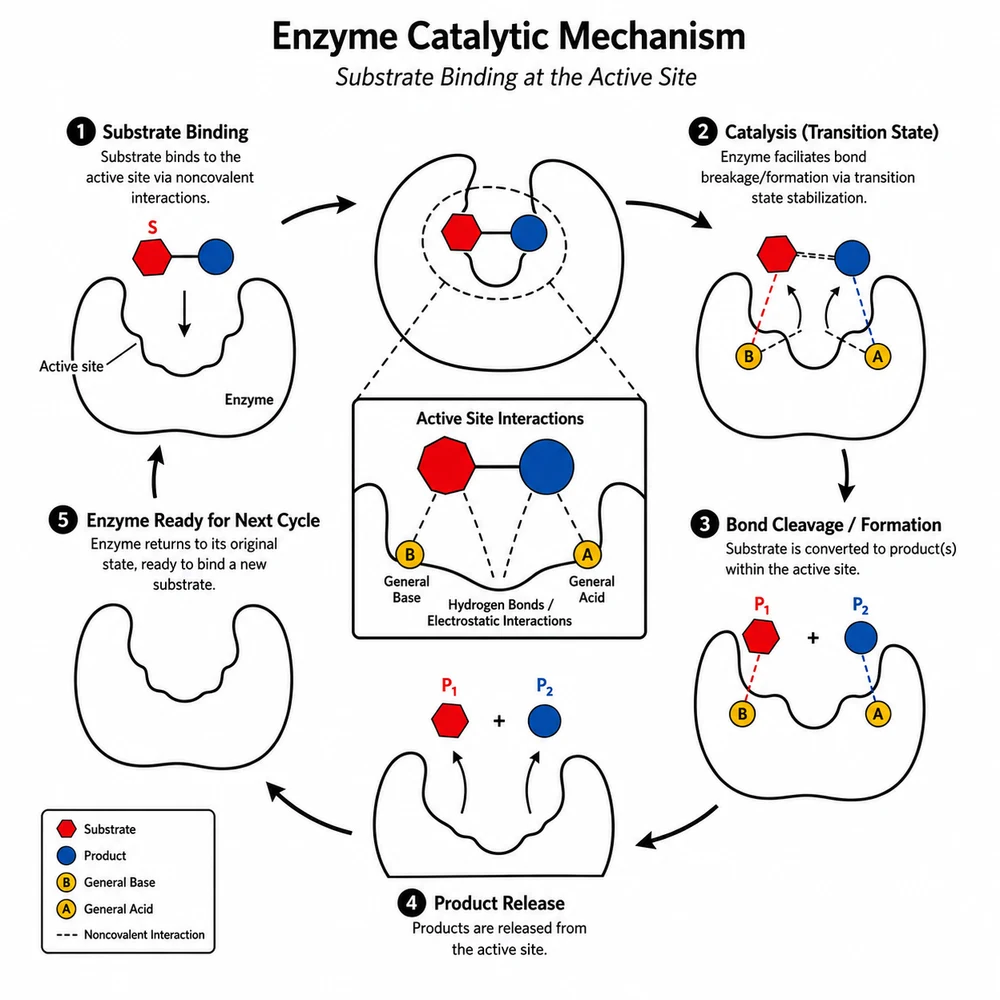
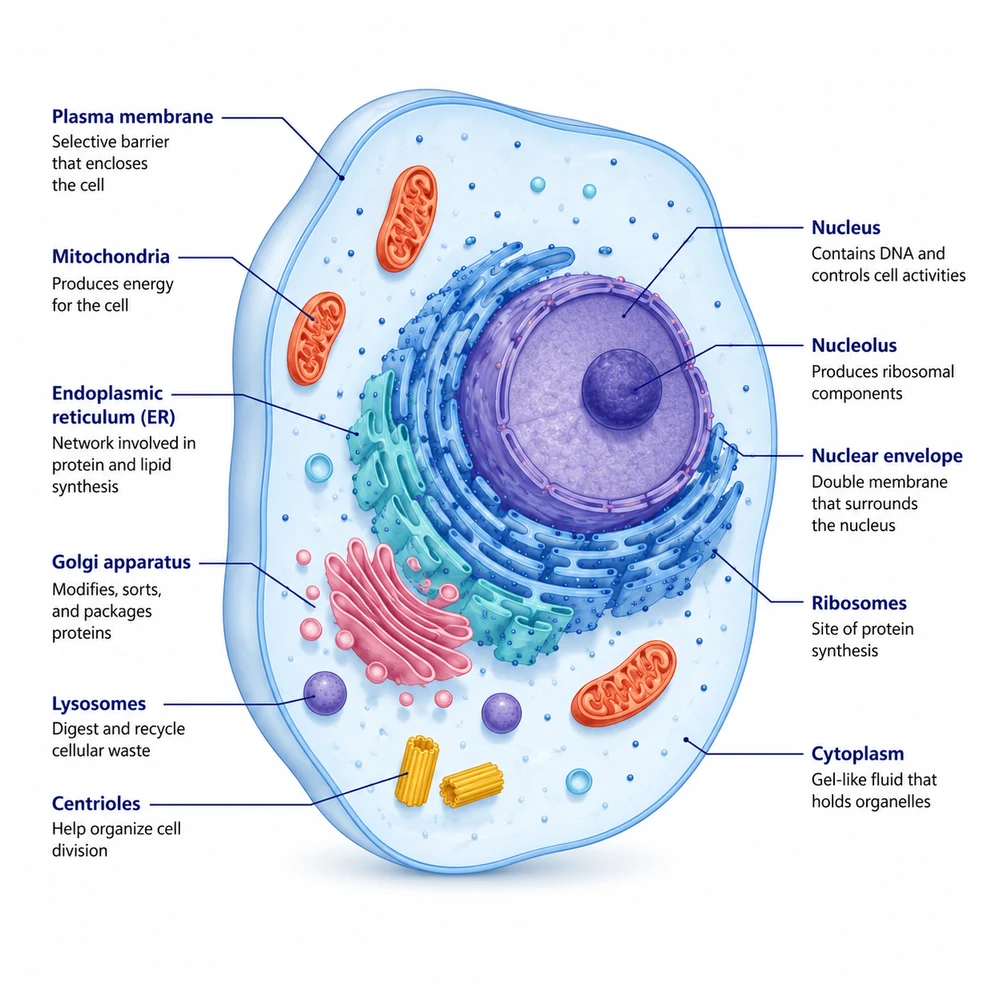
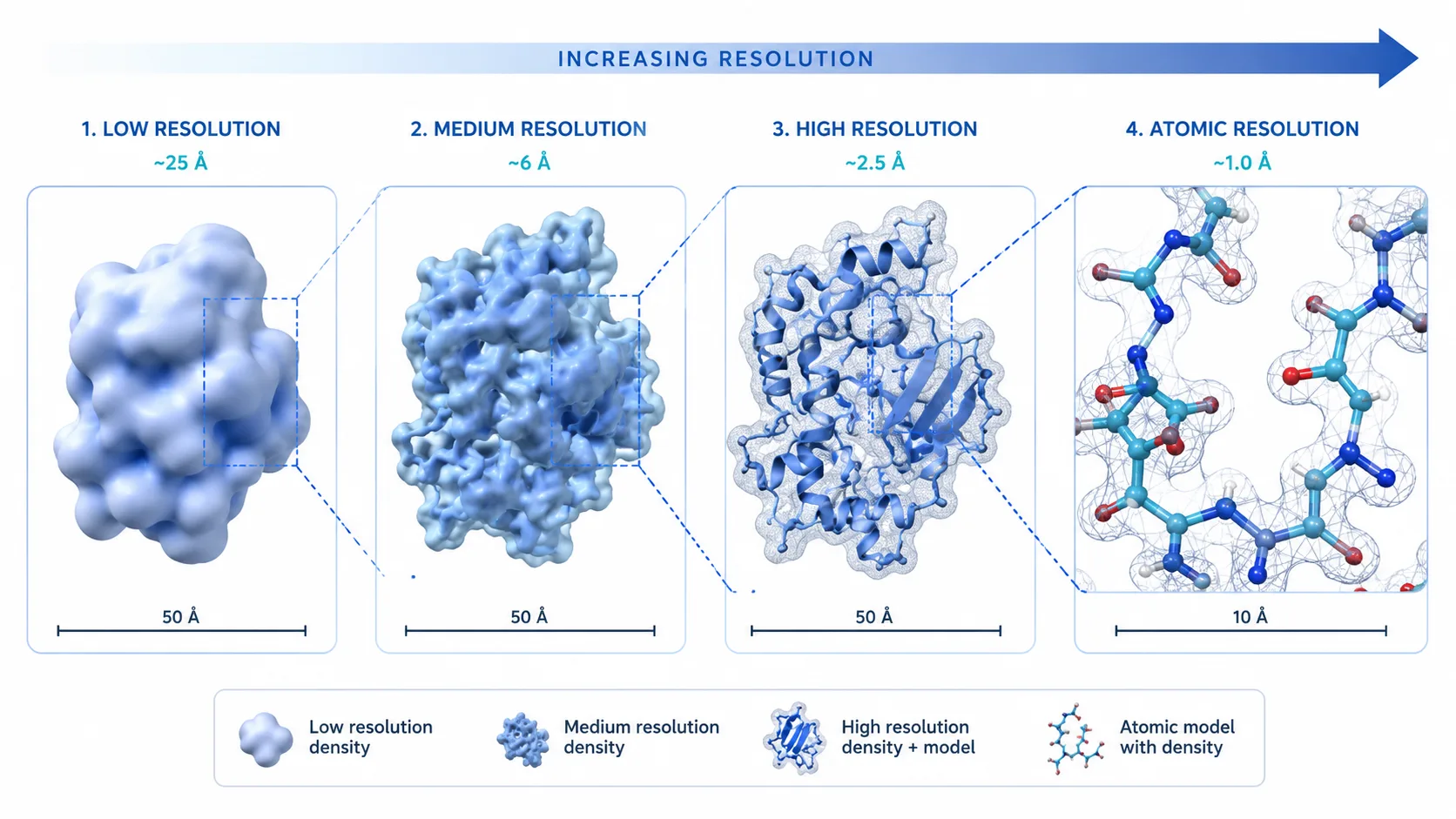
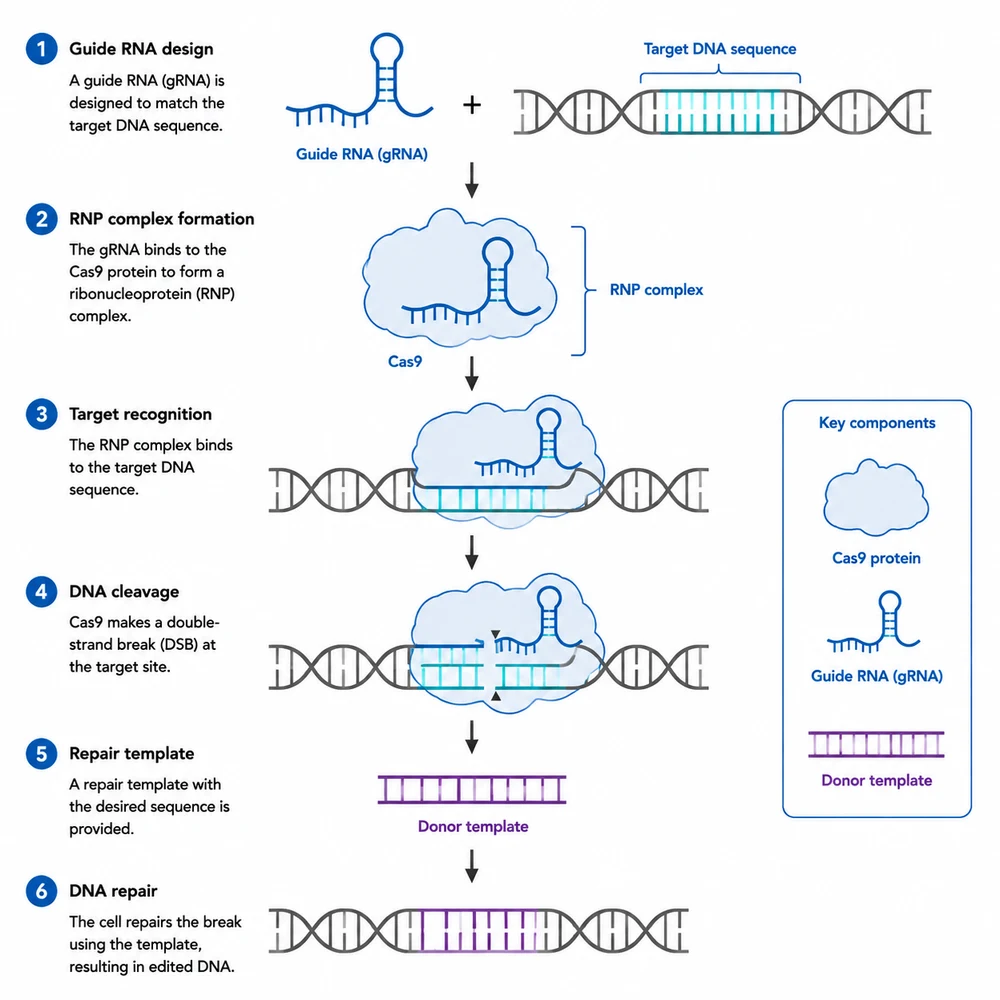
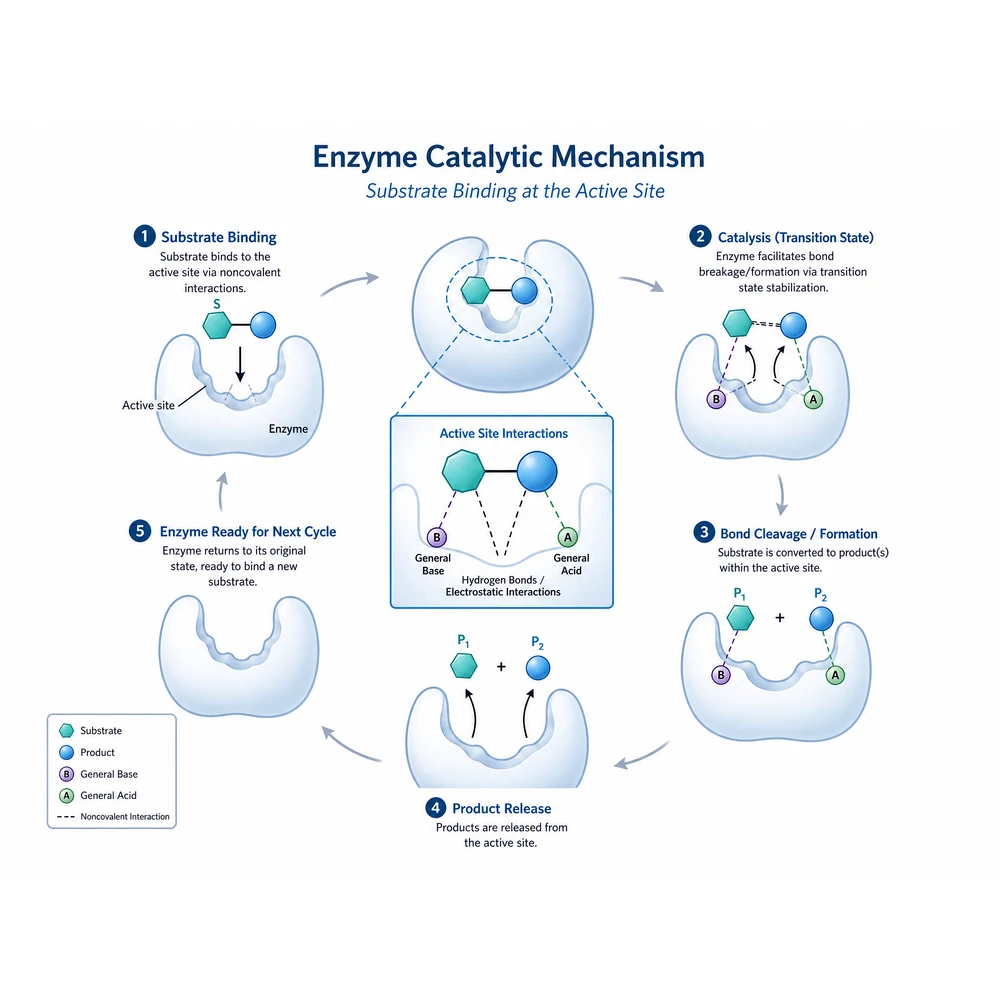
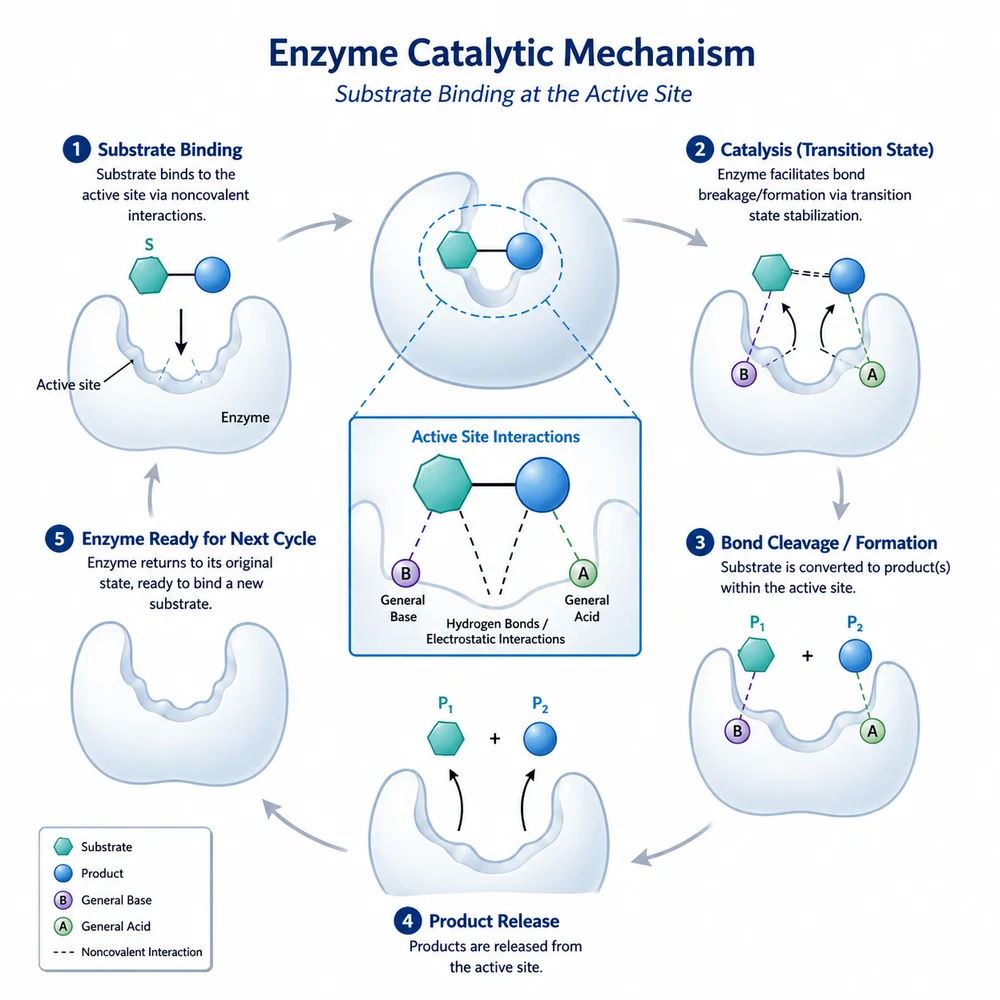
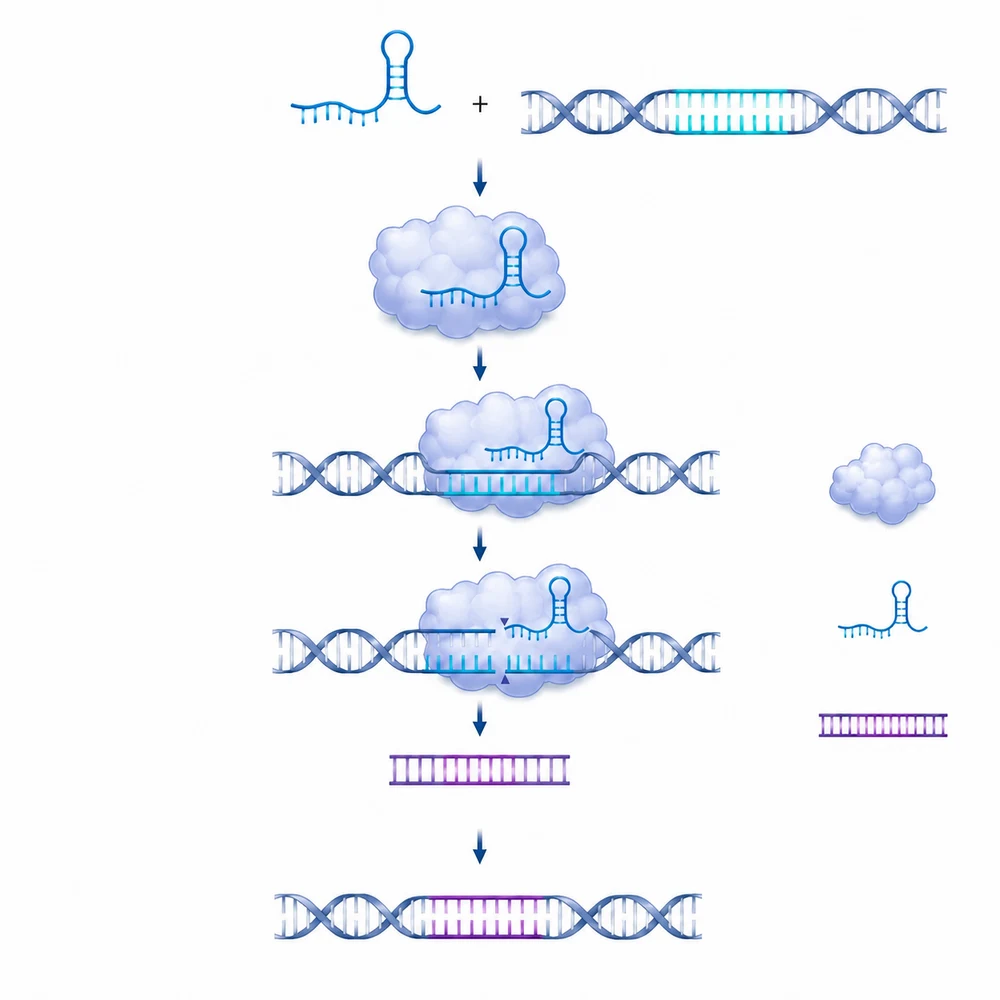
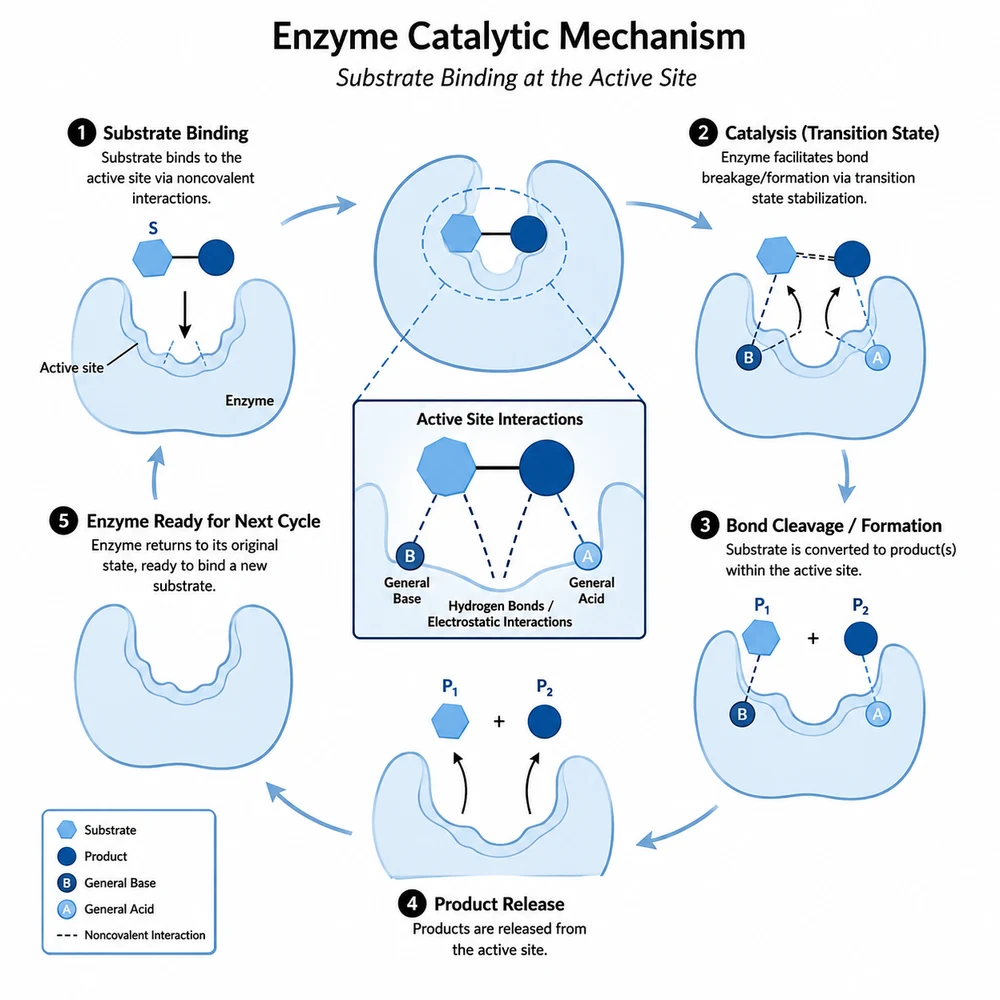
The same diagram in seven palettes

These examples show what each preset looks like on one mechanism diagram. They illustrate palette direction only — they are not a guarantee that your figure will be reproduced with its structure untouched.

Recolor workflow

Swap the palette, then check what else moved

The same mechanism diagram recolored with a restrained journal blue palette1

Upload the figure you already have

This is an image-to-image tool, so sign in first, then upload one finished figure — a panel exported from your plotting code, a schematic from a drawing tool, or an earlier SciFig draft. A clean, high-resolution source with legible text gives the model less room to reinterpret anything.

  • Upload one figure at a time
  • Export at the largest size you have, not a screenshot
  • Flatten overlapping panels before upload
  • Keep the original file and the source data
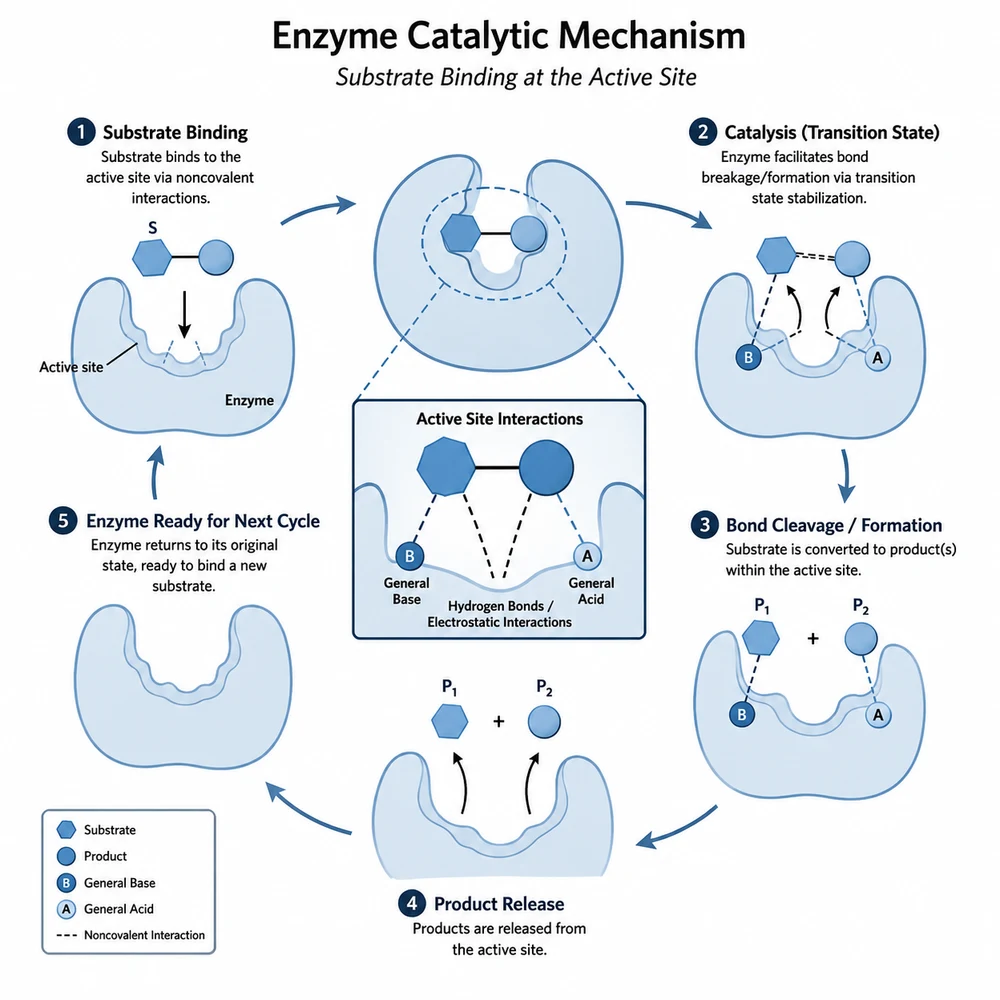
The same mechanism diagram recolored with a single-hue blue palette2

Pick the palette that answers the review comment

Okabe-Ito is the standard answer to a color-blind accessibility comment. Grayscale asks for separable lightness steps rather than hues, which is what black-and-white print needs. Viridis suits an ordered or continuous quantity. Journal blue, warm neutral, and single-hue blue are restrained sets for figures where color carries no meaning, and the high-contrast set targets projection. If you need specific colors, put the hex codes in the free-text box.

  • Check every label and scientific term
  • Verify arrows, structures, and causal relationships
  • Compare the draft with the source data or manuscript
The same mechanism diagram recolored with a high-contrast palette for projection3

Compare the result against the original

The instruction sent to the model asks for a color change only, but image generation can still shift text, thin a line, or nudge a shape. Put the two images side by side and check every label, axis tick, arrow, and legend entry. Where a category mapping matters, confirm that the group that was blue before is the group that is blue now. Fix anything that drifted in an editor rather than regenerating and hoping.

  • Read every label and number against the original
  • Confirm the legend still matches the correct series
  • Check the figure at print size and in grayscale
  • Re-export from your source file if the drift is large

Recoloring is image processing — declare it

This tool is intended to change color only; it does not alter, add, or reinterpret your data, and it cannot verify that the underlying numbers are correct. Because the output is produced by an image model, it can still change details it was told to preserve, so verify the result against the original before use. Most journals require that any image processing applied to a published figure be described in the figure legend or methods, and that the unprocessed original and the source data be retained. Do not use recoloring to obscure, merge, or emphasize a difference that the data does not support.

Figure recolor questions

Recolor a figure

Sign in, upload the figure you already have, and apply a color-blind-safe or grayscale-safe palette.