Conversational figure editing

Edit a scientific figure by saying what to change

Most figure work is not the first draft — it is the twenty small revisions after it. Describe the change in plain language and the agent applies it to the figure you already have, instead of rolling the dice on a new one.

Start with a draft, then revise it

Generate a first figure here, then continue in SciFig Agent where each follow-up edits the image you already have rather than starting over.

0/2000

Zum Generieren ist eine Anmeldung erforderlich – schreiben Sie zuerst Ihren Prompt, dann nach der Anmeldung generieren.

Multiple AI models

GPT Image 2, Nano Banana, Seedream 5, Flux 2 Pro and more — pick the right one per figure.

Up to 4K export

Render at 1K, 2K or 4K for print-ready manuscript output.

Text & sketch to figure

Start from a prompt, or refine a rough hand-drawn sketch.

Free to start

Free account in seconds — every figure is saved to your private history.

Conversational figure editing

What revision looks like

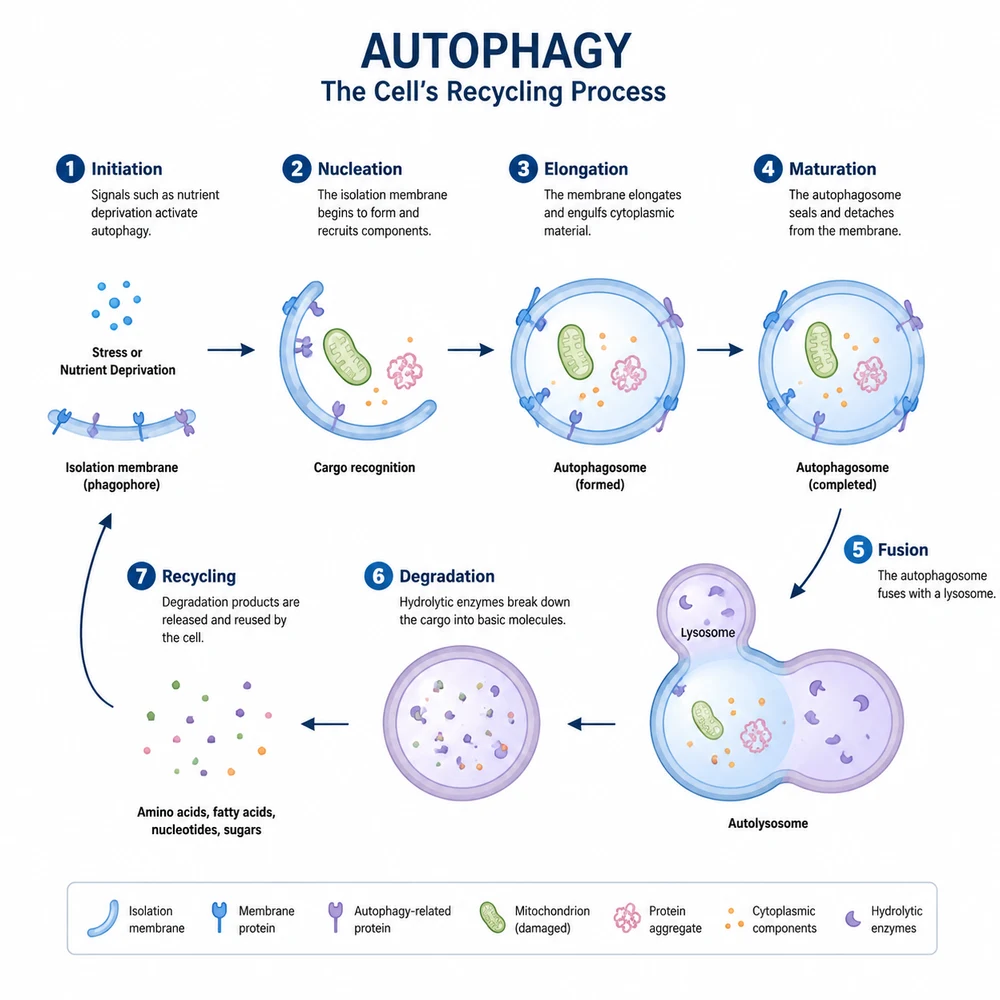
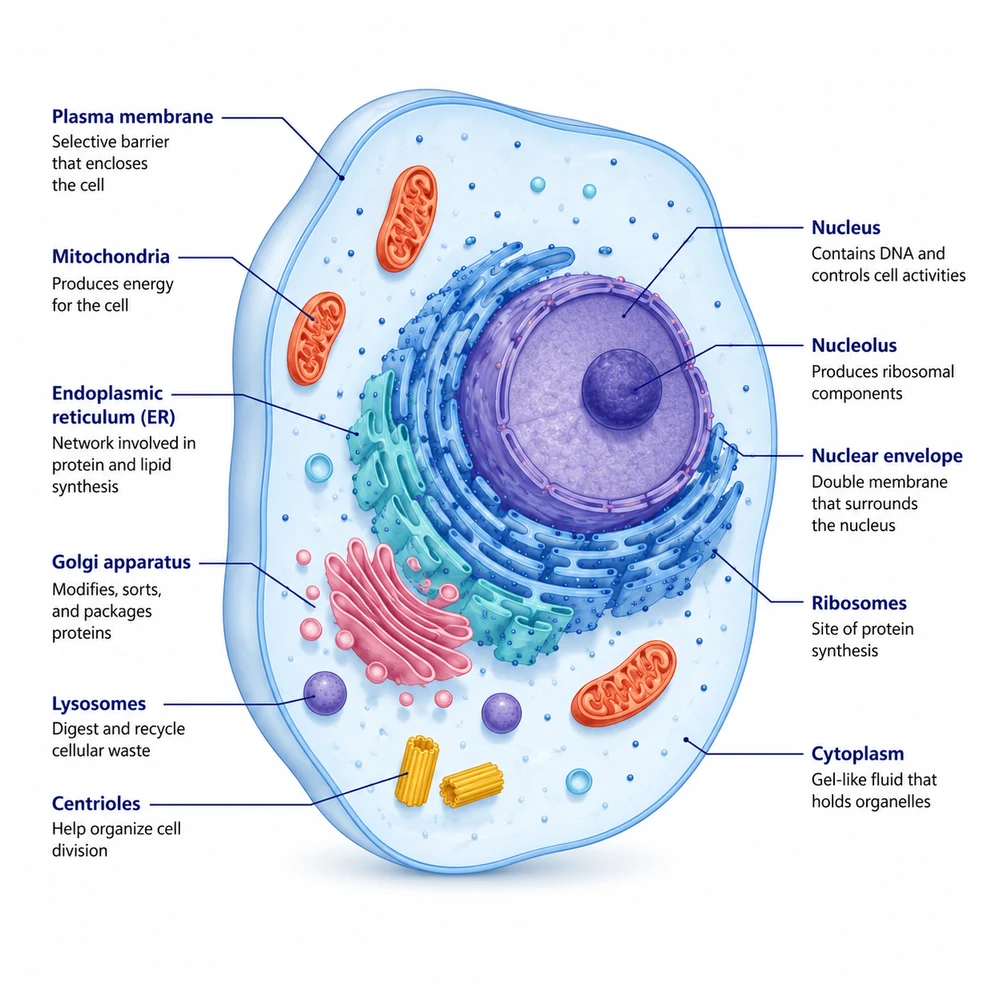
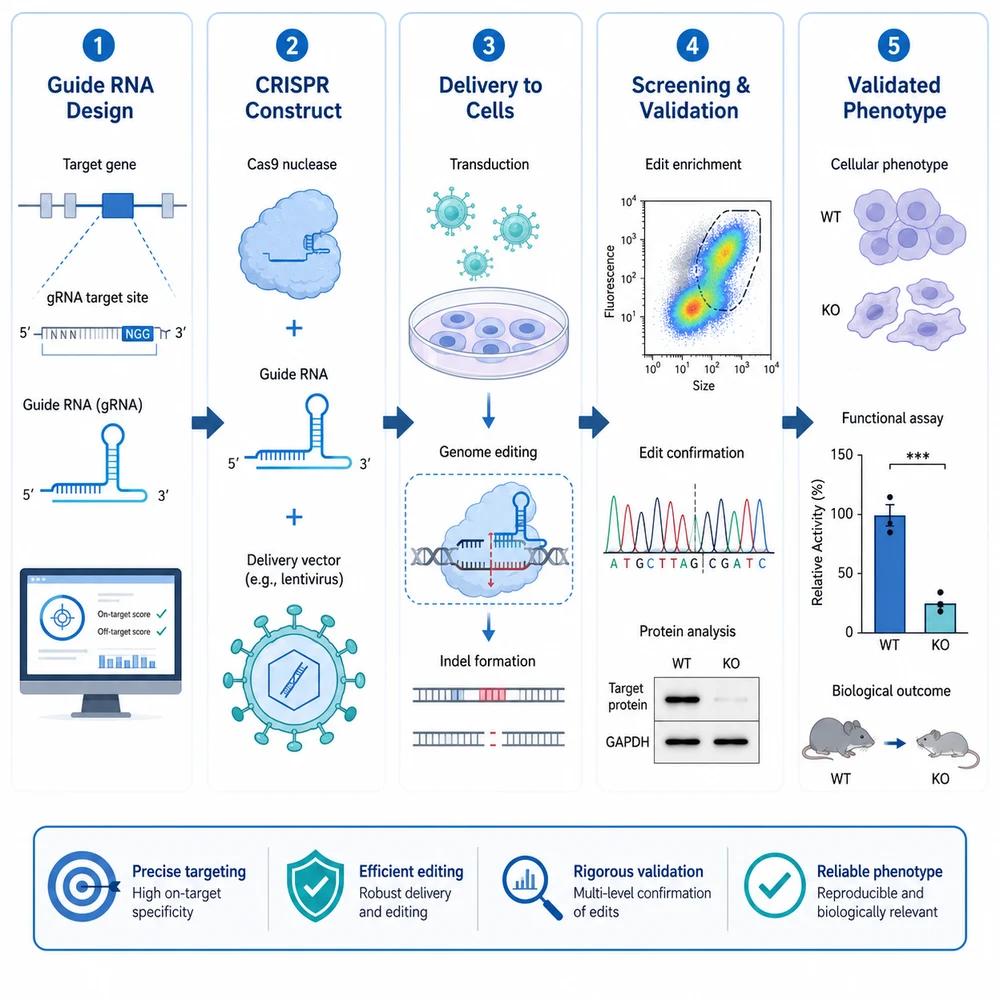
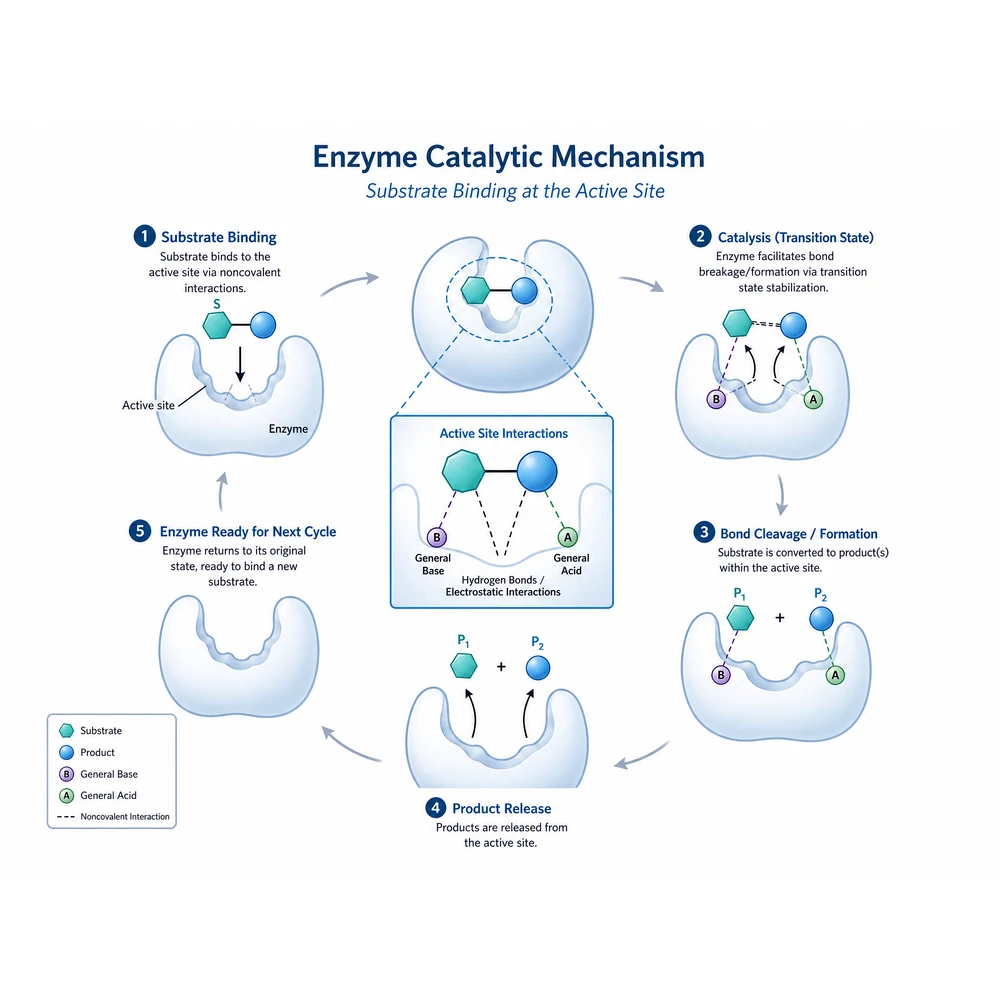
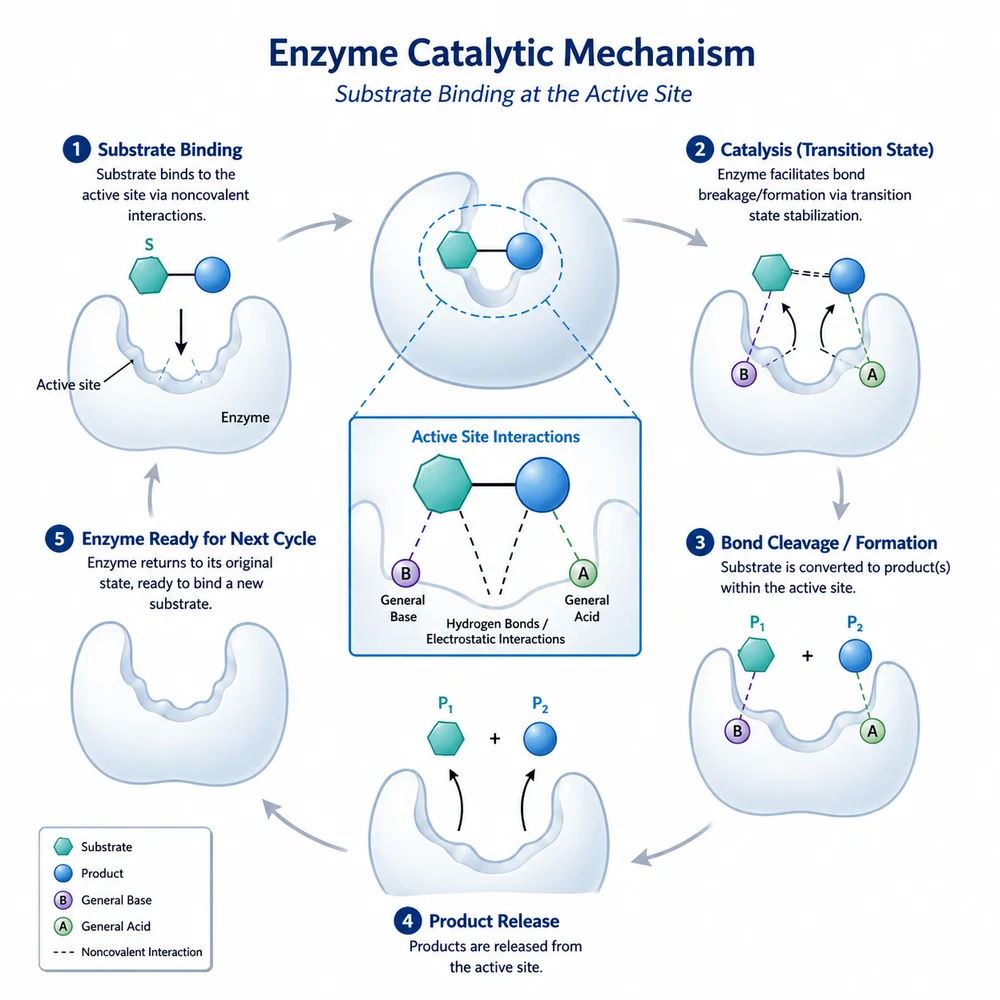
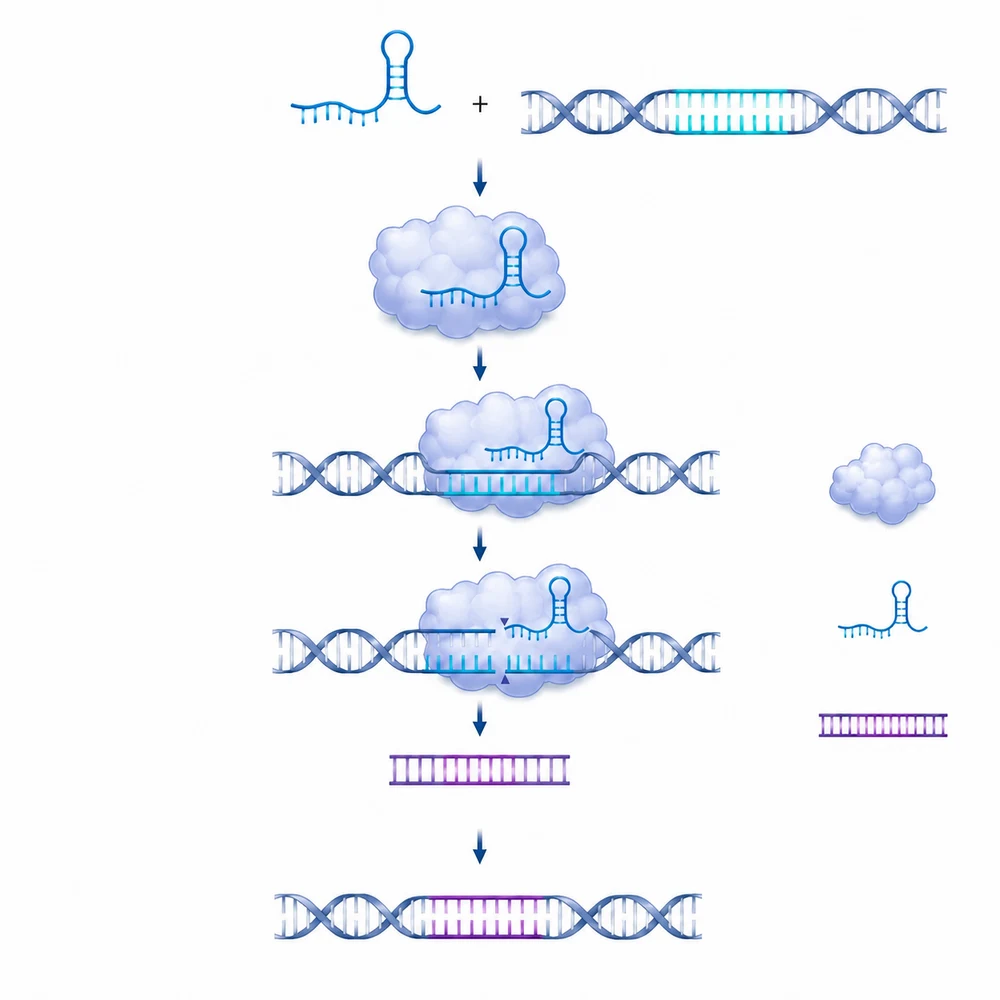
Generated examples of the states a figure passes through — first draft, journal palette, rearranged panels, merged inputs. They illustrate the workflow, not verified science; the labels in any output still need reading before submission.

How it works

Revision as a conversation, not a new roll of the dice

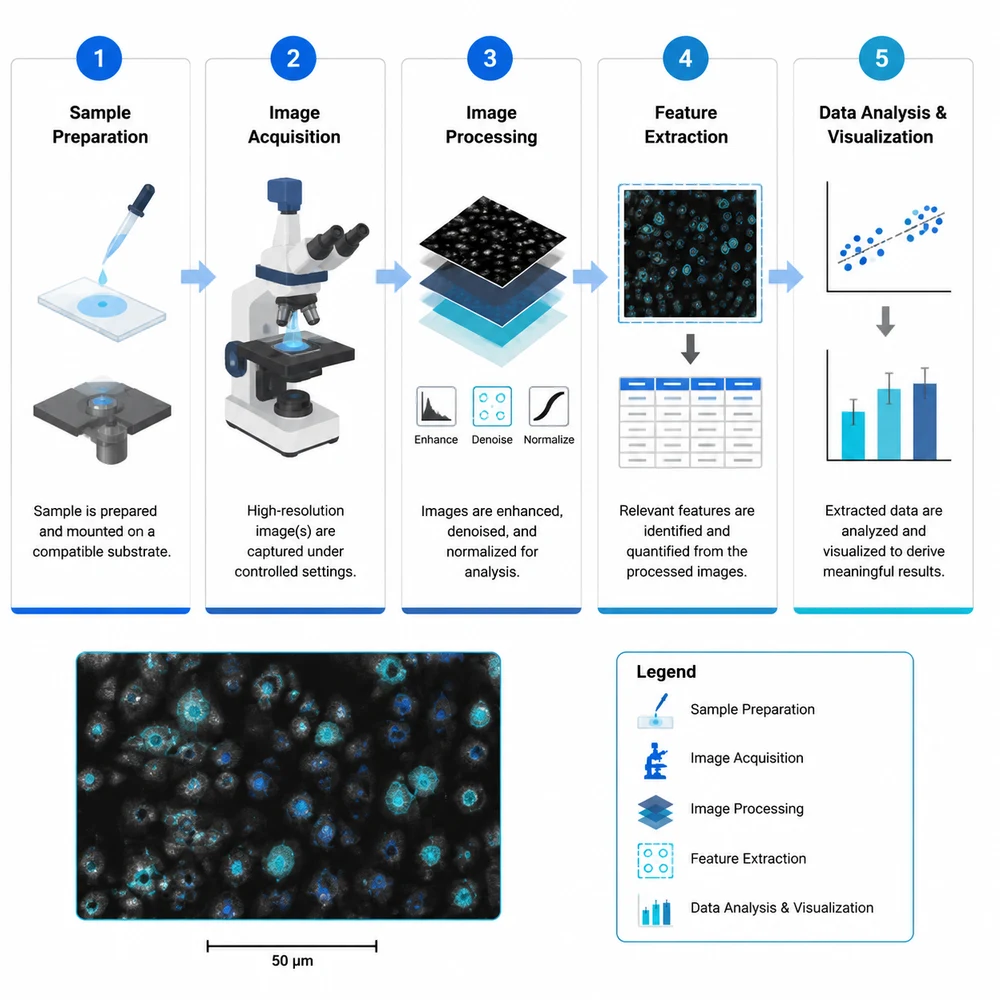
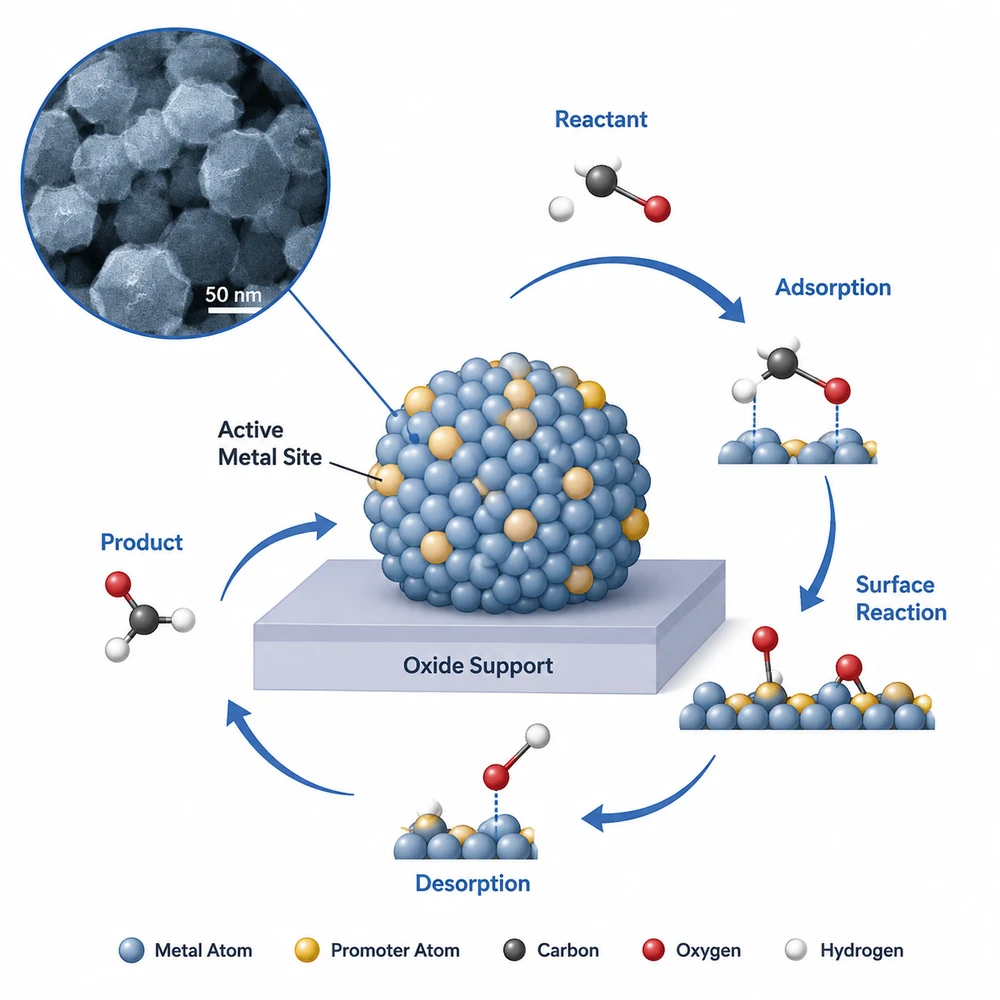
AI-generated composite figure combining a micrograph inset with a mechanism diagram1

Why a second prompt is not an edit

Typing a new prompt into a generator produces a new figure. Even with the same wording you get different arrows, different spacing, different label positions — so the one thing you liked about the last draft is gone. Editing means the previous image goes back in as the starting point, and only what you asked about changes.

  • The figure you are revising is passed back to the model as a source image, not described to it in words.
  • Layout, palette and labels you did not mention are carried over rather than regenerated.
  • The whole conversation stays available, so a change three turns later can still refer to "the first version".
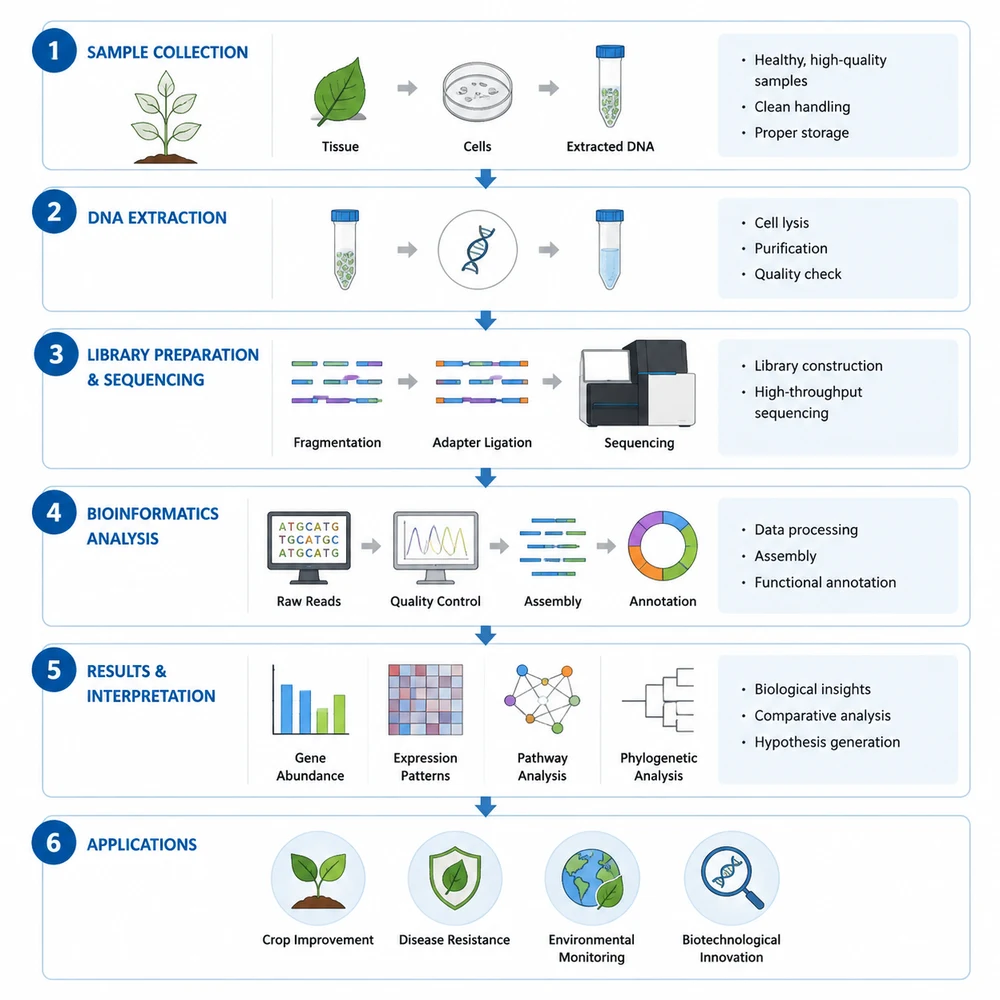
AI-generated figure redrawn in a portrait layout for a poster2

The revisions researchers actually ask for

The requests that come up repeatedly are small, specific and visual. They are also the ones that are tedious to re-specify from scratch in a fresh prompt.

  • Recolour to a journal-appropriate palette without touching the layout.
  • Move the legend, resize a panel, or switch to a portrait layout for a poster.
  • Relabel a node, correct a gene name, or add panel letters.
  • Merge two images — a micrograph plus a schematic, or a result panel plus a workflow — into one composite.
AI-generated experimental workflow figure with a scale bar and legend3

Combining more than one image

Composites are where prompt-only tools break down, because the request refers to two pictures at once. Attach an image and ask for it to be placed into a figure you already have, and both go to the model together — the uploaded one and the one from earlier in the conversation.

  • Upload a micrograph, gel image, or hand-drawn sketch and combine it with a generated schematic.
  • Refer to earlier figures by what they are — the agent tracks every image the conversation has produced or been given.
  • If an attachment would have been ignored, the request is refused before any credits are spent rather than quietly producing the wrong figure.
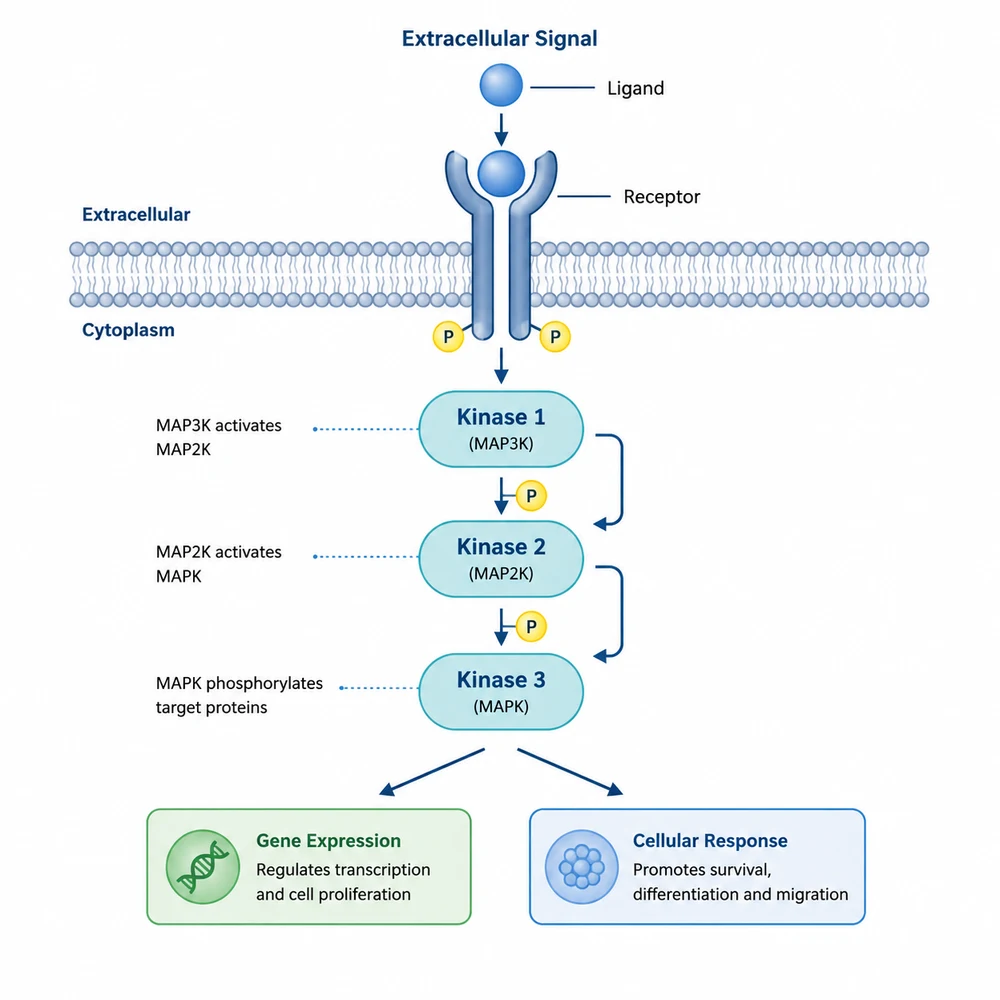
AI-generated signalling pathway figure in default colours4

What still needs your eyes

Image models write text by drawing it, so every label is a guess at spelling. This does not improve with revision, and it is the single most common reason a generated figure cannot be submitted as-is.

  • Read every gene name, unit and axis label against your own source.
  • Check that arrow direction matches the mechanism you intend to claim.
  • Treat the output as a draft for a figure, not as evidence — the underlying data remains the thing under review.

Accuracy and disclosure

Figures produced here are visual drafts generated by an image model. They do not encode your data and they are not verified against it. Check every label before use, and follow your target journal's policy on disclosing AI-assisted figure preparation — several now require a statement in the methods or acknowledgements.

Questions about editing figures

Revise a figure instead of regenerating it

Open SciFig Agent, generate a first draft, then keep asking for changes until the figure is the one you meant.