
SciFig tools
Scientific figure tools, organized by the work you need to do
Start generating, work within a biology use case, or check submission specifications before export.
- 20
- Focused workflows
- 8
- Research disciplines
- 3
- Image models
Collection 01
Create a research figure
Turn a research story into a visual draft you can inspect and refine.
 AI generator
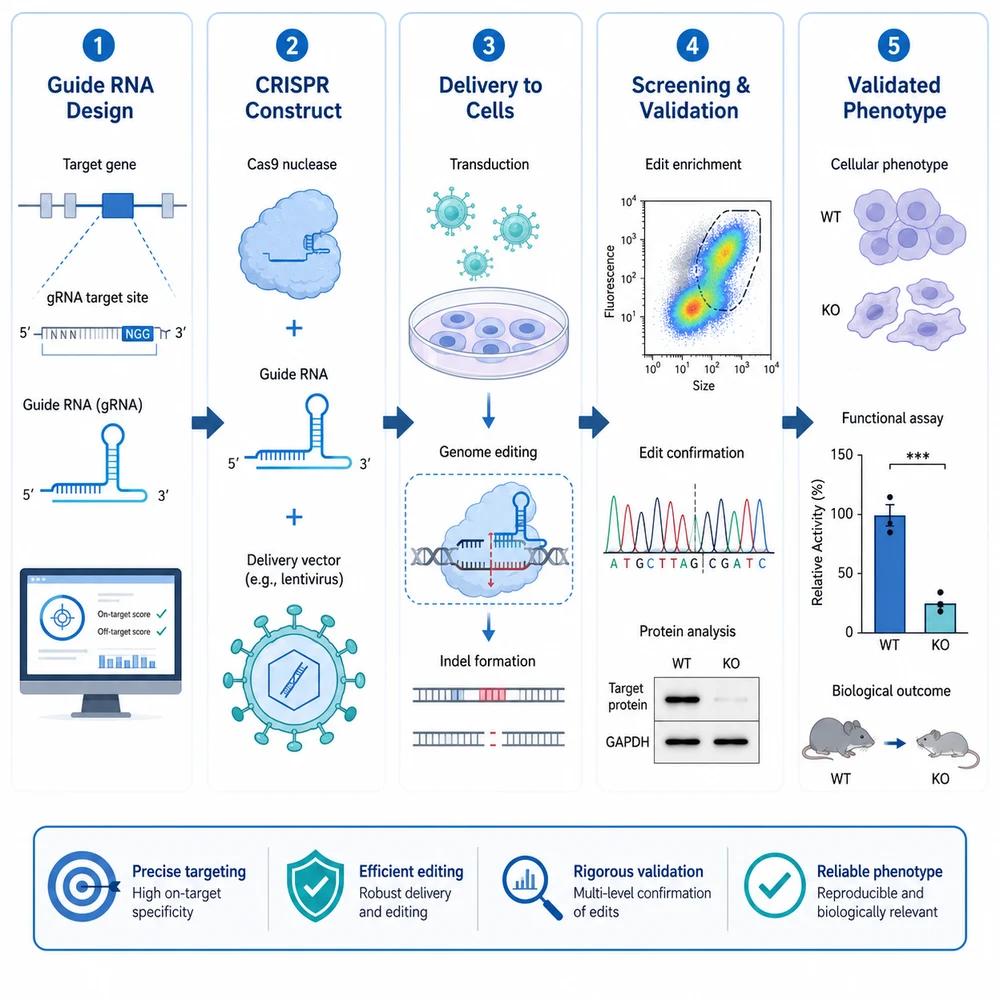
Graphical Abstract Generator
Turn a research story into a clear, editable visual starting point.
 AI generator
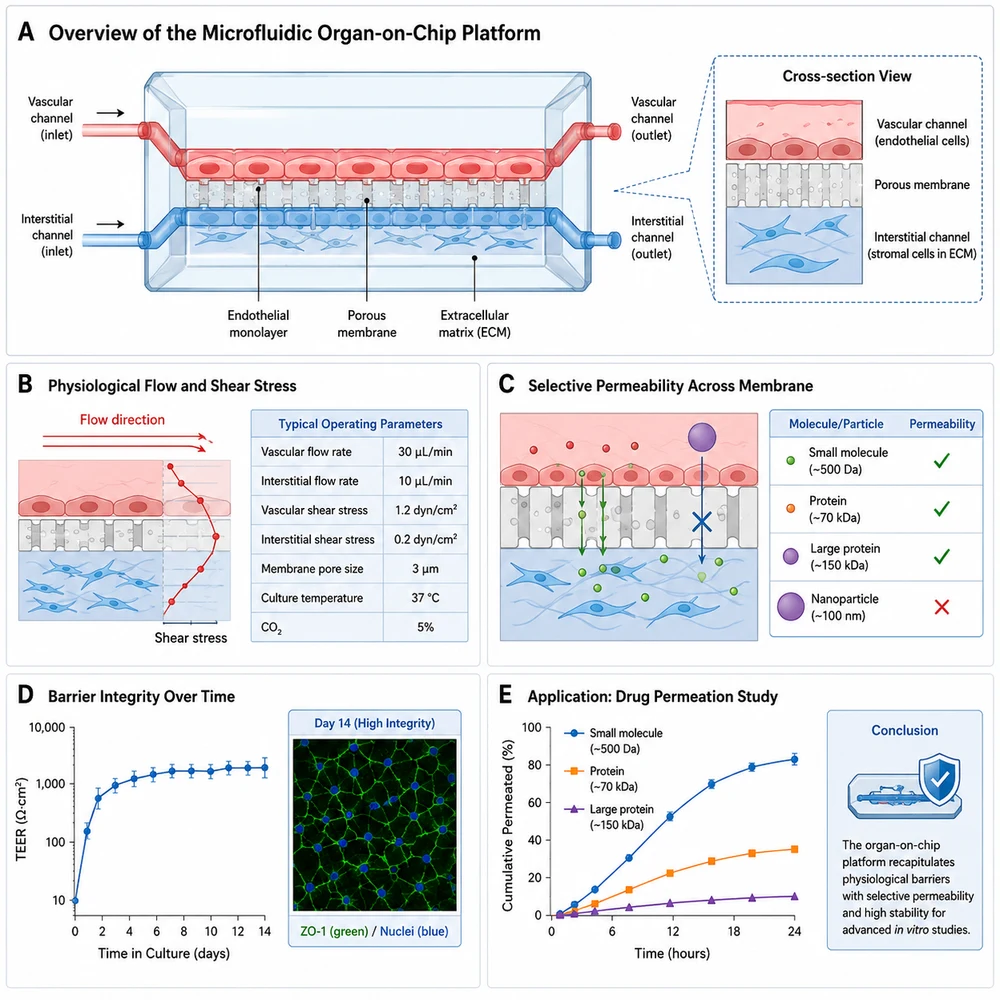
Scientific Figure Generator
Create visual drafts for mechanisms, workflows, and research communication.
 AI generator
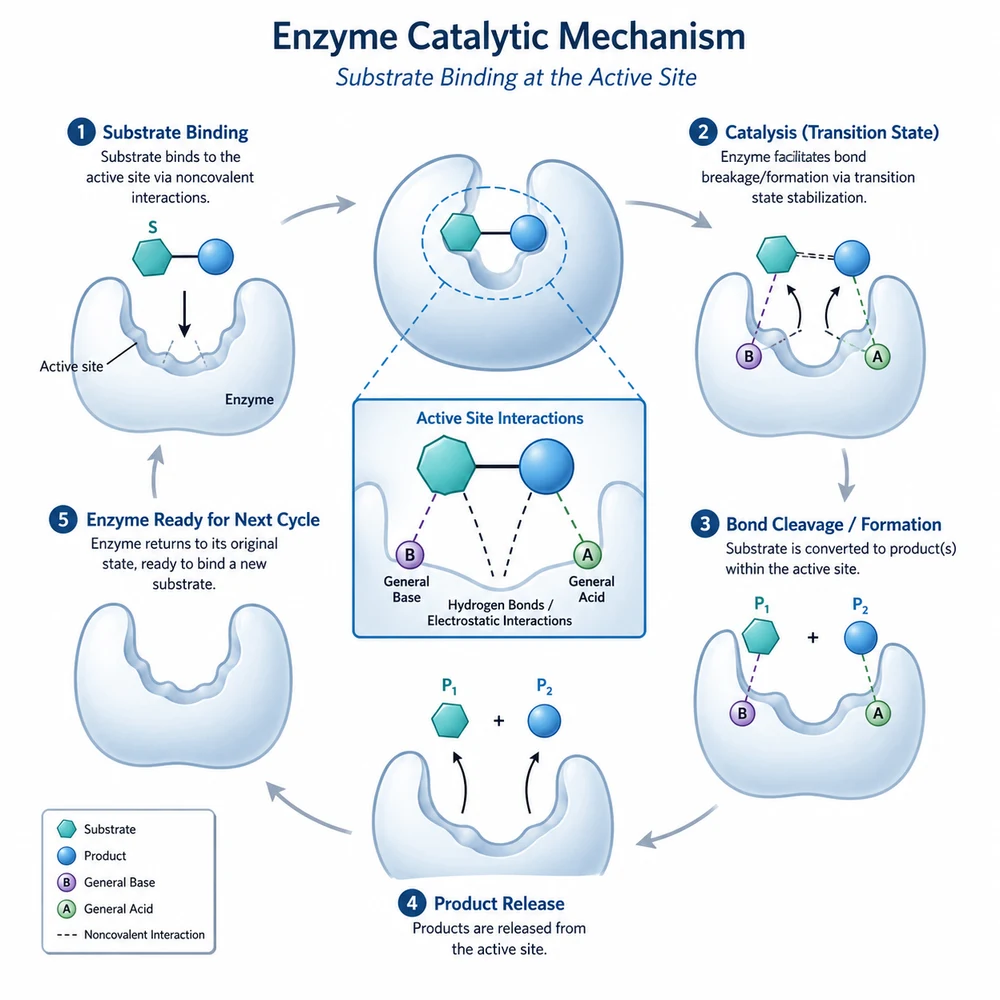
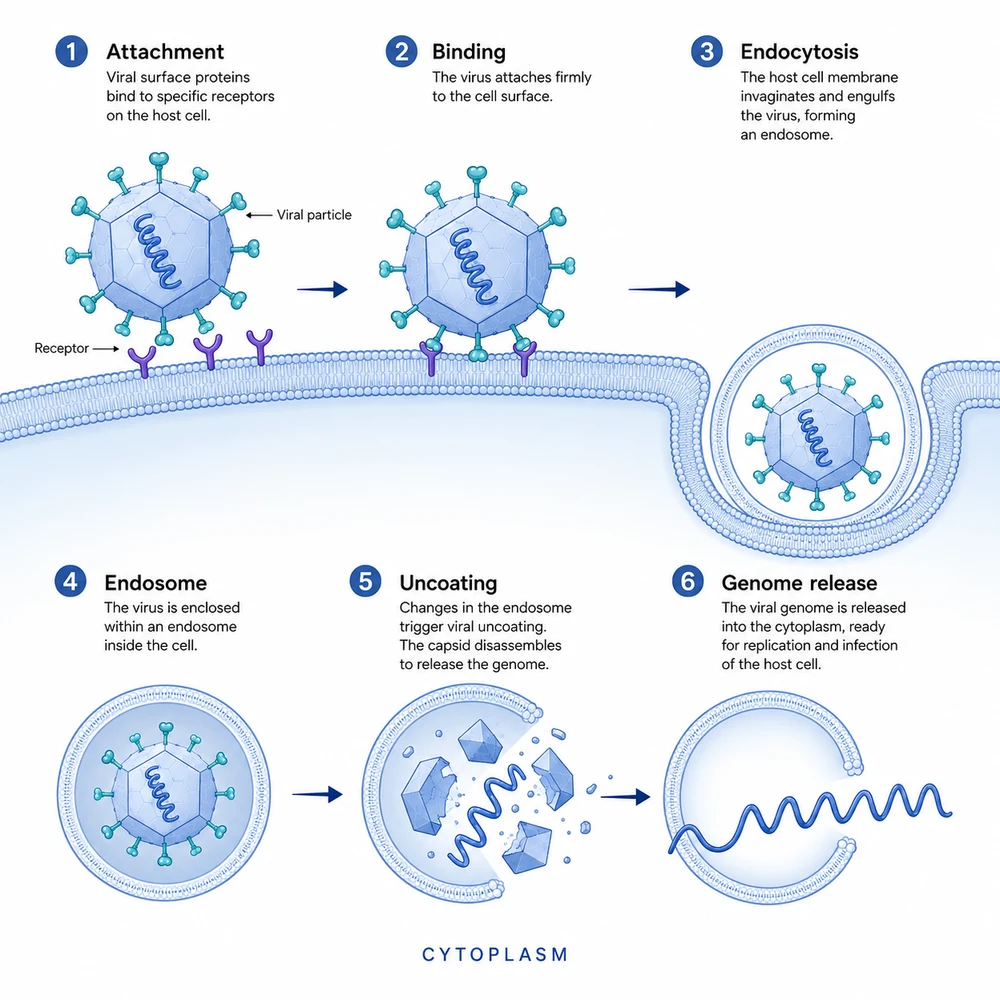
Mechanism Diagram Generator
Draft causal mechanisms with stages, compartments, and reviewable arrows.
 AI generator
Pathway Diagram Generator
Explore signaling and metabolic pathway layouts from structured prompts.
 AI generator
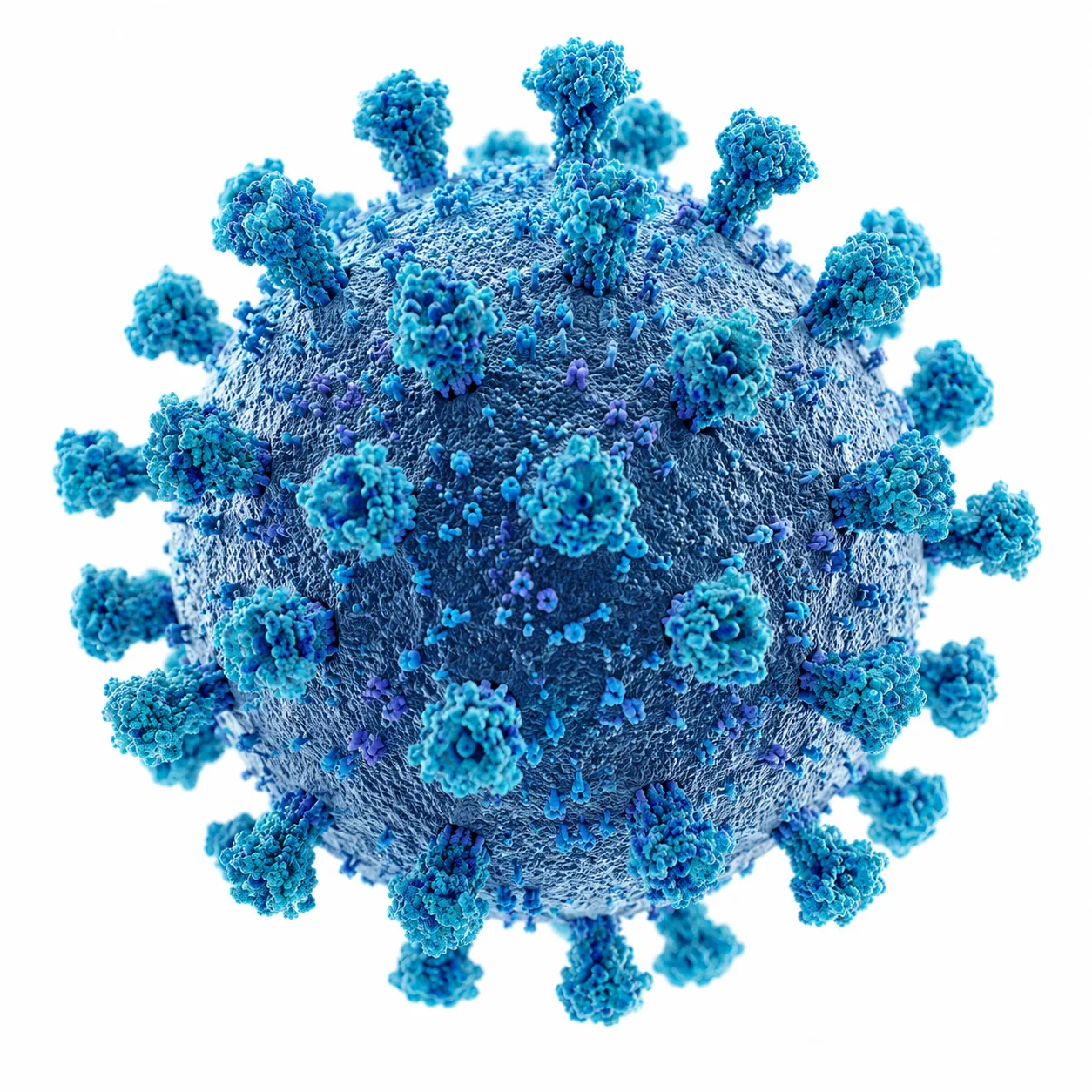
Journal Cover Generator
Develop visual concepts for journal cover proposals and research highlights.
 AI generator
Scientific Illustration Generator
Create conceptual scientific illustrations with explicit accuracy safeguards.
Collection 02
Work by discipline
Start from examples and guidance specific to a research domain.
 AI generator
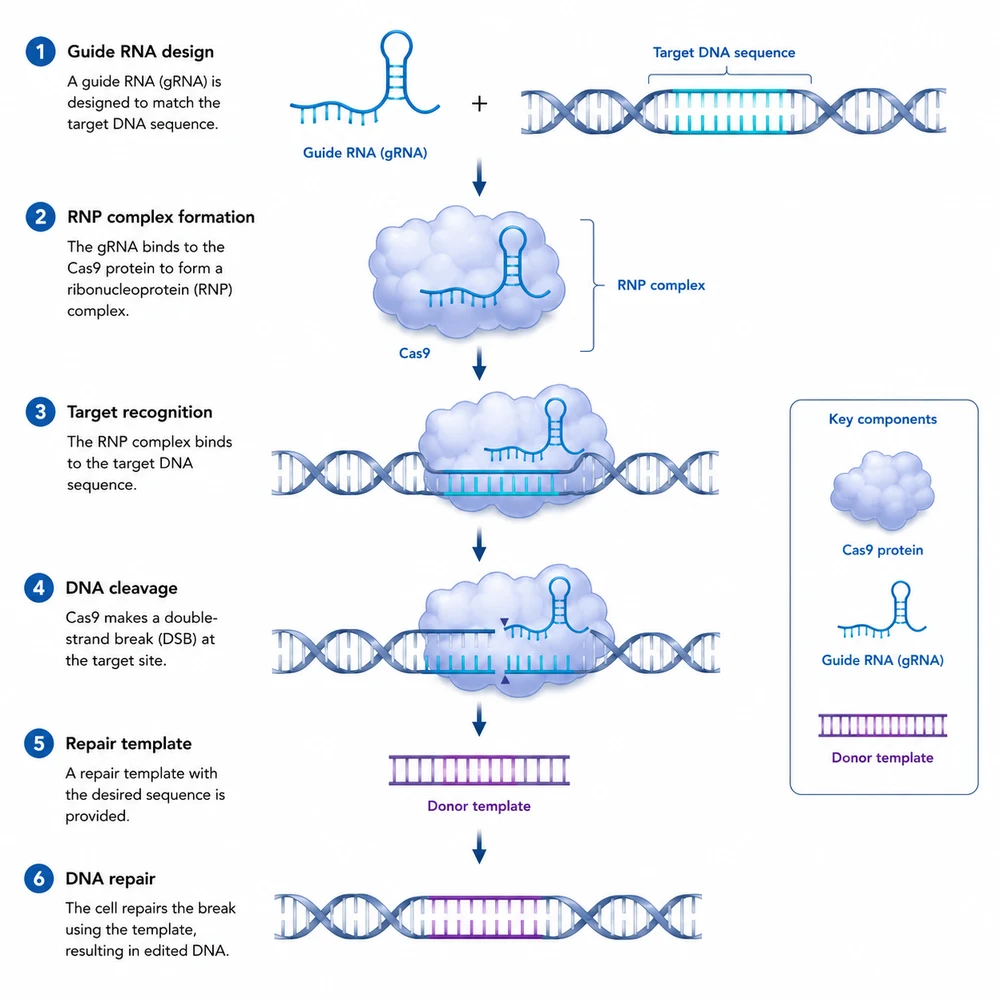
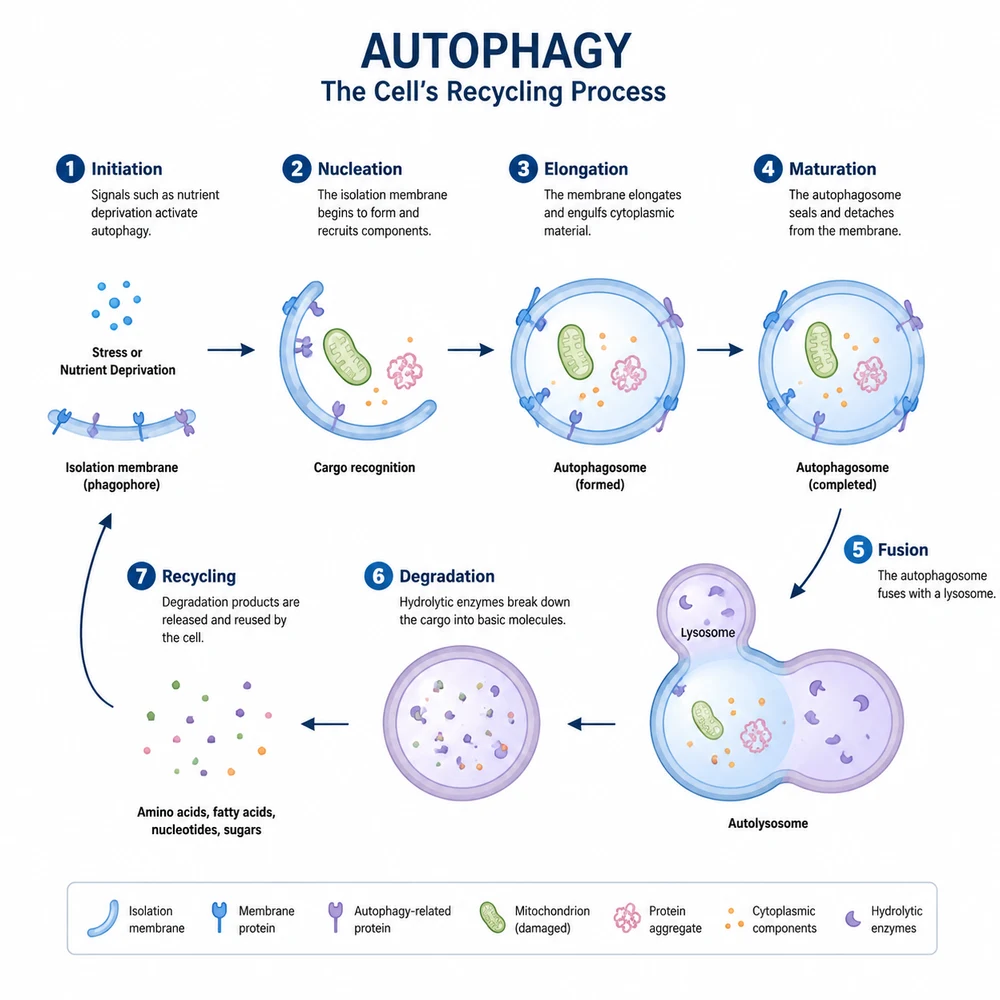
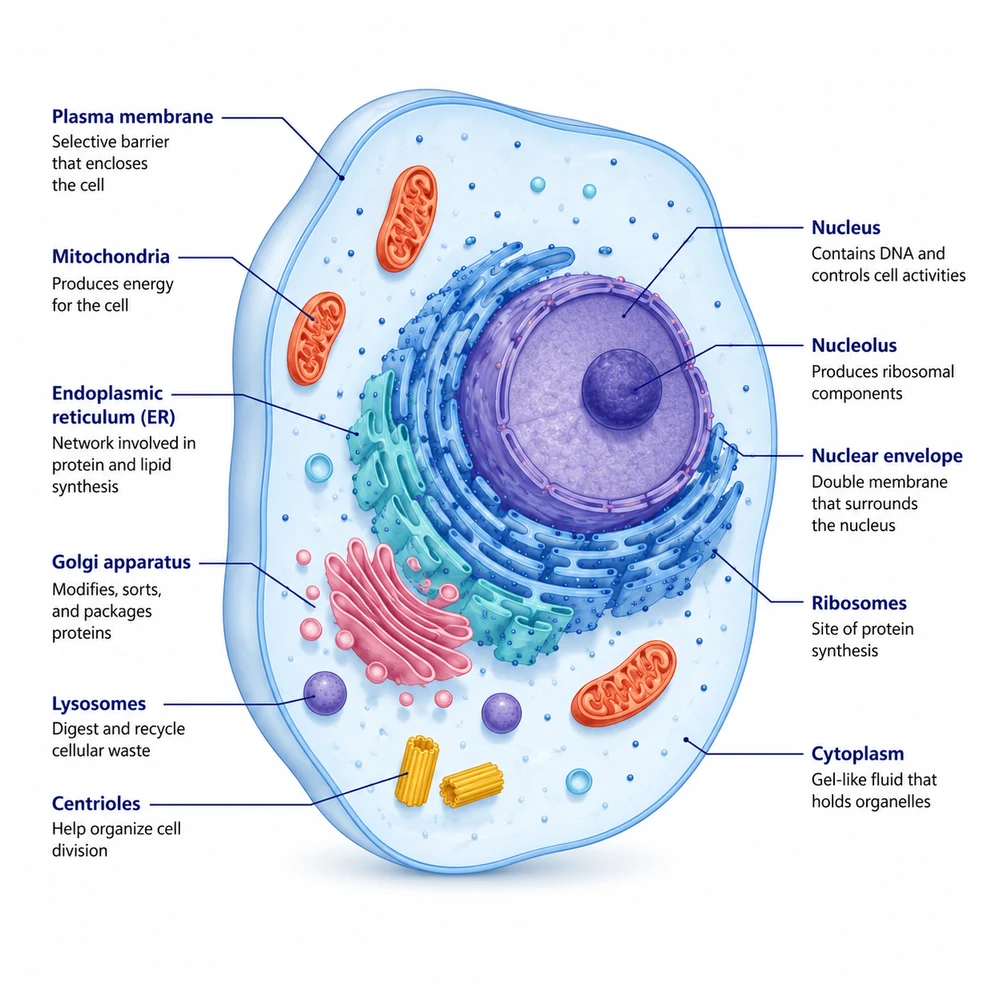
Biology Figure Generator
Draft pathways, cell processes, and experimental workflows from text.
 AI generator
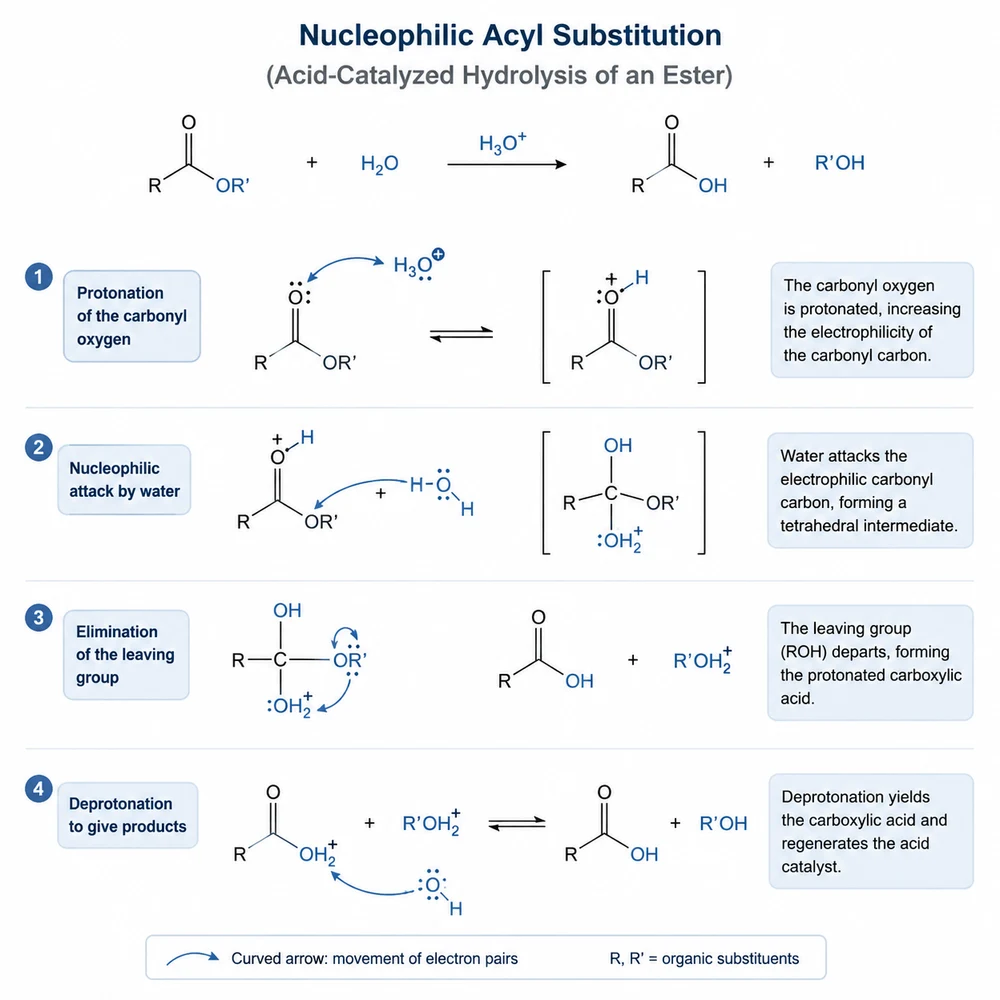
Chemistry Figure Generator
Draft reaction concepts and chemistry workflows while preserving expert review.
 AI generator
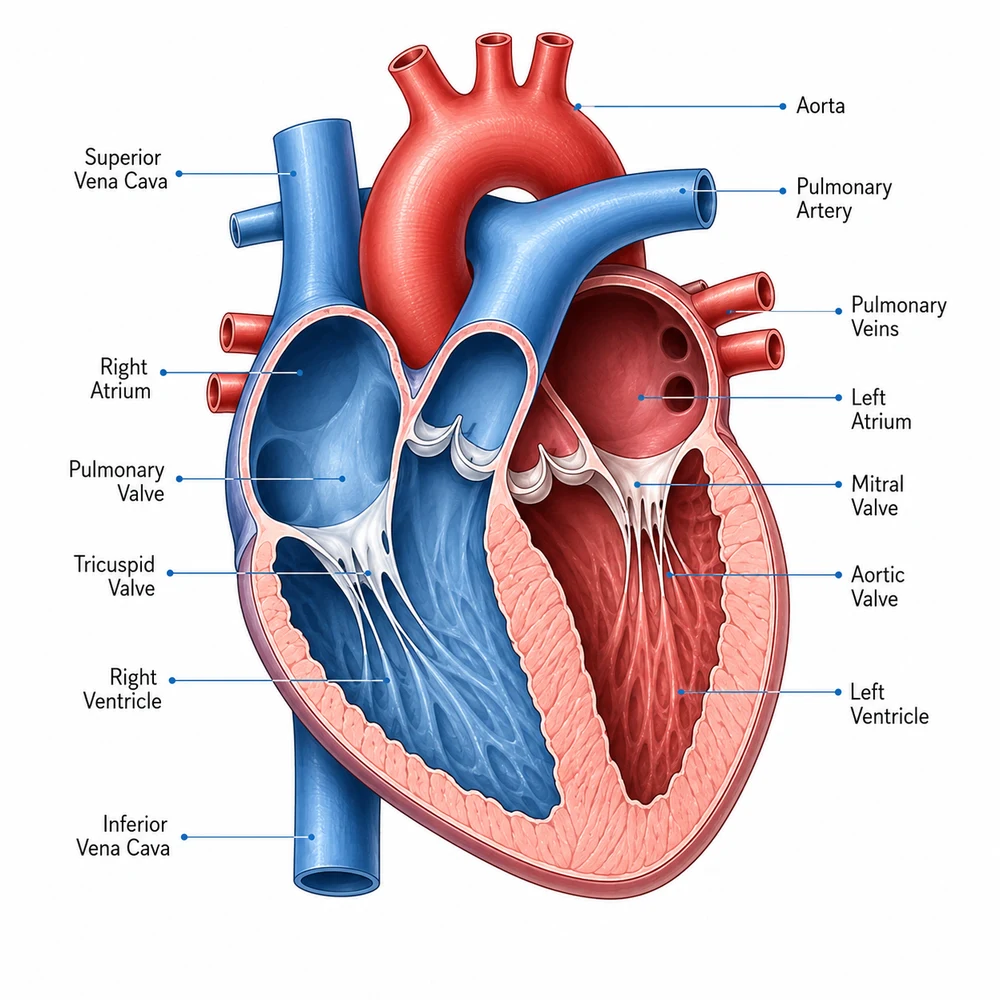
Medical Illustration Generator
Create educational medical-visual drafts with privacy and non-diagnostic guidance.
 AI generator
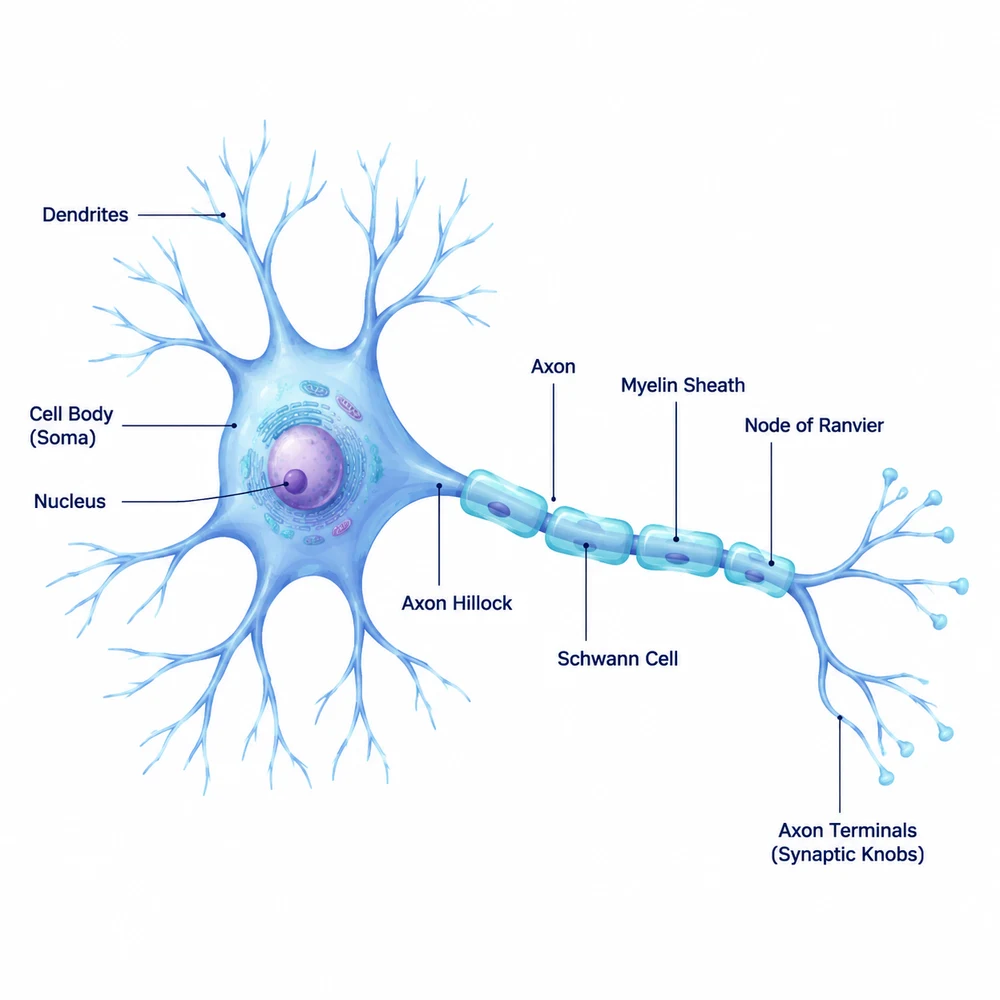
Neuroscience Figure Generator
Draft neural circuits, brain-region concepts, and experimental workflows.
 AI generator
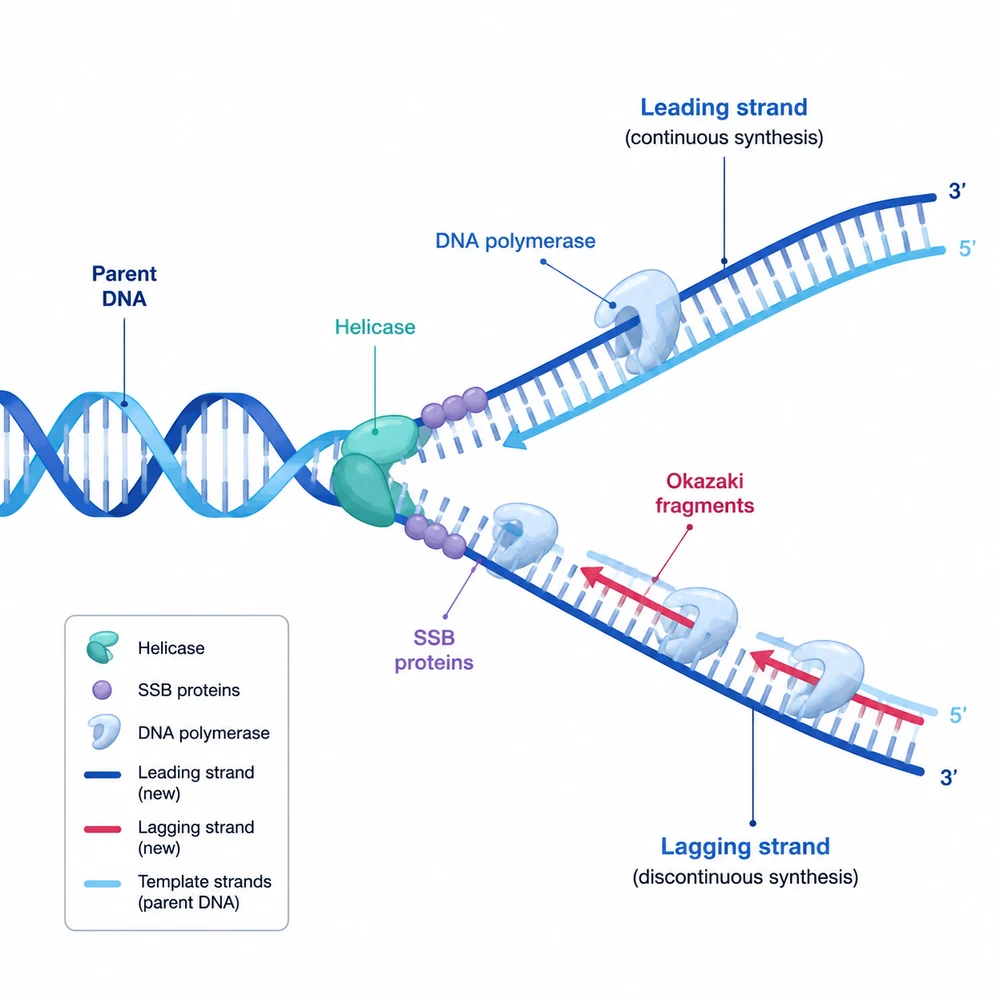
Molecular Biology Figure Generator
Visualize transcription, translation, regulation, and molecular workflows.
 AI generator
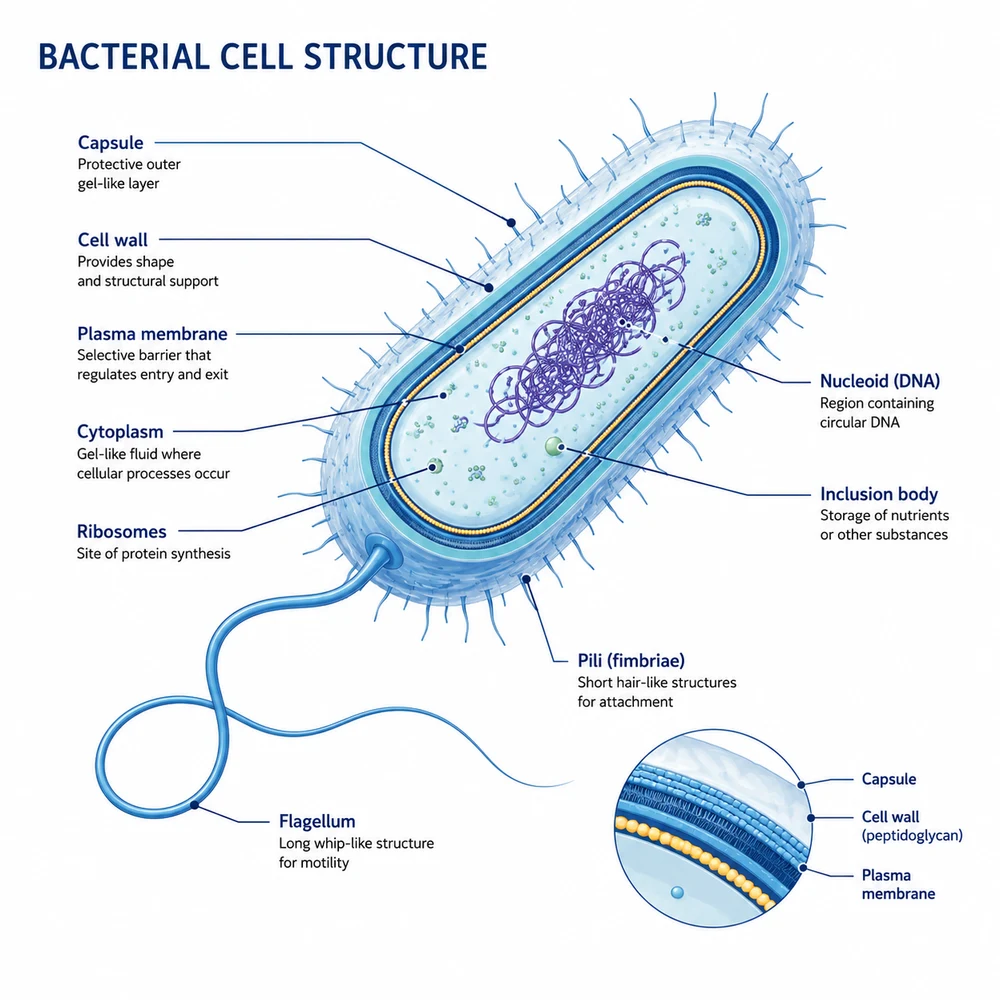
Microbiology Figure Generator
Draft microbial structures, infection processes, and laboratory workflows.
 AI generator
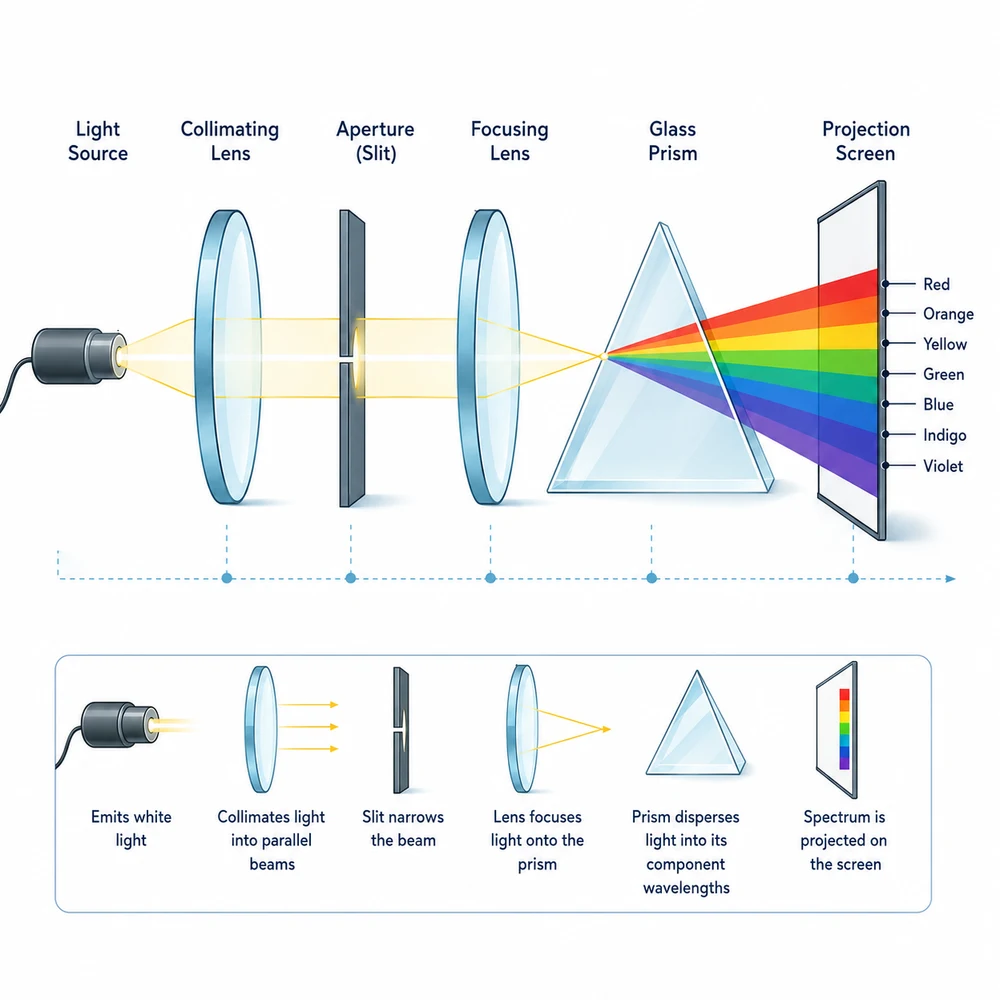
Physics Diagram Generator
Explore experimental apparatus, fields, forces, and conceptual diagrams.
 AI generator
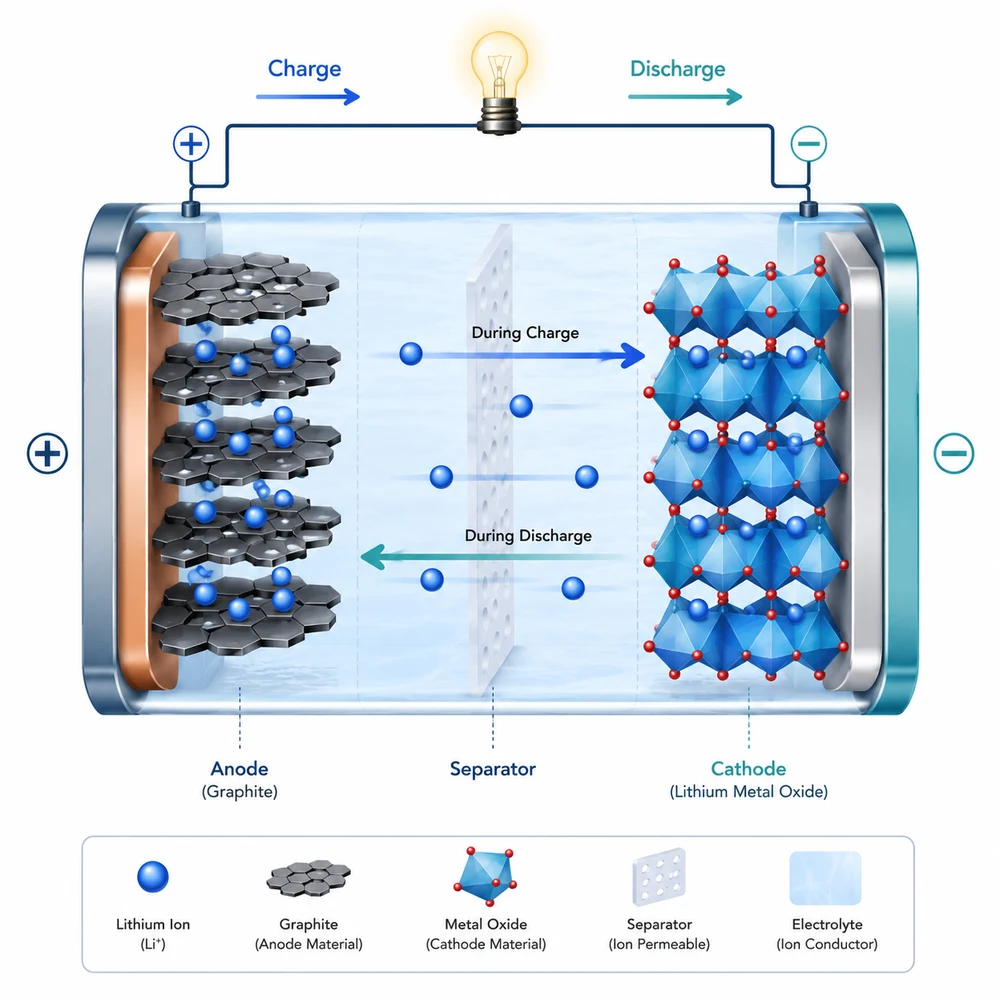
Materials Science Figure Generator
Draft battery, lattice, processing, and structure-property visuals.
Collection 03
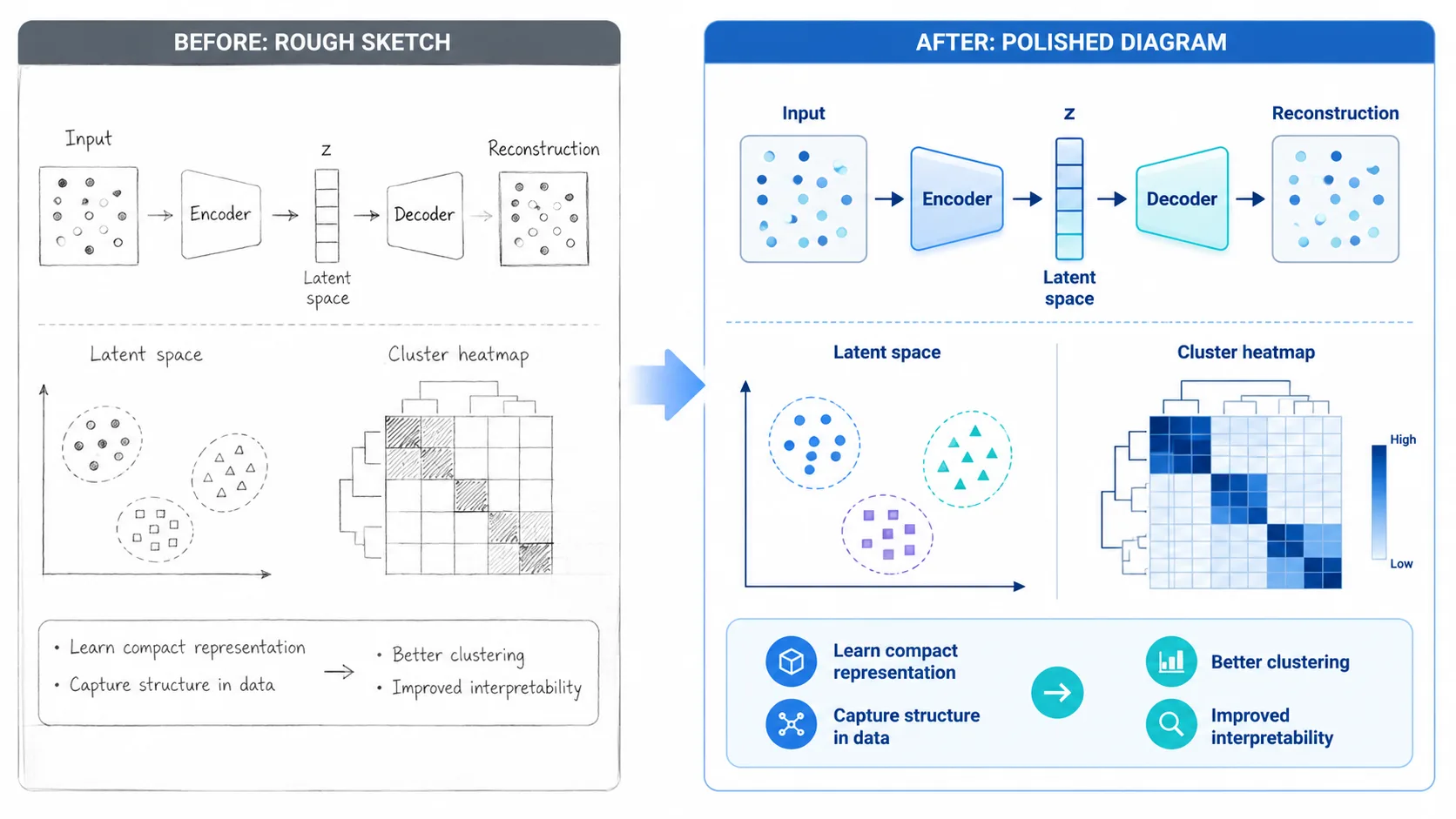
Choose an input workflow
Start from a written research story or an uploaded sketch.
Collection 04
Compare workflows
Choose a tool based on verifiable capabilities, licenses, and editing needs.
Collection 05
Prepare for submission
Check requirements and make informed export decisions.
 Guide
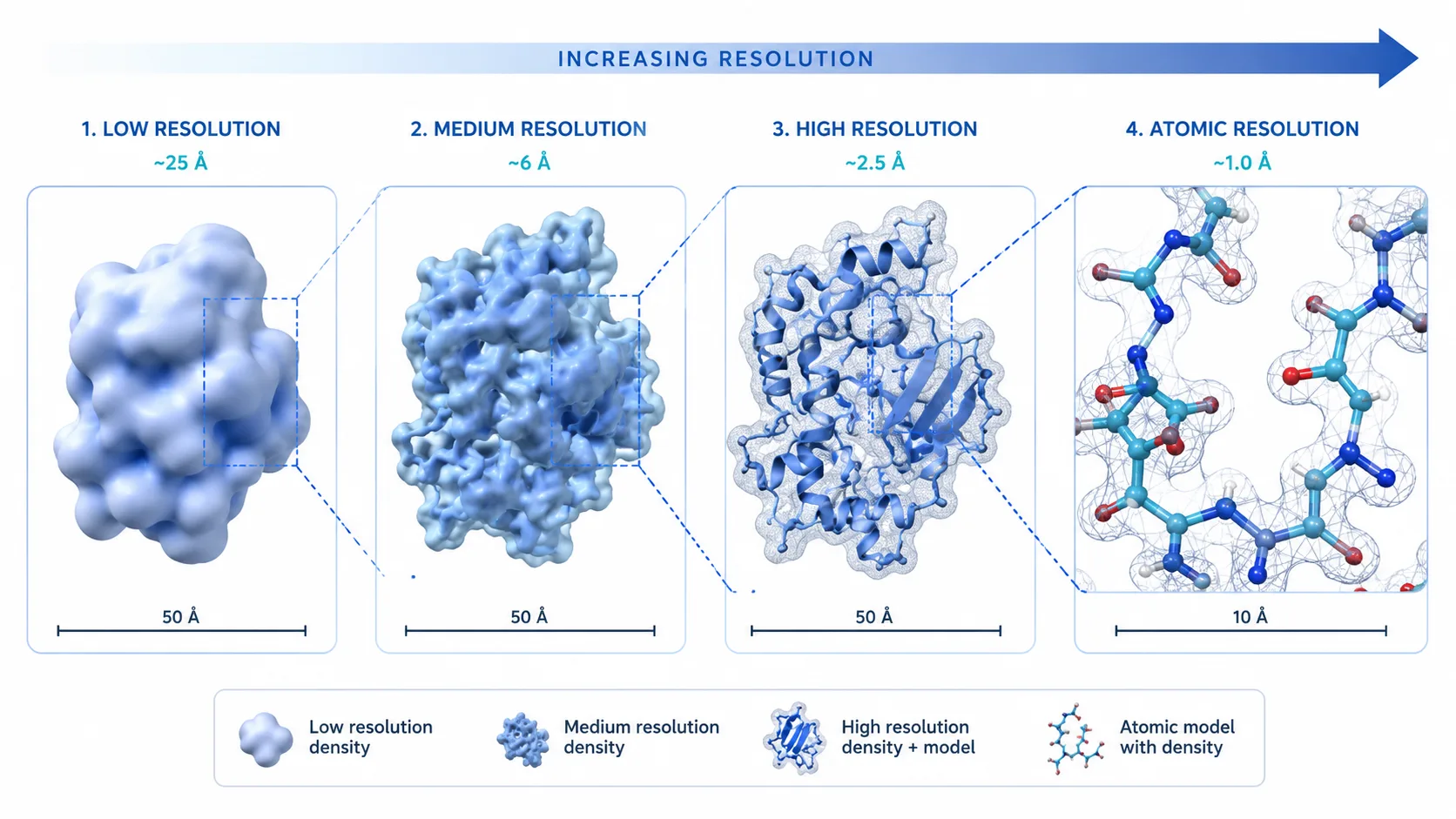
GuideGraphical Abstract Size Guide
Compare official size and resolution requirements before submission.
 Guide
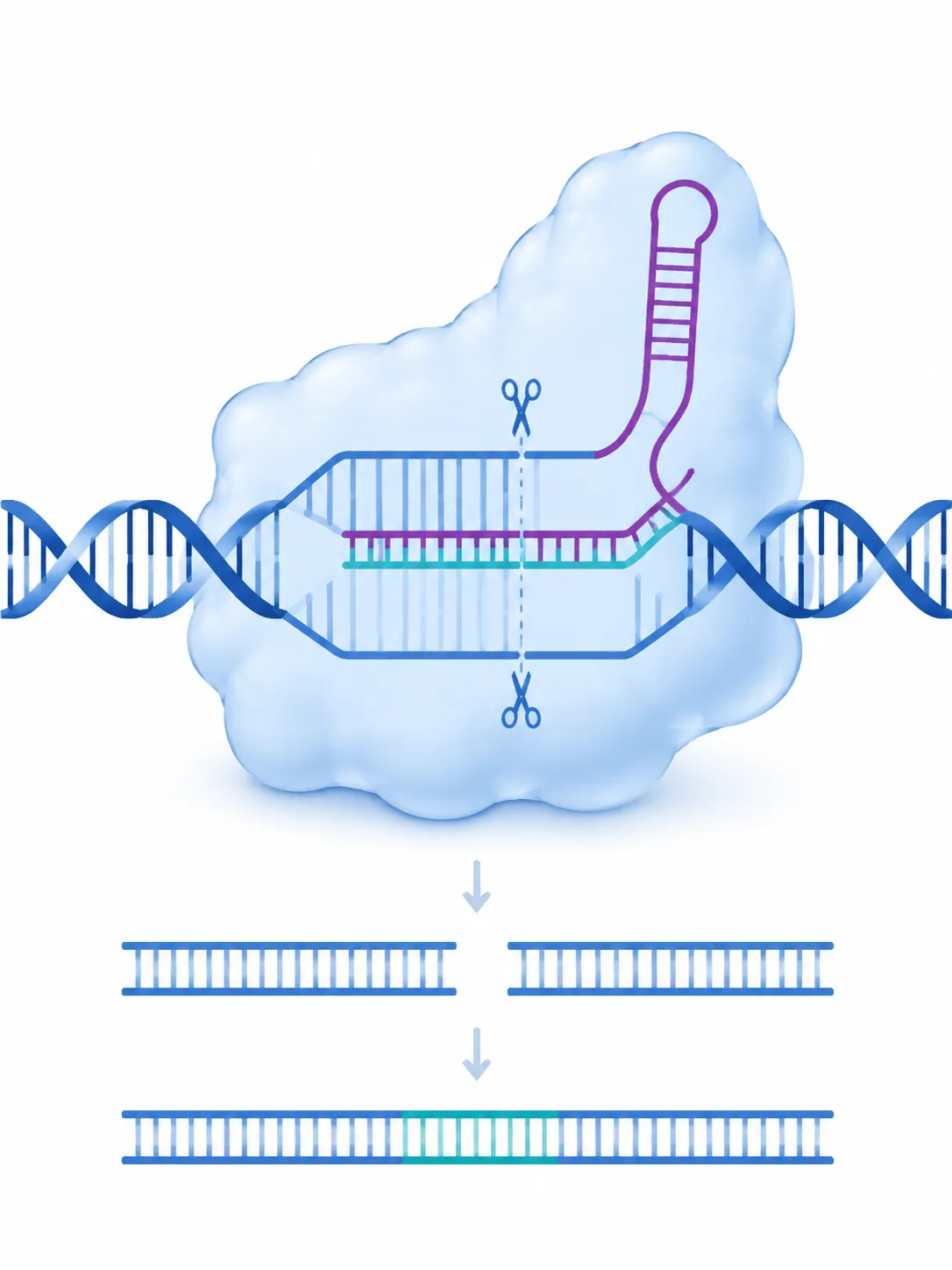
GuideGraphical Abstract Examples
Study useful layouts, prompts, and review notes from labeled AI examples.
 Guide
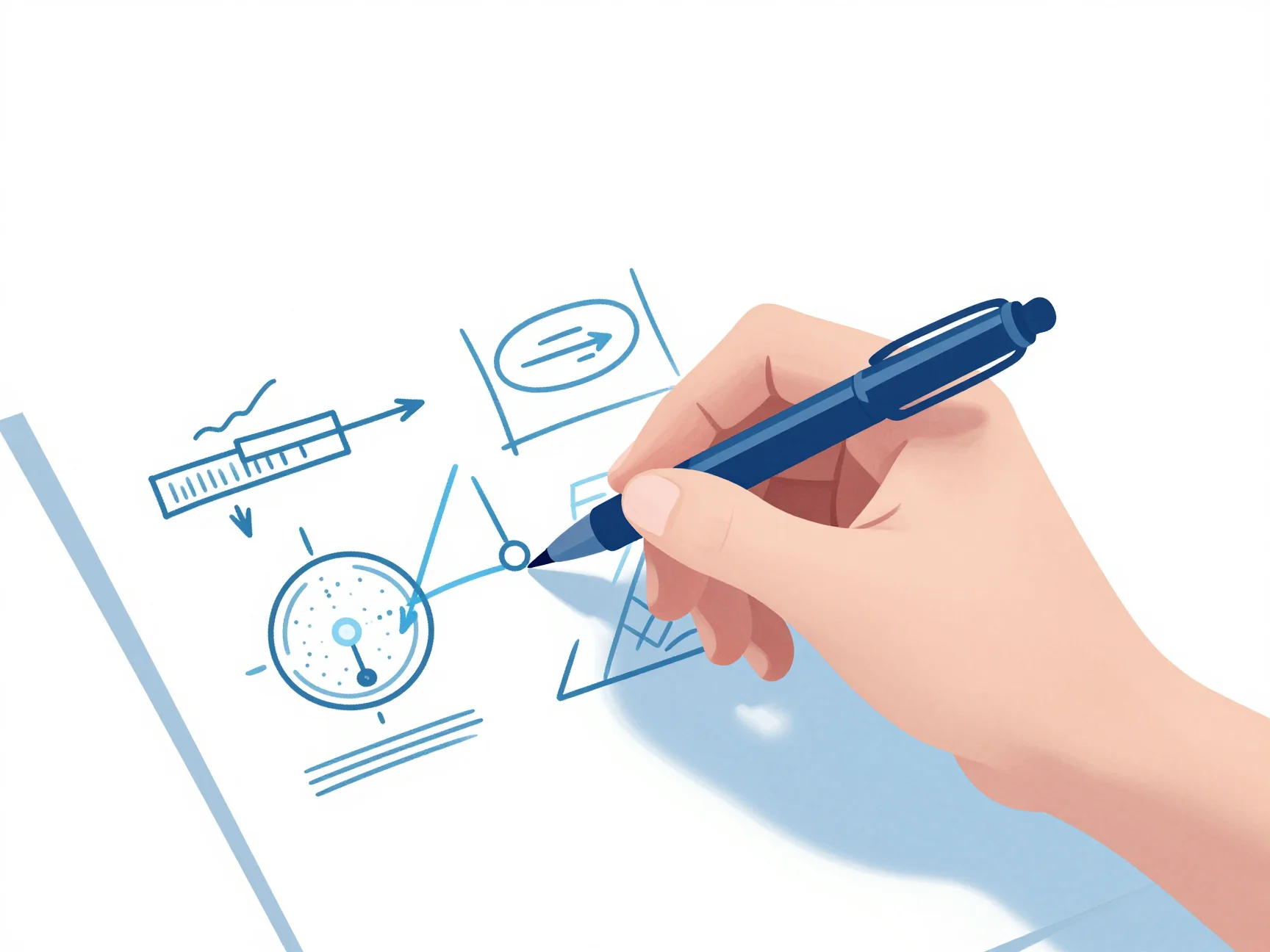
GuideHow to Make a Graphical Abstract
Follow a practical research-to-visual workflow from outline to submission checks.
Model workspace
Compare available image models
Review model capabilities and limitations before choosing one for a scientific figure.
Open model guide
GPT Image 2

Nano Banana

Z-Image