Journal figure resize

Reshape a figure to the proportion your journal asks for

A figure drawn for a single column rarely survives being dropped into a full-width slot or a graphical-abstract banner: the elements stay where they were and the new space opens up as dead margin. Sign in, upload the figure you already have, and pick the target shape — the instruction asks the model to reflow the existing elements into the new canvas rather than crop or redraw them. What comes back is an approximate proportion, not an exact pixel size.

Tambahkan gambar referensiMaksimal 1 gambar

Prasetel

Lihat prompt lengkap

Setelah masuk, Anda dapat mengunggah gambar referensi dan menggunakan fitur "gambar ke gambar".

GPT Image 2 · 16:9 · 2K · menghabiskan 180 kredit

Perlu menyesuaikan model dan parameter sendiri? Buka generator umum

Perlu masuk untuk membuat—tulis prompt Anda, lalu masuk untuk membuat.

Multiple AI models

GPT Image 2, Nano Banana, Seedream 5, Flux 2 Pro and more — pick the right one per figure.

Up to 4K export

Render at 1K, 2K or 4K for print-ready manuscript output.

Text & sketch to figure

Start from a prompt, or refine a rough hand-drawn sketch.

Free to start

Free account in seconds — every figure is saved to your private history.

Journal figure resize

One figure in five target proportions

These examples show what each preset does to one source figure. They illustrate the proportion each cell targets — they are not a guarantee that your figure will be reflowed with every element intact, and they are not exact publisher pixel dimensions.

Resize workflow

Reflow the canvas, then check what the reflow cost you

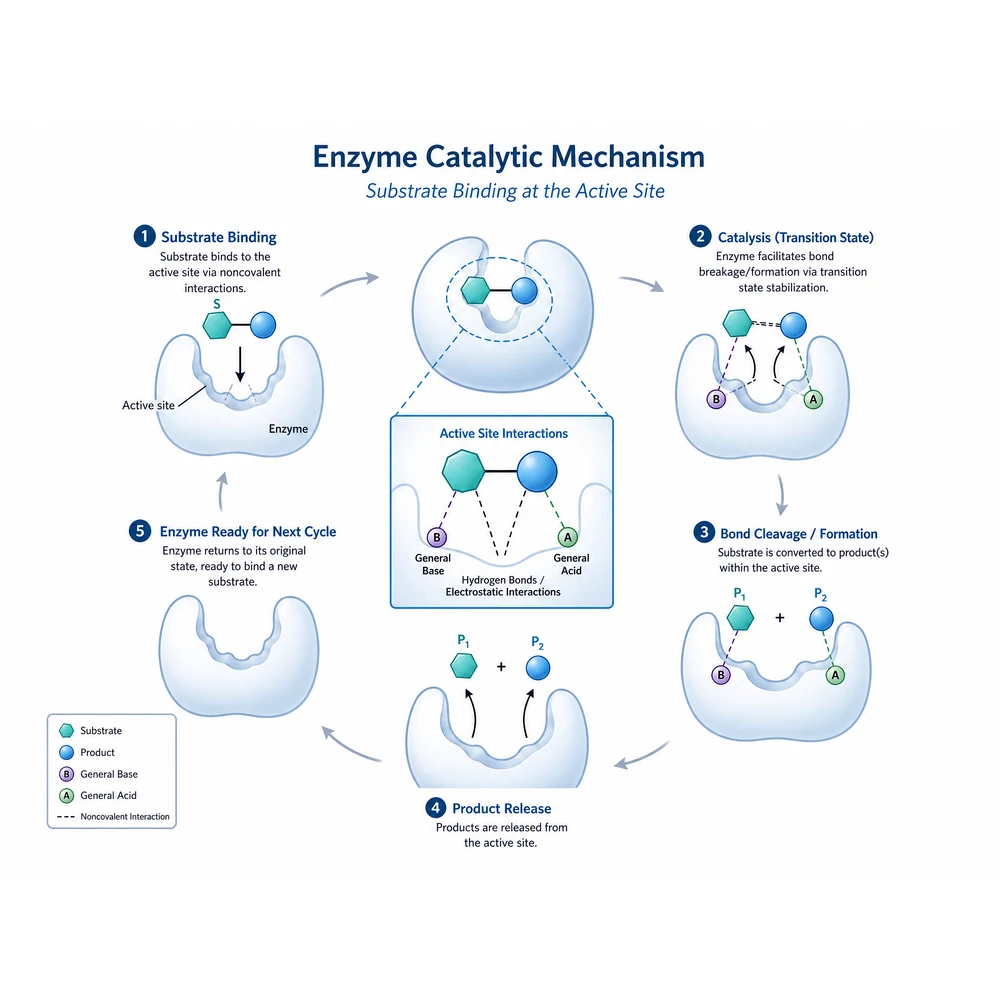
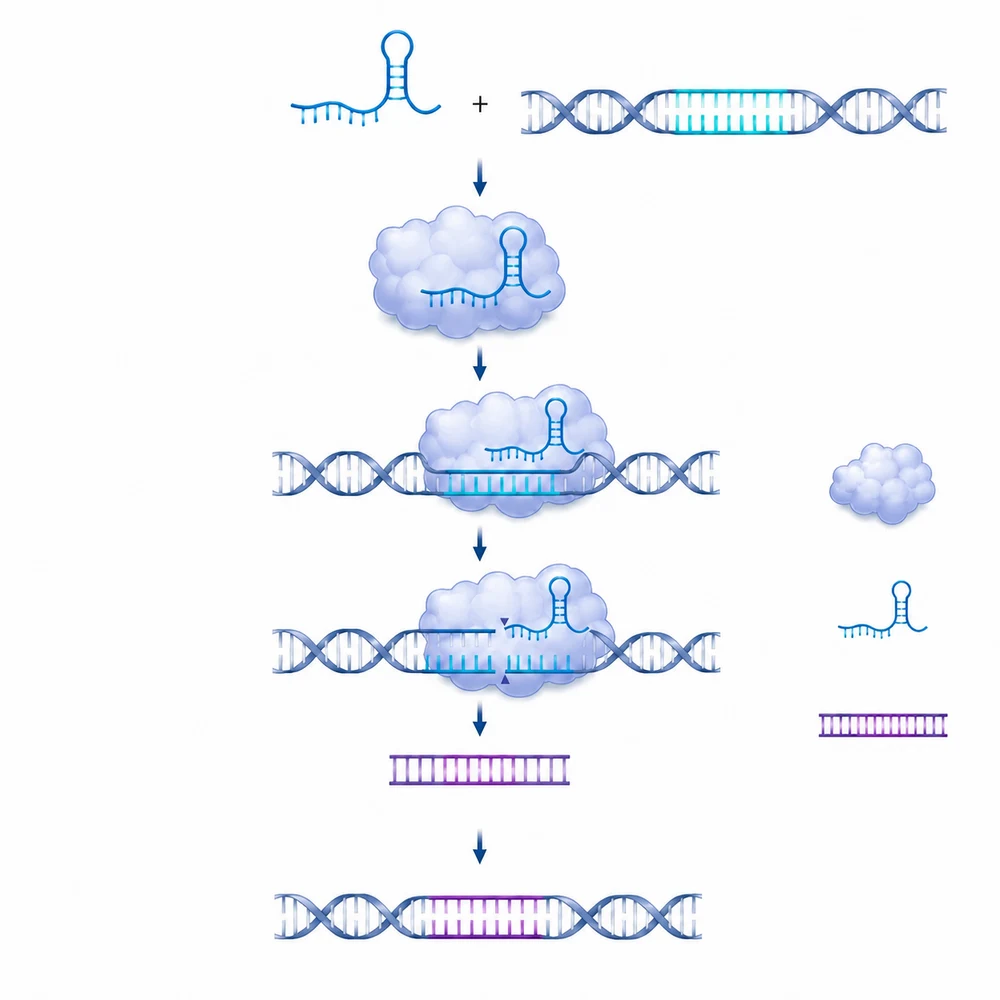
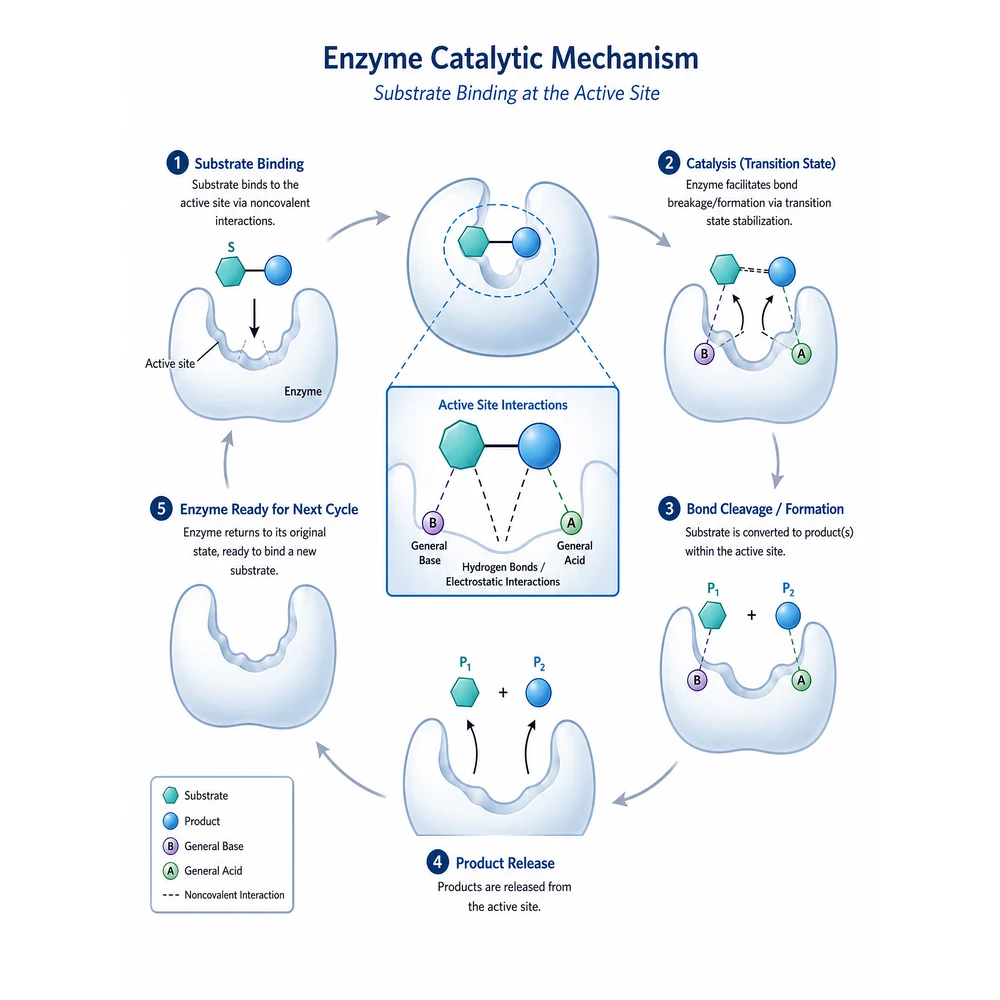
The same figure reflowed into a 3:4 portrait proportion for a journal cover submission1

Upload the figure you already have

This is an image-to-image tool, so sign in first, then upload one finished figure — a panel exported from your plotting code, a schematic from a drawing tool, or an earlier SciFig draft. The model reflows what it can read, so a high-resolution source with legible text and clean edges gives it less room to reinterpret anything.

  • Upload one figure at a time
  • Export at the largest size you have, not a screenshot
  • Trim stray margins before upload so the reflow starts from real content
  • Keep the original file and the source data
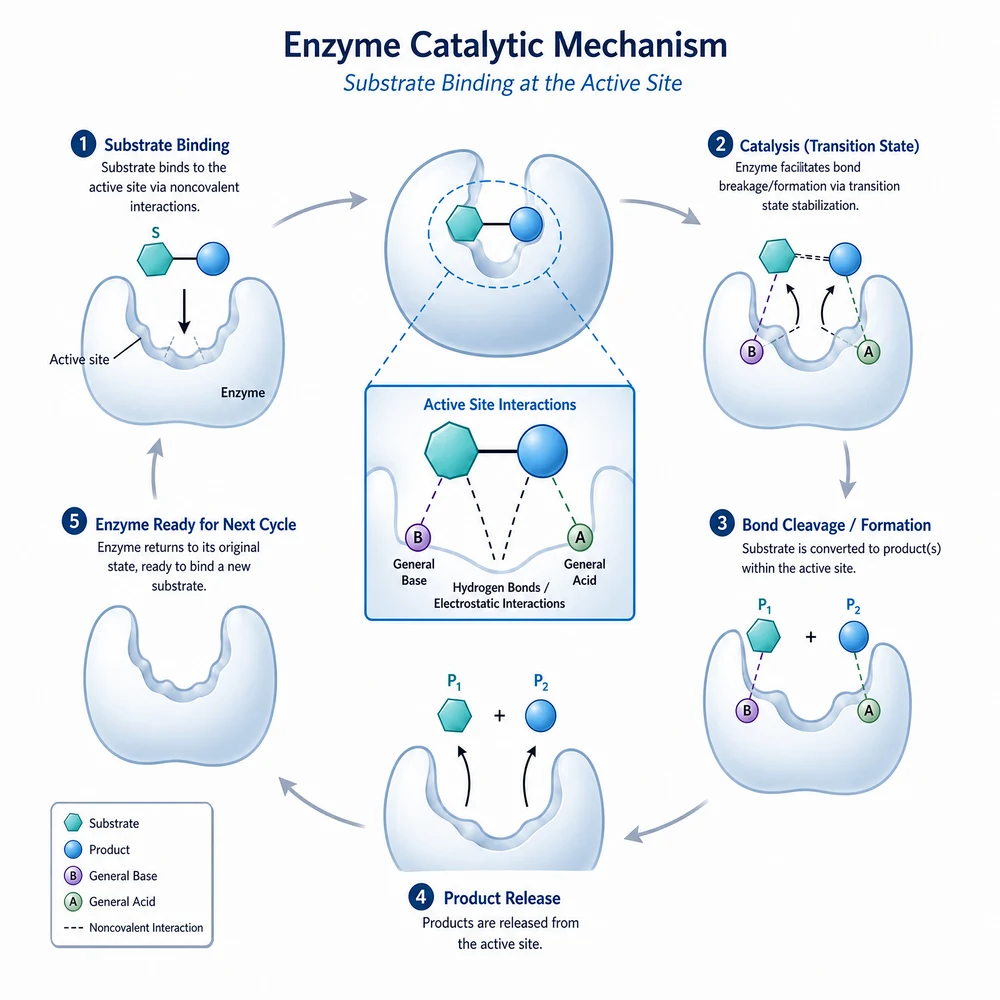
The same figure reflowed into a 1:1 square panel for a conference poster or social post2

Pick the target shape, not a pixel size

Five cells cover the shapes a manuscript actually asks for. Single column targets 4:3 for a body figure in one column. Full width targets 16:9, which also covers an ACS table-of-contents graphic (3.25 by 1.75 inches works out to 1.86, nearer 16:9 than 2:1) and a presentation slide — one cell, three uses, because all three land on the same ratio. Graphical abstract targets 2:1. Cover portrait targets 3:4 for a cover submission, and square panel targets 1:1 for a poster tile or a social post. There is no free-text box here: naming a proportion in prose would give the model a second, independently drifting copy of the fact the parameter already carries.

  • Check every label and scientific term
  • Verify arrows, structures, and causal relationships
  • Compare the draft with the source data or manuscript
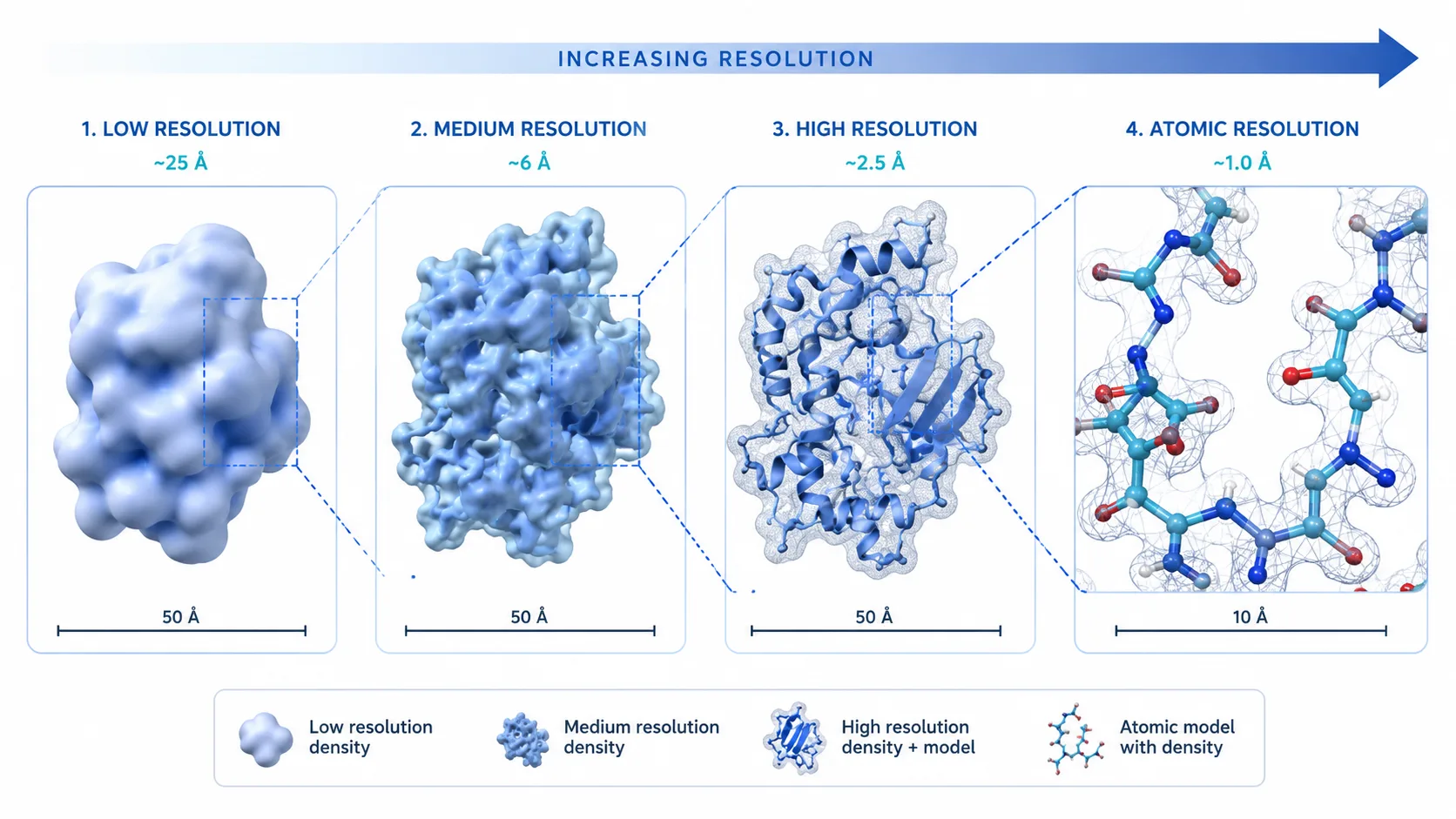
A scientific figure reflowed into a 4:3 single-column proportion3

The output is an approximate proportion, not exact pixels

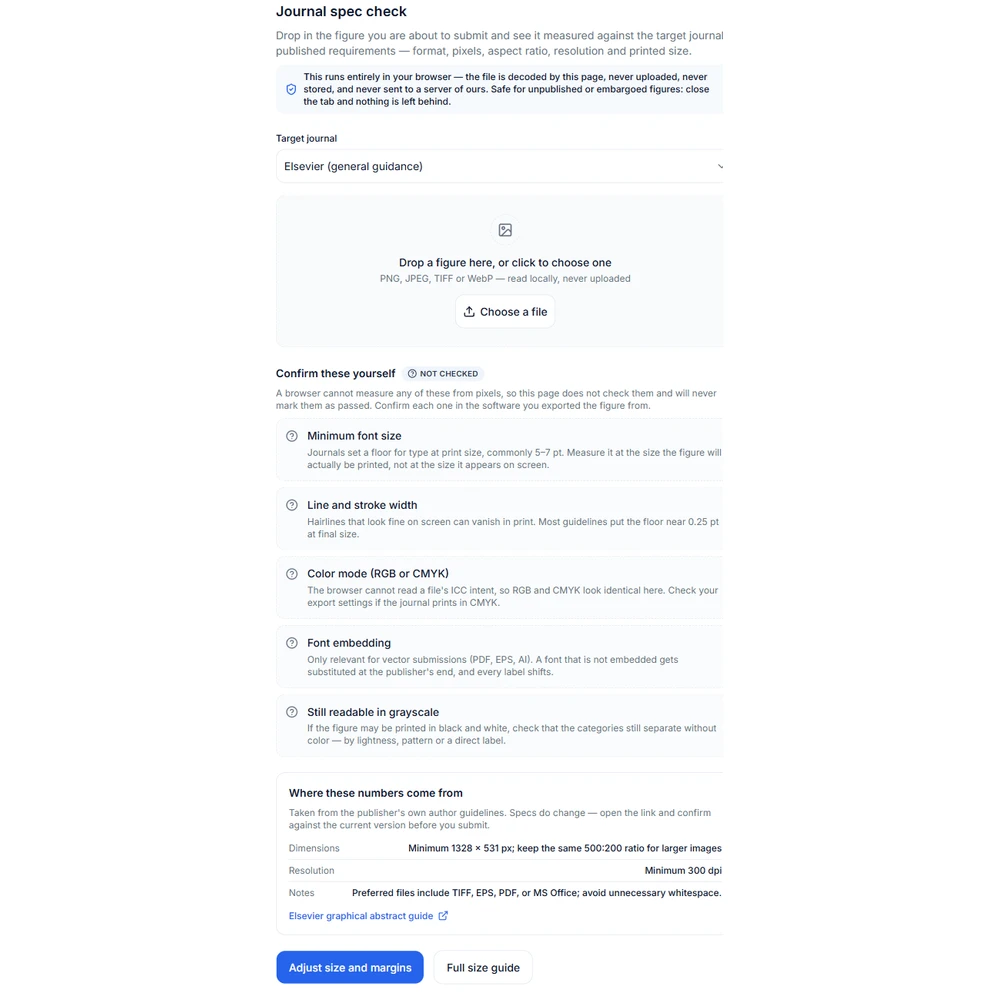
This matters most on the graphical-abstract cell. Elsevier asks for 1328 by 531 pixels, a ratio of 2.5:1, and the closest proportion this model offers is 2:1 — a difference you can see by eye. So what you get here is a composition that is close to the target shape; for exact pixels, crop or pad the export in an image editor before you submit. The per-publisher dimensions and resolutions are listed on the Graphical Abstract Size Guide at /graphical-abstract-size, with links to the publisher sources; they are deliberately not restated here so there is only one copy of those numbers to keep current.

  • Treat the preset name as the destination, not as a delivered pixel size
  • Check the required dimensions on /graphical-abstract-size before submitting
  • Crop or pad to the exact size at export time
  • Re-run the figure through /figure-spec-check once you have cropped it
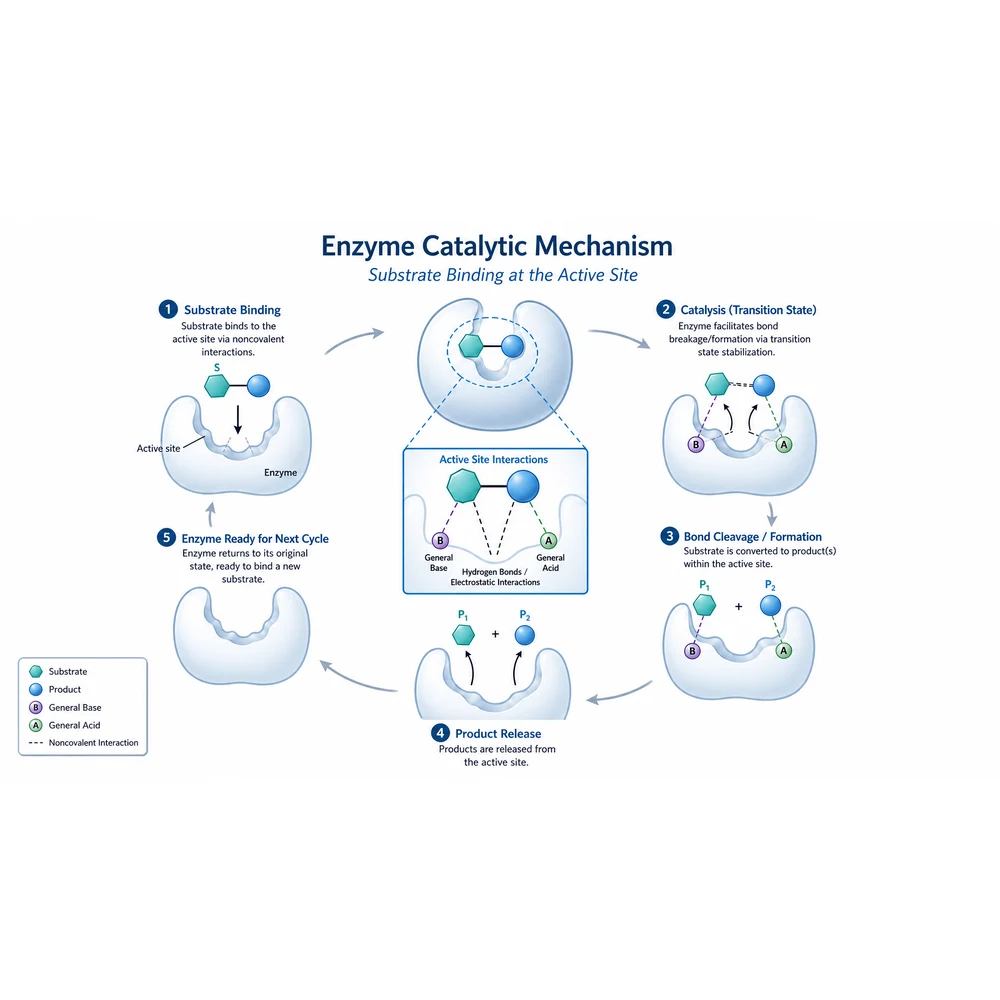
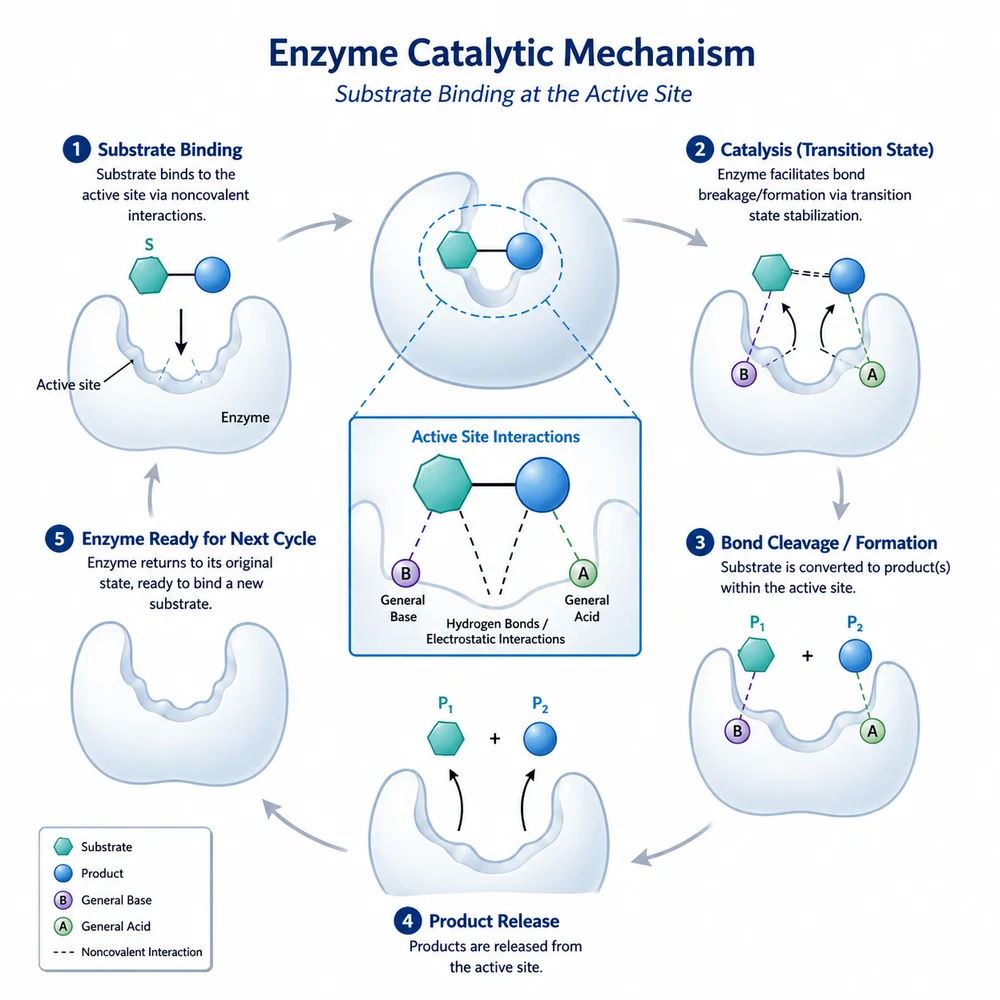
The same figure reflowed into a 16:9 full-width proportion suitable for a double-column figure, an ACS table-of-contents graphic or a slide4

This tool costs 180 credits, twice the other refine tools

Resizing is the only tool in this group that renders at 2K, and it is the only one that can: a fixed aspect ratio is what makes 2K available at all, while the tools pinned to an automatic ratio are pinned to 1K with it. By the published credit costs that means 180 credits per run here, against 90 for background cleanup and 90 for label cleanup. The generator shows the cost for the current settings next to the generate button — read it before you click, because the surrounding interface looks identical to the 90-credit tools.

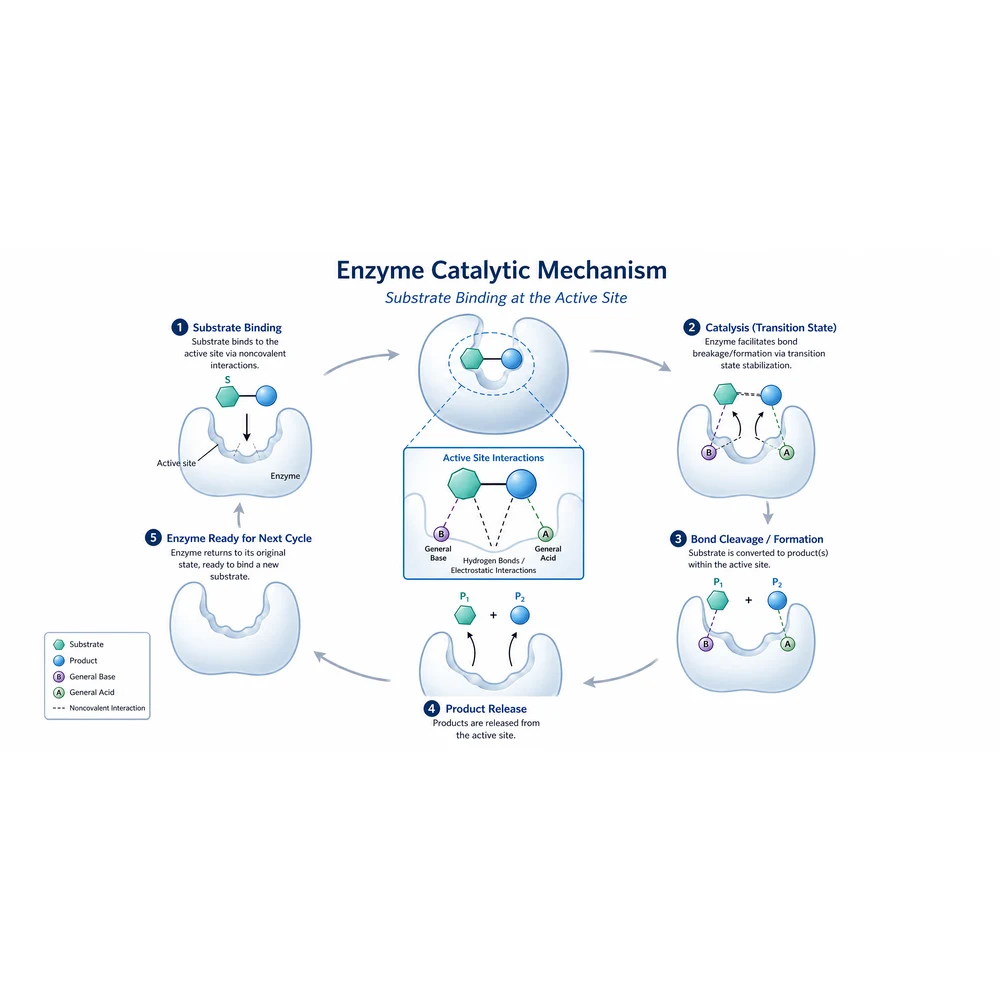
The same figure reflowed into a 2:1 banner proportion for a graphical abstract5

Compare the result against the original

The instruction forbids cropping, redrawing and inventing content, but an image model can still drop a label that sat near an edge, thin a leader line, or stretch a panel to fill space. Put the two images side by side and confirm that every element, arrow, axis tick and legend entry present in the input is still present and still legible at the size it will be printed. Where something is missing or distorted, fix it in an editor or re-export from your source file rather than regenerating and hoping for a better draw.

  • Count the panels and legend entries against the original
  • Read every label, especially near the edges that were extended
  • Check that nothing was scaled so far that line weights fell below the journal minimum
  • Re-export from your source file if the drift is large

Reshaping a figure is image processing — declare it

This tool changes the canvas proportion and the arrangement of existing elements; it does not alter, add, or reinterpret your data, and it cannot verify that the underlying numbers are correct. Because the output is produced by an image model, it can still change details it was told to preserve, so verify the result against the original before use. Note also that the model returns an approximate proportion rather than exact pixels — the graphical-abstract preset targets 2:1 while Elsevier asks for 1328 by 531 (2.5:1), so plan on a final crop at export. Most journals require that any image processing applied to a published figure be described in the figure legend or methods, and that the unprocessed original and the source data be retained.

Journal figure resize questions

Resize a figure

Sign in, upload the figure you already have, and reflow it into the proportion your journal asks for.