Figure style transfer

Restyle a finished figure so a manuscript reads as one set

Sign in, upload a figure you have already drawn, and click one style preset. SciFig redraws the figure in that style and is instructed to hold the content unchanged. There is no prompt to write.

Hivatkozási kép hozzáadásaLegfeljebb 1 kép

Előbeállítás

Teljes prompt megtekintése

Bejelentkezés után feltölthet referenciaképeket, és képek alapján új képeket készíthet.

GPT Image 2 · Eredeti képarány megtartása · 1K · 90 kredit

Saját modellt és paramétereket szeretnél? Menj az általános generátorhoz

A generáláshoz be kell jelentkezni – írd meg a promptot, majd jelentkezz be a generáláshoz.

Multiple AI models

GPT Image 2, Nano Banana, Seedream 5, Flux 2 Pro and more — pick the right one per figure.

Up to 4K export

Render at 1K, 2K or 4K for print-ready manuscript output.

Text & sketch to figure

Start from a prompt, or refine a rough hand-drawn sketch.

Free to start

Free account in seconds — every figure is saved to your private history.

Figure style transfer

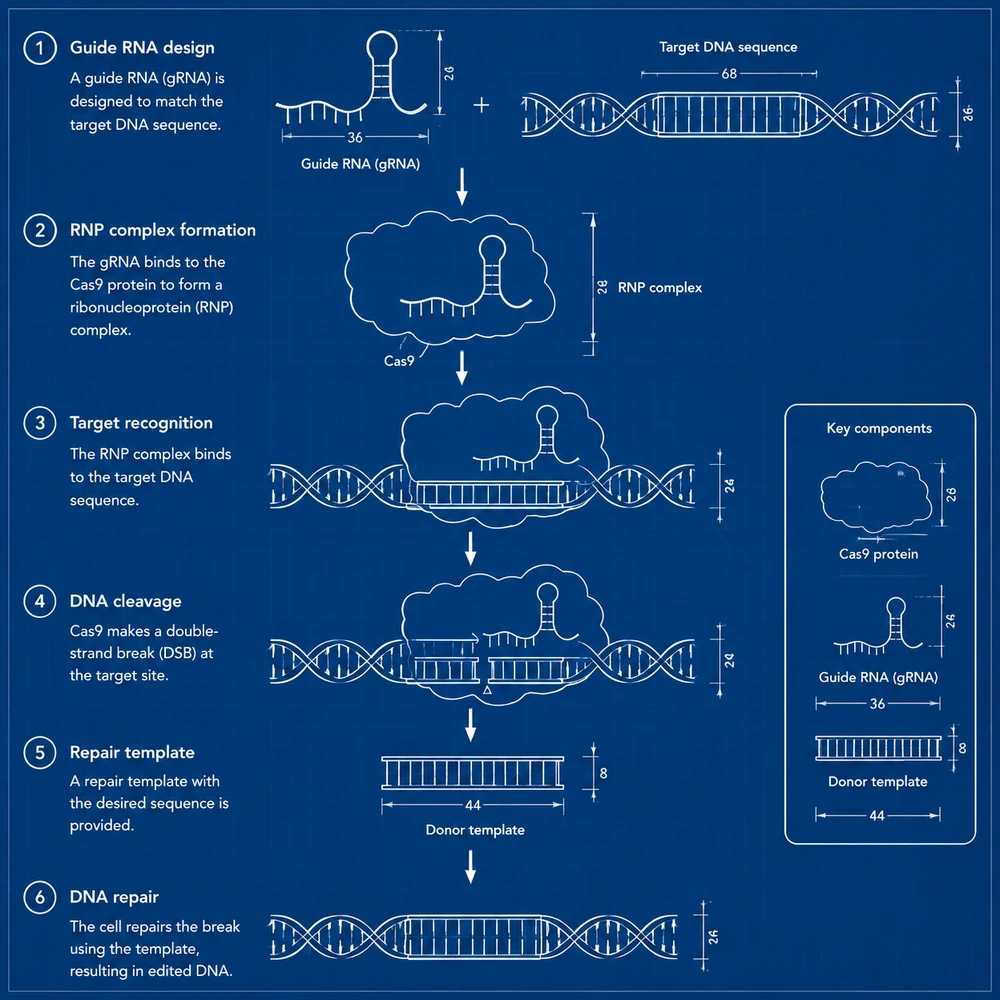
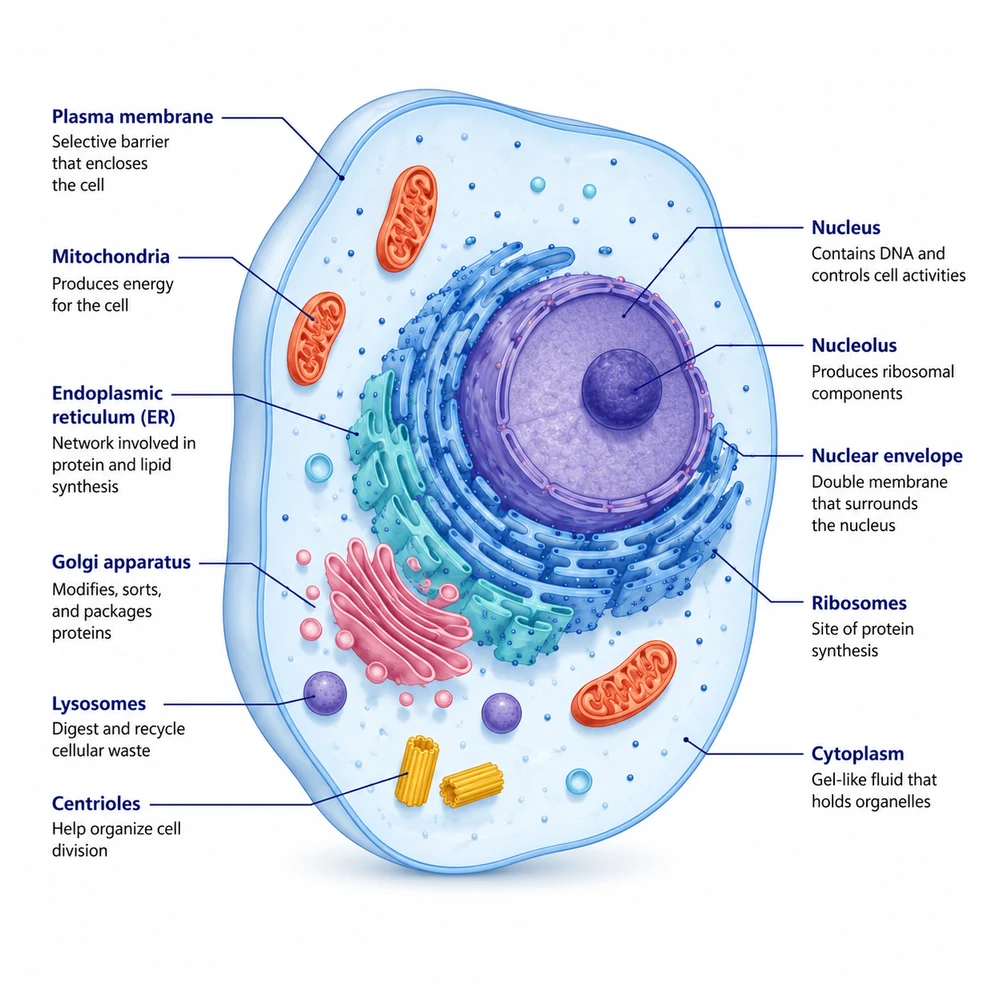
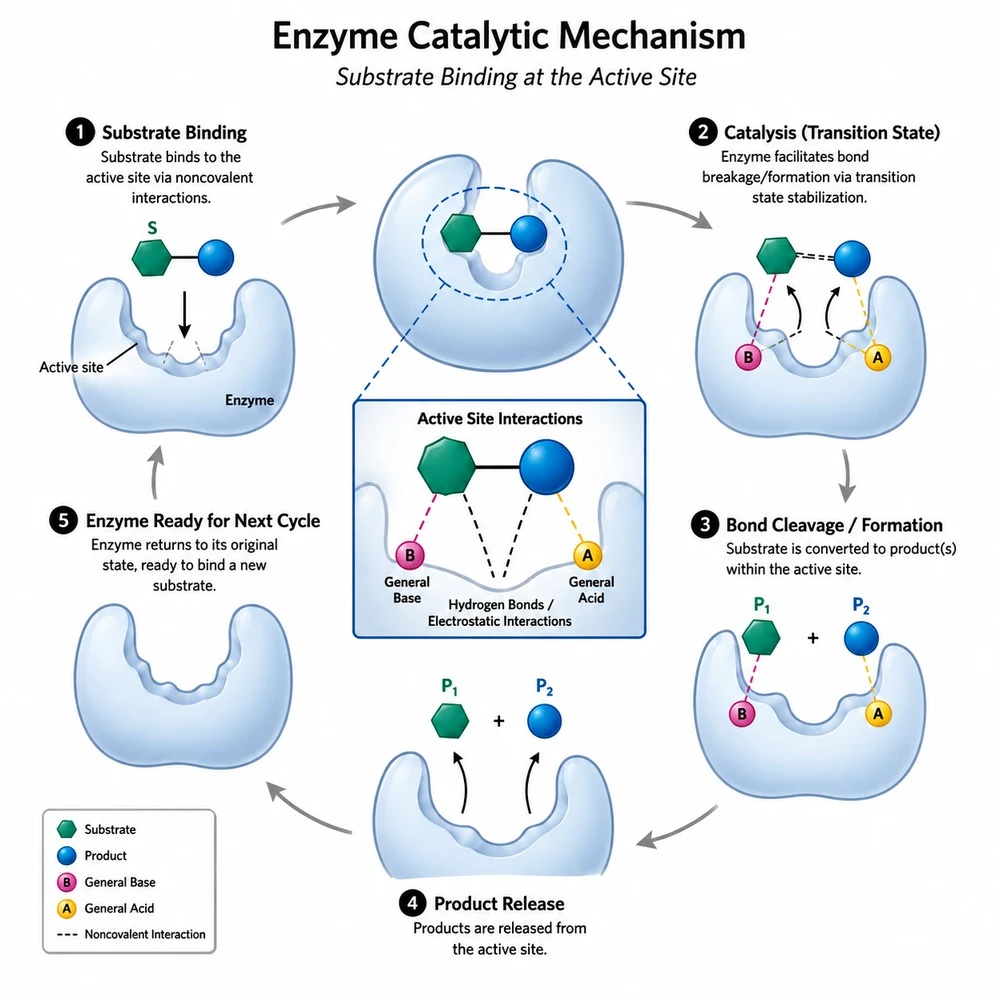
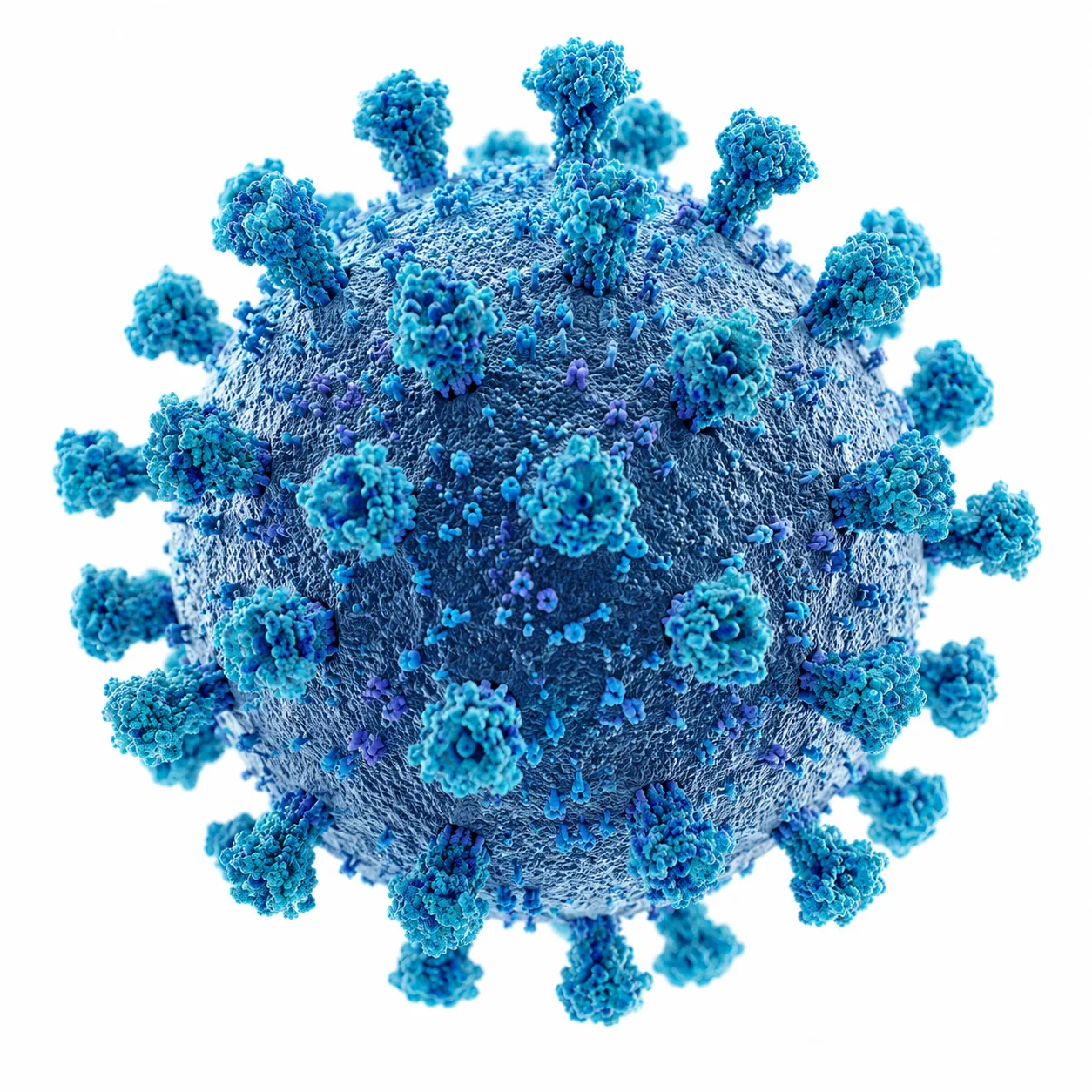
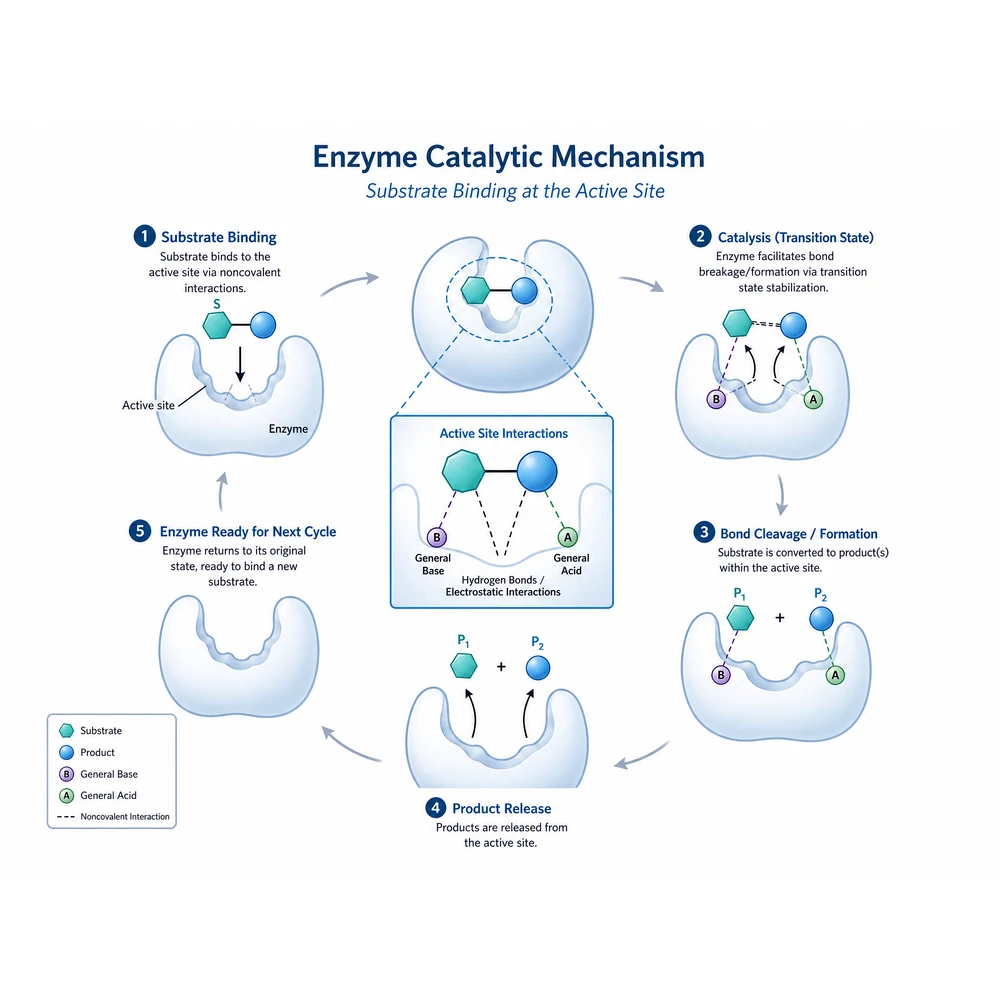
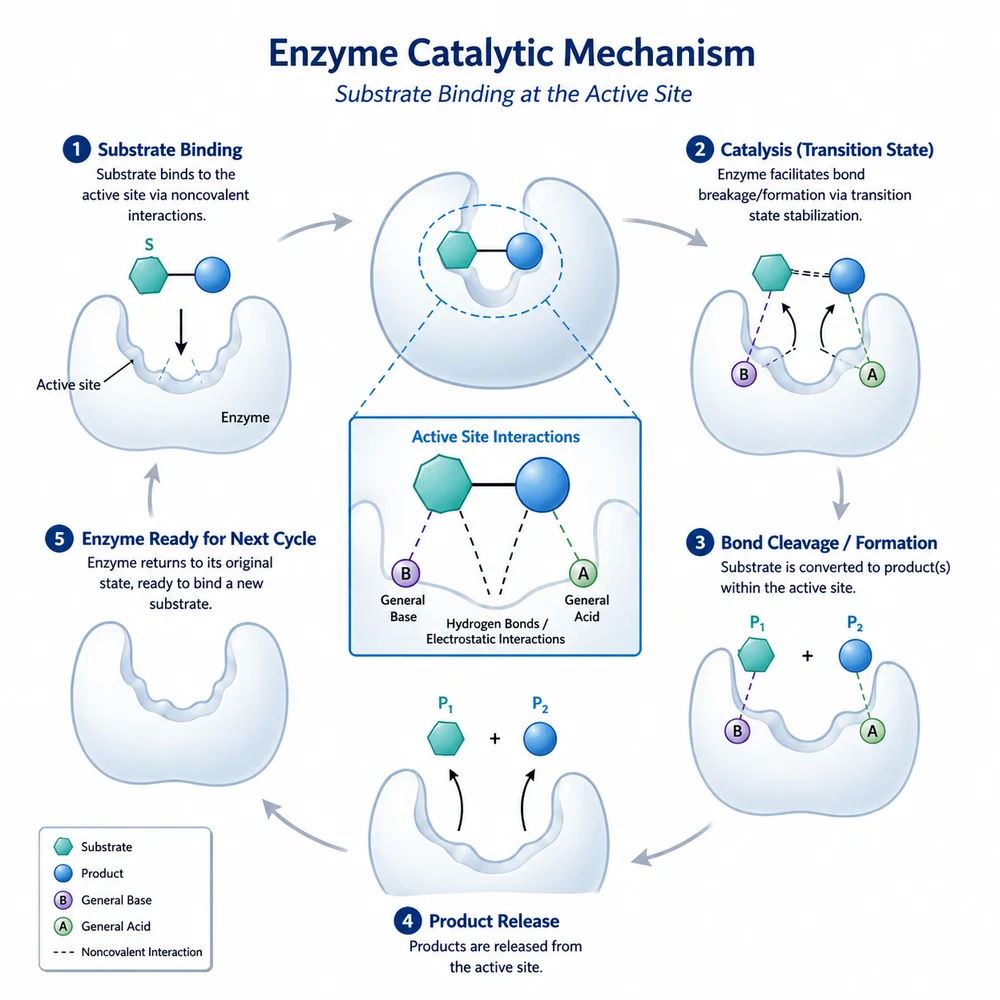
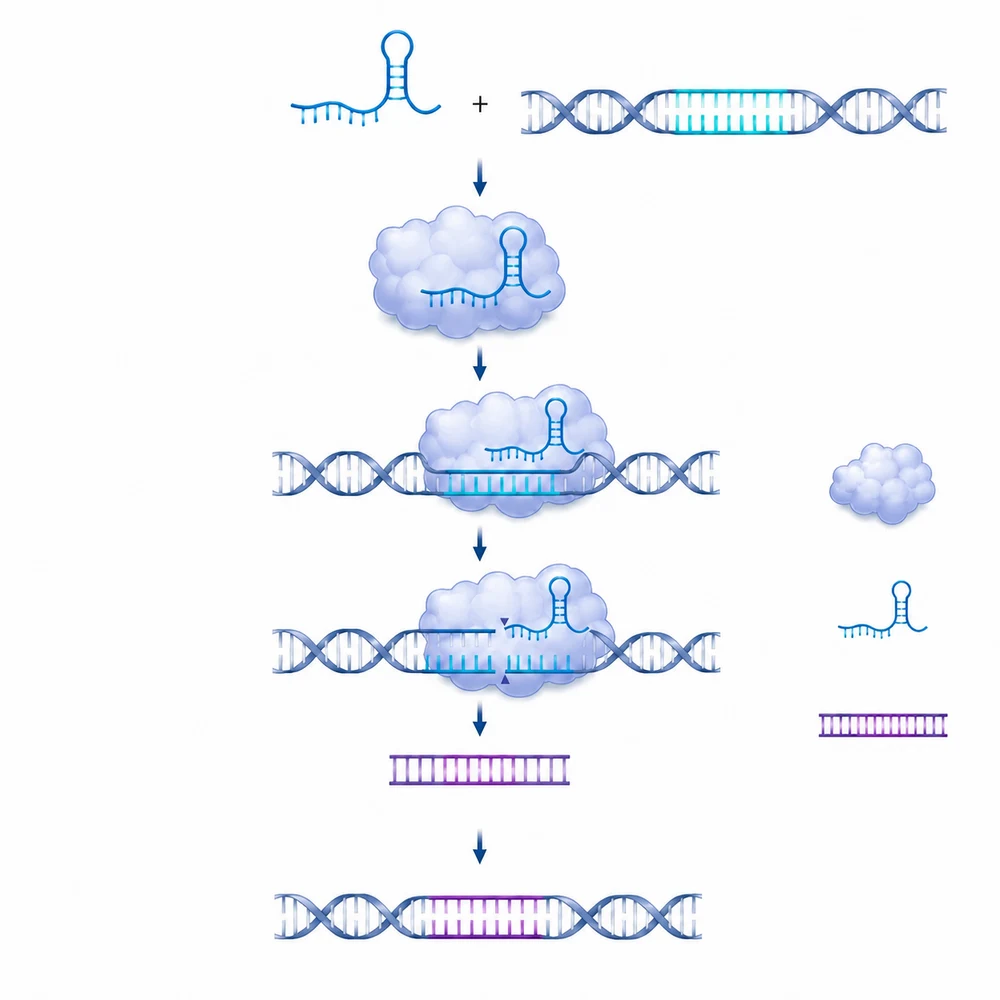
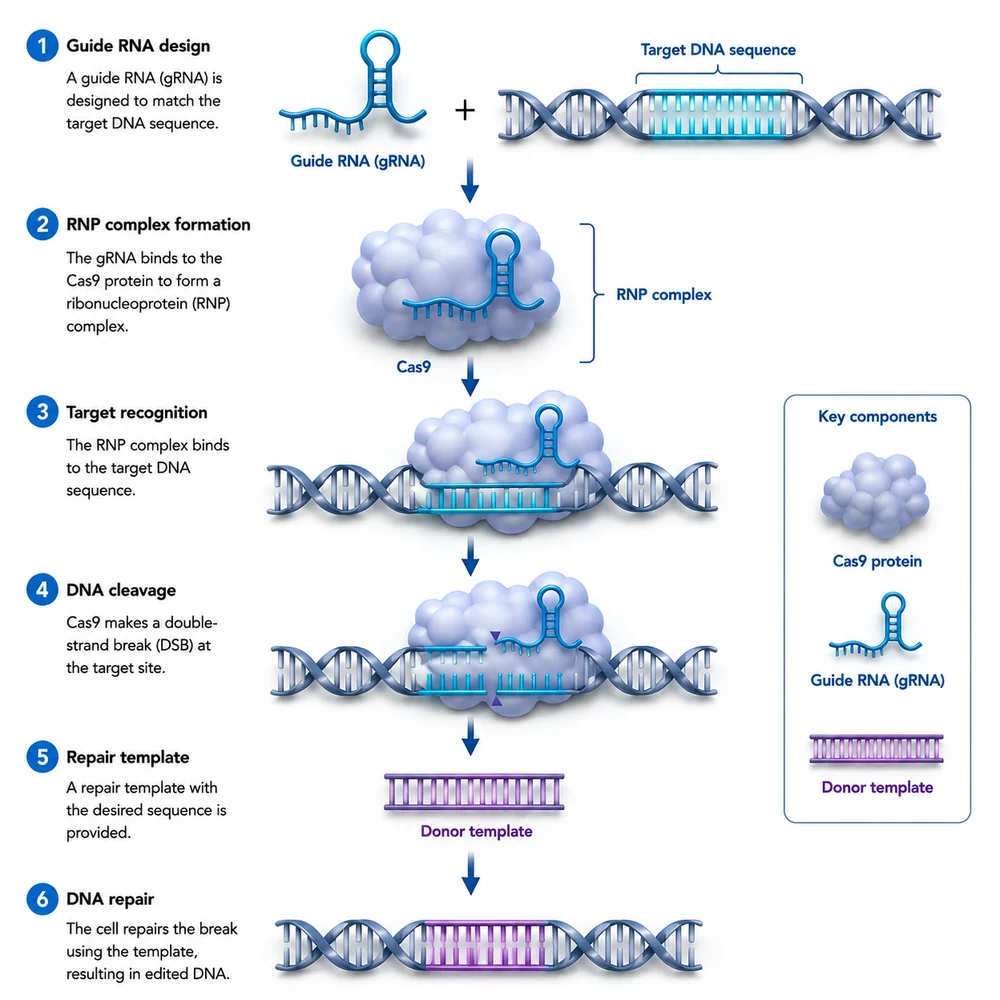
One schematic, six style presets

The same biology schematic run through six of the eight presets. These are generated examples of what each style looks like, not evidence that every detail of your own figure survives a restyle.

Image-to-image workflow

Choose one preset, then run the whole figure set through it

The same biology schematic restyled as a soft 3D render with matte materials and shallow depth1

Collect the figures that clash

Style drift usually comes from mixed sources: a schematic drawn by a collaborator, a diagram carried over from an old thesis, a panel exported from a different drawing tool. Gather those figures first and decide which ones are schematics rather than data. Sign-in is required before you can select a reference image.

  • Export each figure at the highest resolution you have
  • Restyle one figure first and judge it at print size
  • Set aside any panel that shows measured data
  • Keep the original files — a restyle produces a new image, not an edit
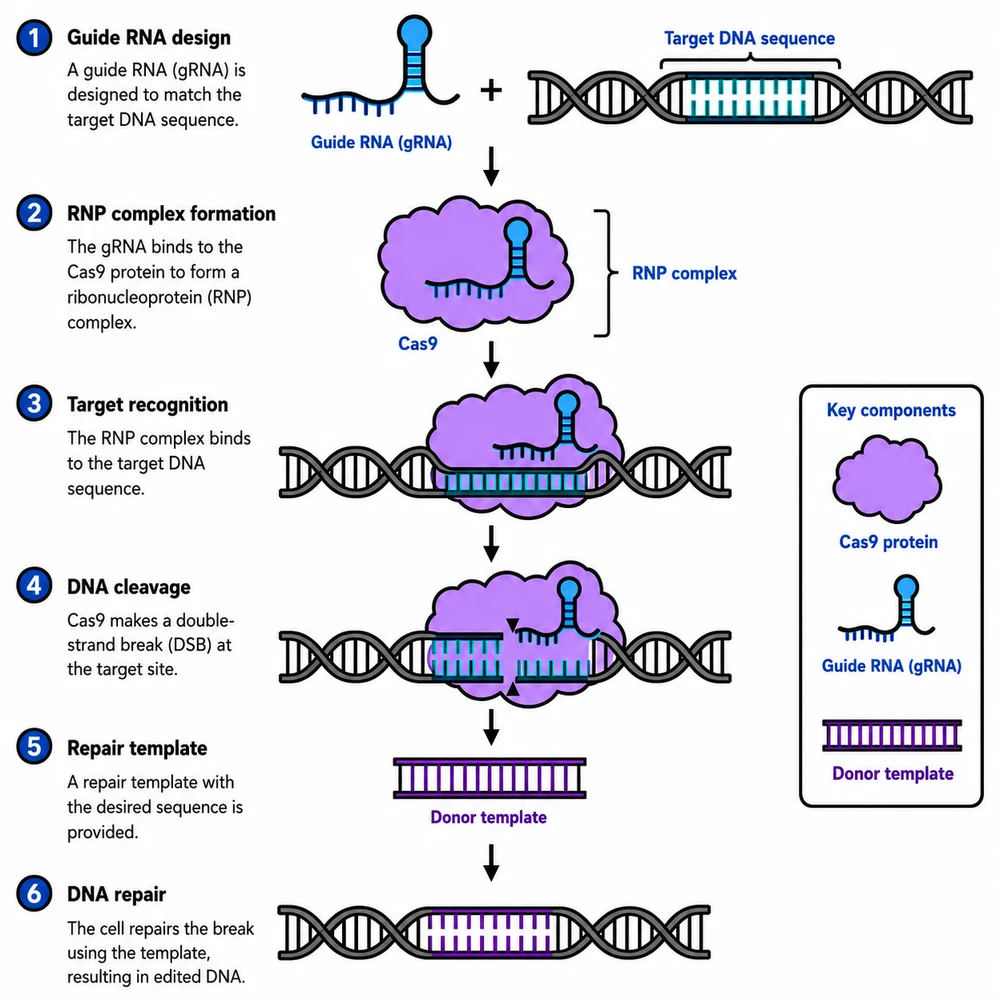
The same biology schematic restyled as a bold textbook diagram with thick black outlines and saturated fills2

Apply the same preset to every figure

The tool pins the model, keeps the aspect ratio on auto so the source composition is preserved, and fixes the resolution, which leaves the style preset as the only variable. Run each figure separately with the same cell selected, so the set is asked for the same visual treatment rather than a per-figure interpretation.

  • Check every label and scientific term
  • Verify arrows, structures, and causal relationships
  • Compare the draft with the source data or manuscript
The same biology schematic restyled as a technical blueprint with thin white lines on a deep blue ground3

Check text and topology before the figure goes into the manuscript

A restyle regenerates the image rather than repainting the existing drawing, so labels can be misspelled, arrows can shift, and small elements can be merged or dropped. Compare each output against the original element by element, and correct text and important geometry in an editing tool.

  • Confirm dimensions, file format, and resolution
  • Review the target venue's AI-use policy
  • Complete a final expert review before use

Do not restyle raw experimental data

This tool re-renders the image pixel by pixel. Applied to a micrograph, a gel or blot, a spectrum, or any plot of measured values, the output is a new picture that resembles your data instead of representing it, and presenting it as a result would misrepresent the experiment. Use style transfer only on schematics, diagrams, and illustrations, and verify every label and arrow against the original before use.

Figure style transfer questions

Unify the figures in one manuscript

Sign in, upload a finished figure, and pick the style the whole set should share.